

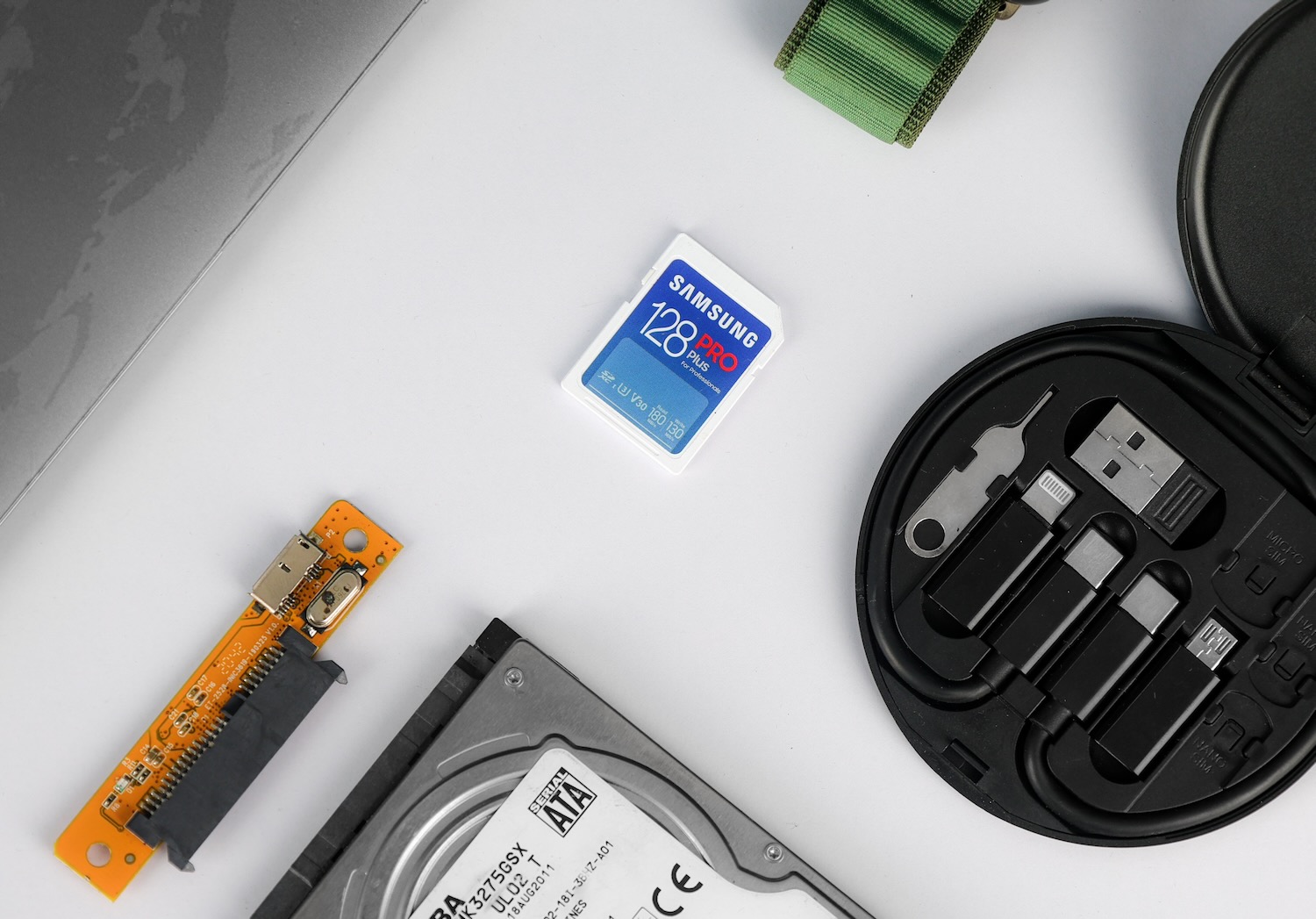


Did you lose important files and need a way to recover data from SD card storage on your Mac? SD cards can fail without warning due to accidental deletion, corruption, formatting mistakes, or transfer interruptions.
A proper backup strategy can prevent many of these problems, while the right recovery methods can help restore photos, videos, and documents after data loss. We’ll explain how to back up SD cards on Mac and recover lost files safely.
Why SD Card Backups Are Important
Unlike internal SSDs or hard drives, SD cards move frequently between devices, cameras, adapters, and computers, which increases the risk of corruption, accidental deletion, formatting mistakes, connection interruptions, and physical damage. Even high-quality SD cards can fail unexpectedly after heavy use or file system errors. Because of these factors, backups should become a regular part of SD card usage, especially for photographers, content creators, and anyone who works with important files.
First, let’s talk about the two main situations where SD card backups become important:
- As a prevention method. Backups protect your files before data loss happens. Many users only think about backups after an SD card stops working, but regular copies can save enormous amounts of time and stress. A backup allows you to restore files immediately after accidental deletion, corruption, failed transfers, or formatting mistakes without the need for recovery software.
- As part of the Mac data recovery process. Backups also play an important role after problems already appear. If an SD card became read-only, unstable, disconnects randomly, shows read/write errors, mounts slowly, or stops appearing correctly on your Mac, experts usually recommend creating a full image of the card before scans or repairs. This process copies the entire SD card sector-by-sector into a backup image file. You can then recover files from the image instead of the original SD card itself. This approach reduces stress on unstable storage and helps prevent additional corruption or permanent failure during recovery attempts.
Both backup types serve different purposes, but together they make the safest workflow for SD card protection and recovery. In the next sections, we will talk about how to backup SD cards on Mac, how to create an image backup for unstable SD cards, and how to recover lost files safely with the right methods and tools.
How to recover Files from SD card Mac
There are several ways to recover data from a Mac hard drive or SD cards, and the best method usually depends on the condition of the card and how the files disappeared. We will explain the most reliable recovery methods, including data recovery software, backups, and professional recovery services.
Method 1: Recover SD Card Data with Disk Drill
First, you can use SD card data recovery software for Mac, which is usually the most accessible way to recover files. It allows you to scan the card for deleted or lost data, preview recoverable files, and restore them without advanced technical skills.
If your SD card shows signs of instability, errors, disconnects, slow performance, or read problems, we recommend creating a disk image before you start the recovery process. A disk image creates a full backup copy of the SD card and lets you scan the copy instead of the original device, which helps reduce stress on a failing card. For this, you’ll need a data recovery tool that supports disk image creation, such as Disk Drill.
Here is how to create a byte-to-byte backup and recover corrupted SD card with Disk Drill:
- Download Disk Drill for MacOS from the official website and install it.
- Launch the app and go to the Byte-to-byte Backup on the sidebar.
- Select the drive and click Create backup.
- Choose a destination folder where you want to save the backup file. Then click the Save button and wait for the process to finish. The backup may take some time depending on the size and condition of the disk.
- After you create the disk image, eject the original SD card. Then return to Disk Drill and use the newly created disk image as the recovery source. Click Attach disk image… at the bottom of the window. You can also drag and drop the created DMG file into Disk Drill.
- Select your DMG backup file.
- Click Search for lost data to scan the disk image.
- Then, Disk Drill will ask you to select the recovery mode. For most situations, we recommend the Universal scan, but if your card has videos from your camera or a drone, Advanced Camera Recovery is a better choice.
- Wait for the scan to finish, then click Review found items.
- Preview the files you want to recover.
- Select the files and click Recover.
- Choose a safe recovery location on your computer or another external drive, not the same SD card.
Disk Drill has a free version, but it’s limited. You can scan the SD card and preview recoverable files for free on MacOS, but you’ll have to upgrade to the Pro version to perform a full SD card recovery Mac.
Method 2: Recover Files from Cloud Backups
Cloud backups can help recover SD card files if your photos, videos, or documents were synced automatically before the data loss happened. Many users already have backups stored in services like Apple iCloud Drive, Google Drive, or Dropbox without realizing it. This method works best for files that were copied to the Mac previously or uploaded automatically from a camera, phone, or editing workflow.
We usually recommend checking cloud backups before you start recovery software scans because restoring synced files is much faster and completely avoids additional stress on the SD card.
Here’s how to recover data from SD card from the cloud:
- Open your cloud storage service on Mac or in a browser.
- Search for the missing files or folders.
- Check recently deleted or trash sections.
- Download recovered files to your Mac or another storage device.
- Avoid restoring files directly back to the unstable SD card.
Many cloud services also keep deleted files for a limited time, usually between 15 and 30 days, though the duration depends on the provider and subscription plan.
Method 3: Mac SD Card Recovery with Professional Data Recovery Services
While data recovery software helps most people recover deleted or lost files from SD cards, there are situations where professional help becomes necessary. We usually see this scenario with physically damaged cards, severe corruption, water damage, failed controllers, or SD cards that no longer appear on a Mac at all. Professional recovery can also be a good option if you are unsure whether you can safely handle the recovery on your own, especially when the files are extremely important.
Recovery labs use specialized hardware tools that regular Mac software cannot access. In some cases, technicians can repair damaged components temporarily or read data directly from the memory chip itself.
We usually recommend professional services in situations like:
- The SD card no longer mounts on Mac
- The card disconnects constantly or overheats
- The SD card has visible physical damage
- Recovery software cannot detect the card properly
- You need to recover formatted SD card and software didn’t find a lot of files
- Previous recovery attempts failed
SD card recovery can be pricey, and the cost heavily depends on the type of damage. Simpler logical recovery cases may cost around $100–$300, while serious physical damage or chip-level recovery can cost much more. We recommend looking for reputable recovery labs that clearly explain pricing, evaluation procedures, privacy policies, and turnaround times. “No data, no charge” policies are also worth looking for because you usually only pay if the files are successfully recovered.
Before sending the SD card to a recovery service, avoid formatting it, avoid repair tools like First Aid, and stop repeated recovery attempts.
Best Ways to Back Up an SD Card on Mac
Mac backup is a great option if you want to secure Apple devices and SD cards. Mac gives you several good ways to back up an SD card, from simple file copies to full disk images that preserve the entire card structure. We recommend keeping at least two backup copies of important SD card data, especially for photos and videos that can’t be replaced later.
Method 1: Copy Files Manually in Finder
A manual file copy is the easiest and fastest backup option for healthy SD cards. We recommend this method for everyday backups and quick file transfers.
Here’s how to back up an SD card with Finder:
- Connect the SD card to your Mac with a card reader.
- Open Finder and select the SD card from the sidebar.
- Create a new folder on your Mac or external drive for the backup.
- Select the files and folders you want to save.
- Drag them to the backup folder and wait until the copy process finishes.
- Open several copied files to make sure the backup works properly.
This method only copies visible files. It doesn’t preserve deleted data or the complete SD card structure.
Method 2: Create a Full Disk Image with Disk Utility
A disk image creates an exact copy of the entire SD card instead of only visible files. We recommend this method for camera SD cards, archive storage, or cards that start to show errors or unstable behavior.
Here’s how to create an SD card image on Mac:
- Connect the SD card to your Mac.
- Open Disk Utility.
- Select the SD card from the device list.
- Click File > New Image > Image from [SD Card Name].
- Choose a destination folder for the backup.
- Select a format such as read-only or compressed.
- Click Save and wait until the process finishes.
After the backup completes, macOS creates a DMG image file that you can later mount or use for data recovery purposes.
Method 3: Upload SD Card Files to Cloud Storage
Cloud storage adds another layer of protection because your files stay available even if something happens to the SD card or your local backup drive. We recommend cloud backups for important photos, documents, and projects.
Popular cloud services include Google Drive, iCloud Drive, Dropbox, and OneDrive.
Here’s how to upload SD card files to the cloud:
- Connect the SD card to your Mac.
- Open Finder and locate the SD card files.
- Open your cloud storage folder or website.
- Drag and drop the files into the cloud storage location.
- Wait until the upload finishes completely.
- Confirm that the files appear in your cloud account before deleting anything from the SD card.
We didn’t include Time Machine here because it works better as a full Mac backup solution rather than a dedicated SD card backup method. In most cases, manual copies, disk images, and cloud storage are simpler and more practical for SD cards specifically.
Additional Recommendations
SD cards are convenient, but they’re also easy to damage, corrupt, or accidentally format. We recommend creating backups regularly instead of waiting until problems appear. Even a simple manual copy to your Mac or cloud storage can save a lot of trouble later.
If your SD card starts to disconnect randomly, becomes unusually slow, or shows read/write errors, stop using it immediately and create a disk image before you attempt repairs or recovery. Continued use can make data loss worse, especially on unstable cards.
If you need software to recover SD card Mac, we recommend Disk Drill as one of the best overall options for SD card recovery on Mac. It supports disk image backups, works with common SD card file systems, and offers a simple recovery process that works well for both beginners and advanced users.
Finally, don’t rely on a single backup location. A combination of local backups and cloud storage usually gives the best protection for important photos, videos, and work files.
FAQ
Can Time Machine back up an SD card on Mac?
Yes, Time Machine can back up an SD card on Mac, but it is not the best solution for most users. Time Machine works best with internal disks and drives that remain connected to the Mac regularly, such as external HDDs or SSDs. Since SD cards often move between cameras, drones, phones, and computers, many users prefer manual backups or full image backups created with Disk Utility or cloning software instead. These methods provide more control and work better for portable storage devices.
Can deleted files really be recovered from an SD card?
Yes, deleted files can often be recovered from an SD card, especially if you stop using the card immediately after the data loss. In many cases, the files themselves remain on the storage device until new data overwrites them. Recovery software scans the SD card for this leftover data and attempts to rebuild the missing files.
The recovery chances depend on several factors, including the condition of the SD card, the amount of new data written after deletion, and the type of storage device. Recovery is usually more successful on standard SD cards than on SSDs because SD cards typically do not rely on TRIM in the same aggressive way.
Why does my recovered data appear corrupted or incomplete?
Recovered files may become corrupted if parts of the original data were already overwritten or damaged before recovery started. This happens frequently with videos because large video files often store data in fragments across different areas of the SD card. Some recovery tools handle fragmented media better than others. Advanced recovery software can sometimes rebuild fragmented videos from cameras, drones, or action cams more successfully than basic file recovery tools.
