

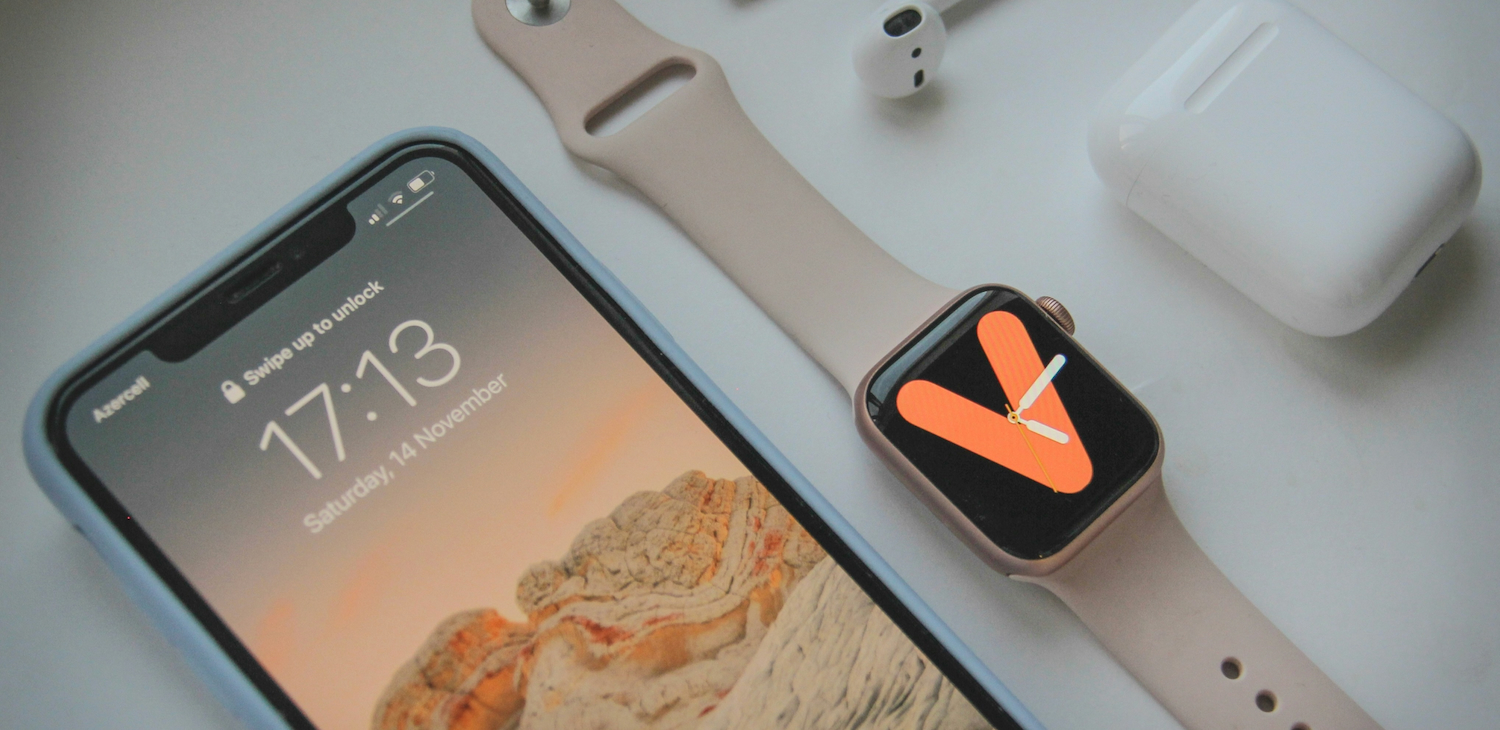


Owning an iPhone or a Mac feels great because these sleek machines handle our lives with such effortless grace. However, that premium build and high resale value make your gear a prime target for opportunistic thieves.
While Apple builds a strong fortress around your data, a clever crook only needs one weak crack to move in. You must take active steps to lock your digital life down tight.
Switch on Stolen Device Protection
Apple recently introduced a game-changer called Stolen Device Protection to stop thieves who’ve managed to peek at your passcode. You can find this setting under ‘Face ID & Passcode’ in your iPhone settings.
When you enable this layer, the system demands biometric authentication for sensitive actions like changing your Apple ID password or viewing saved credit cards.
If you are away from a familiar location like your home or office, the device enforces a one-hour security delay before allowing major changes. This clever hurdle ensures that even if a criminal snatches your phone, they cannot instantly lock you out of your own account.
Take caution in public
Treating your passcode like a high-stakes bank PIN keeps your private information away from prying eyes in crowded cafes or on the morning train. You should rely almost exclusively on Face ID or Touch ID when you are out and about to ensure no one “shoulder surfs” your secret numbers.
Open airwaves present another risk, as hackers often intercept data on the free Wi-Fi networks found at airports or shopping centres. You protect your web traffic from these local intruders when you secure a reliable VPN download for your device. This encrypted tunnel masks your browsing activity and prevents strangers on the same network from harvesting your login credentials.
Create a regular backup
Losing your hardware hurts, but losing your irreplaceable photos and documents feels much worse.
You should navigate to your iCloud settings and verify that the ‘iCloud Backup’ toggle remains active for your most essential apps. If your free storage tier feels a bit cramped, upgrading to a larger plan ensures your nightly backups never fail due to a lack of space.
Some users prefer to sync their documents with Google Drive, Microsoft OneDrive or a private cloud backup platform as a secondary fail-safe. Having a recent copy of your data in the cloud allows you to wipe your stolen device remotely without the fear of losing your memories forever.
Keep your software updated
Apple engineers constantly patch hidden vulnerabilities that digital crooks use to bypass standard security. You can stay ahead of these threats by enabling ‘Automatic Updates’ within your general settings. These downloads deploy critical security responses that shield your processor from the latest malware circulating online.
Even your third-party apps require frequent attention through the App Store to close potential backdoors into your system. Checking for these updates once a week ensures you never leave the digital door unlatched for a hacker to stroll through.
