

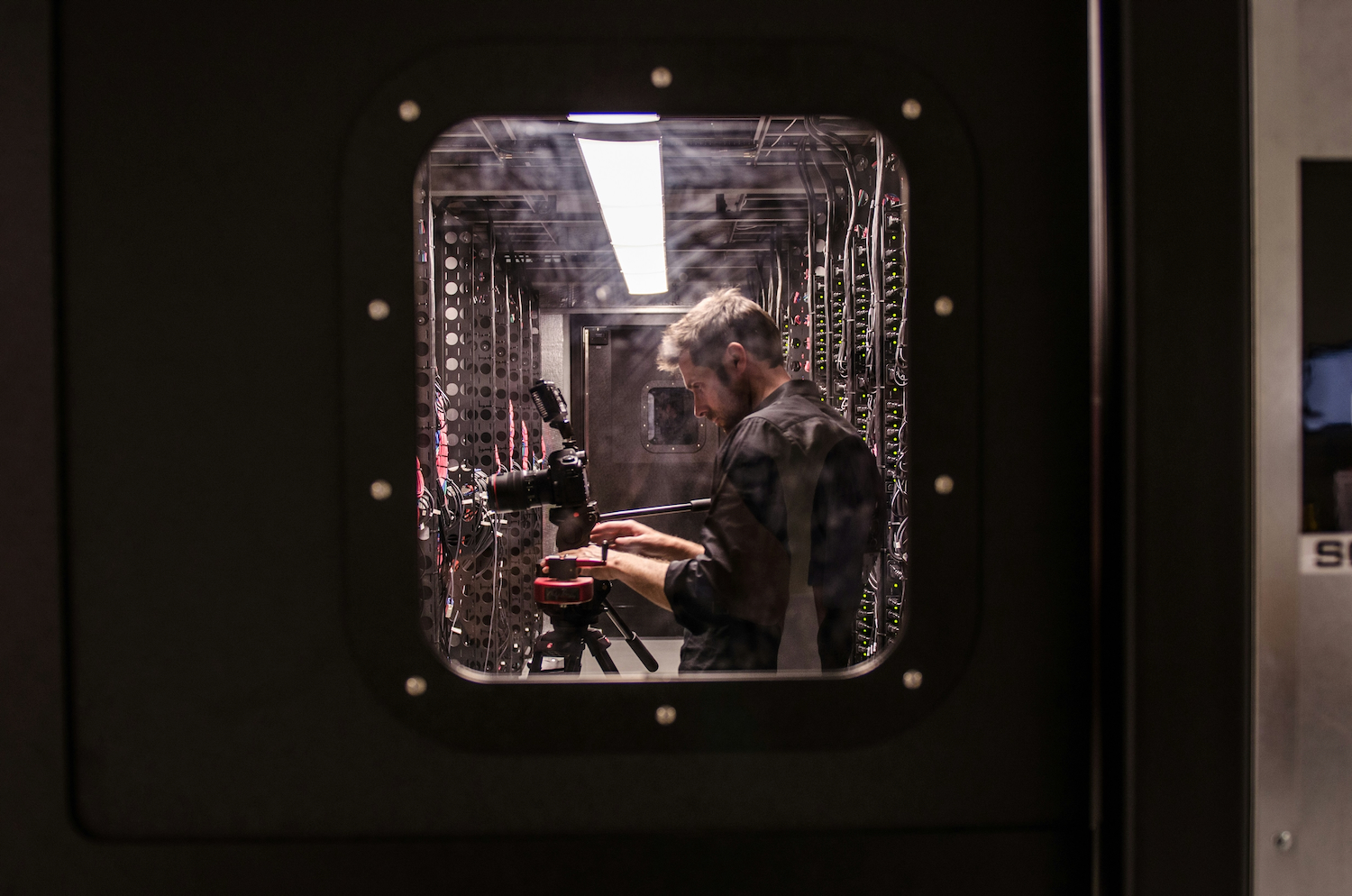


Modern IT infrastructure is a lot like building blocks. Some of it sits in the cloud, some in European server colocation facilities, and some runs on a company’s own hardware. But every now and then, hardware needs a human hand. And that hand cannot reach halfway across the world. That is where remote hands come in. Local technicians become an extension of your team, right there among the server racks.
Remote hands may sound like another marketing term. In practice, it is very simple: in certain situations, someone other than your own technician is authorised to access your server rack and work on the hardware. The scope of the service can determine whether an overnight incident takes 20 minutes to fix or two days. So, what does the service actually involve?
What the service covers and where its limits are
Remote hands means technical support carried out on your hardware by the data centre operator on your behalf. You submit a request through a customer portal or helpdesk. A technician carries it out in the data centre and records what was done. Typical tasks include:
- restarting and power cycling equipment – a hard reset of a server that has stopped responding,
- checking cables – making sure fibre and copper cables are connected to the right ports,
- visual inspection – checking status lights, temperatures and fans,
- replacing components – drives, power supplies or memory modules according to your instructions,
- installing and labelling equipment – mounting hardware in racks, adding labels and receiving deliveries,
- basic diagnostics and incident coordination – the technician acts as your eyes and ears on site.
Where the service ends
Some providers split their support into two levels:
- Simple tasks, such as those listed above, are offered as remote hands.
- More complex work, such as firmware updates, hardware configuration or troubleshooting more difficult issues, is offered as smart hands and charged separately.
Other providers combine both levels into a single package, sometimes called long hands. Terminology therefore varies from one provider to another. What matters is the exact list of services in your contract, not what the service is called.
Why remote hands matter when your servers are in another country
Distance changes the cost of every physical intervention. Sending your own technician to another continent means flights, accommodation and two lost working days for a task that may take five minutes. Time zones complicate things further. As your working day ends, the morning shift at a European data centre may just be starting. A remote hands team available 24/7, 365 days a year closes this gap and cuts response times from days to tens of minutes.
The cost of downtime is rising too. According to an Uptime Institute analysis, the latest major outage cost 57% of surveyed organisations more than US$100,000 [source]. For one in five, the cost exceeded US$1 million. Against numbers like these, the hourly rate of an on-site technician is a minor expense.
Tip: TTC Teleport’s Prague data centre holds TIER III certification from Uptime Institute, guarantees 99.982% availability and provides a 24/7 English-speaking helpdesk. This means international teams can request physical support at any time during their own working hours.
Hybrid infrastructure makes remote hands a natural fit
Companies rarely put all their eggs in one basket. Public cloud handles changing workloads. Data centre colocation hosts hardware with predictable workloads and sensitive data. And some equipment stays in-house.
Add a growing European footprint — data residency requirements, regulations such as NIS2 and DORA, and the need to reduce latency for European customers are pushing servers into Frankfurt, Amsterdam and Prague.
Remote server management can handle much of this mix. But there is a clear limit: remote access can restart an operating system, but it cannot plug a loose cable back in. That is where the local team takes over.
What to ask before signing up for remote hands
The scope of the service and response times belong in the SLA, not in an email thread. Check:
- which tasks are included in the standard rate and which are charged separately,
- how quickly a technician will respond to an emergency request outside business hours,
- how billing works (providers may charge in 15, 30 or 60-minute blocks, offer a monthly pool of hours or use a flat fee),
- what language the helpdesk operates in,
- how requests are submitted,
- and how every access to your server rack is logged.
Your auditor will appreciate that last point too.
Find the hands before you need them
Choose your provider while everything is running smoothly. Once something goes wrong, all you can do is find out what you actually signed up for. Compare your options before the first overnight alarm reminds you just how far away your server rack really is.
