

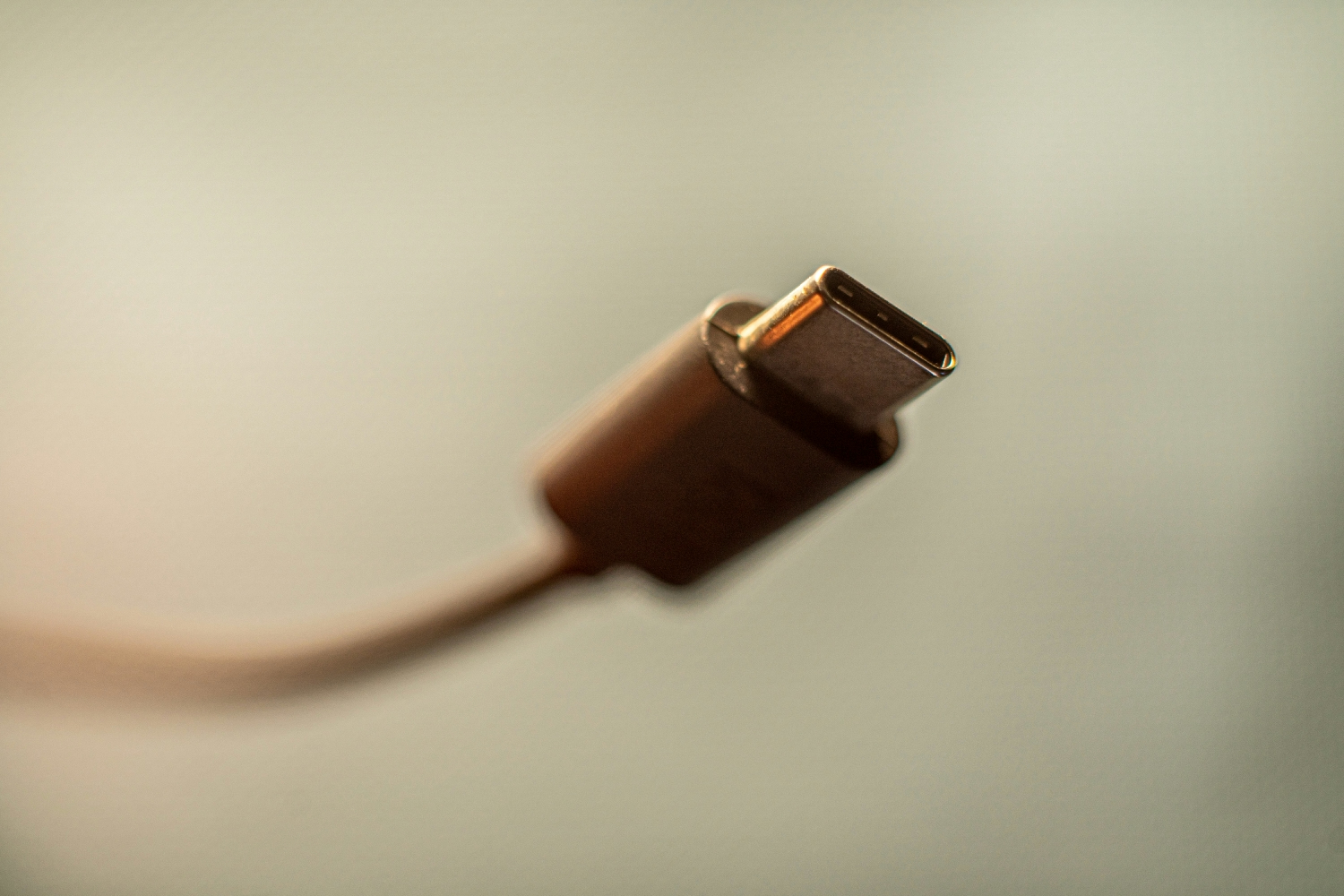


You’re midway through a critical video call with a client when you notice it—a faint, persistent buzzing coming from somewhere on your desk. It’s subtle enough that you weren’t sure at first, but now it’s all you can hear.
You glance down and realize the culprit is your phone, plugged into a fast charging Type C cable that’s emitting a thin electrical whine as it pushes power into your device. Your client pauses. “Do you hear that noise?” they ask. The moment is broken, and so is your professional composure.
This scenario plays out in home offices more often than most people realize. Not all fast charging Type C cables are built the same way, and some produce audible electrical noise that becomes impossible to ignore in a quiet workspace. So the question is worth asking directly: is your charging cable quiet enough for your home office? In this article, we’ll unpack why certain cables generate noise, how you can evaluate your current setup, and which optimized charging products can restore the silence your focused work demands.
The Science Behind Noisy Fast Charging Type C Cables
To understand why your charging cable might be humming during a quiet afternoon of deep work, you need to look at what’s happening inside it—and inside the charger feeding it power. Fast charging Type C cables carry significantly higher wattages than their predecessors, sometimes pushing 100W or more through compact conductors. This increased power flow can excite tiny internal components, particularly inductors and transformers within the charging brick, creating what engineers call “coil whine.” The phenomenon occurs when electromagnetic forces cause these components to vibrate at audible frequencies, typically producing a high-pitched buzz or whistle.
Poor shielding compounds the problem. A well-constructed cable uses braided or foil shielding to contain electromagnetic interference within the cable’s structure. Cheaper alternatives skip this step or implement it inadequately, allowing stray electromagnetic fields to interact with nearby electronics—including your headphones, external microphone, or speakers. You might hear this as a faint hiss or static layered beneath your audio during calls.
In a bustling office with ambient chatter and HVAC noise, these sounds vanish into the background. But a home office operates at a fundamentally different noise floor. When your environment is quiet enough to hear a pin drop, even a whisper of electrical noise becomes a distraction. High-wattage charging protocols like USB Power Delivery can intensify this effect because they negotiate maximum power draw during the early charging phase, pushing components to their limits precisely when you’re most likely to notice the sound—right after plugging in your device during a meeting.
Evaluating Your Current Charging Setup for Low-Noise Operation
Before replacing anything, take a few minutes to diagnose what’s actually producing noise in your workspace. Start with the simplest test: unplug everything from your desk, then plug in only your phone and its charging cable in complete silence. Listen carefully during the first thirty seconds—this is when fast charging protocols negotiate peak power and noise is most likely to appear. If you hear a whine or buzz, try swapping just the cable while keeping the same wall adapter. If the noise persists, your charger is likely the culprit rather than the cable itself.
Next, check for electromagnetic interference with your audio chain. Plug in your headphones or activate your desk microphone, then start charging your phone with the cable routed near those devices. Record a short voice memo or monitor your input levels. A noticeable hiss or static that appears only when charging is active tells you that your cable’s shielding isn’t containing its electromagnetic emissions effectively.
The power source matters more than most people assume. A laptop’s USB-C port delivers power through already-regulated circuitry, which tends to produce less audible noise than a standalone wall adapter with its own internal transformer. However, charging from your laptop can introduce ground loop interference into connected audio interfaces. This is why thinking about your charging accessories as a complete system—cable, adapter, power source, and routing—is essential. A quiet cable paired with a noisy adapter solves nothing, and a premium adapter feeding a poorly shielded cable still leaks interference into your workspace. Every link in the chain needs to perform.
Solutions: Choosing a Truly Quiet Fast Charging Type C Cable
Once you’ve identified the weak links in your charging setup, selecting a replacement cable that won’t intrude on your concentration becomes straightforward if you know what to prioritize. The single most important feature for noise suppression is shielding quality. Look for cables that specify double-layer shielding—typically a combination of aluminum foil wrapping and braided mesh surrounding the internal conductors. This dual barrier traps electromagnetic emissions inside the cable rather than letting them radiate outward into your microphone, speakers, or sensitive recording equipment.
Construction quality extends beyond shielding. Thicker gauge wires handle high current with less resistance and heat generation, which reduces the stress on internal components that can vibrate at audible frequencies. Cables with e-marker chips—required for USB Power Delivery above 60W—also tend to manage power negotiation more intelligently, avoiding the aggressive current spikes that trigger momentary buzzing during the initial handshake between charger and device.
Certification matters more than marketing claims. A cable carrying USB-IF (USB Implementers Forum) certification has passed standardized testing for electrical performance, signal integrity, and safety compliance. This doesn’t guarantee absolute silence, but it does confirm that the cable meets engineering tolerances designed to minimize interference and power delivery anomalies. Brands that invest in this certification process typically also invest in the component quality and manufacturing precision that keep noise floors low. When shopping, treat the USB-IF logo as your baseline filter—anything without it is a gamble you don’t need to take in a workspace where audio clarity and mental focus are non-negotiable.
Beyond the Cable: Complementary Optimized Charging Products
A quiet cable alone won’t guarantee a silent desk if the rest of your charging ecosystem isn’t pulling its weight. Modern GaN (gallium nitride) wall chargers represent a significant upgrade over traditional silicon-based adapters because their higher switching frequencies push any residual noise well above the range of human hearing. They also run cooler and more efficiently, which means fewer thermal-related vibrations from internal components expanding under heat stress.
For devices that support it, wireless chargers eliminate the cable-to-device connection entirely, removing one potential noise source from the equation. A well-designed Qi charger operating at moderate speeds produces virtually no audible sound, making it ideal for keeping your phone topped up during long video conferences. The TORRAS O-Stand power bank takes this concept further by combining portable battery power with an integrated stand, reducing the number of cables on your desk while providing a clean, consolidated charging point for your phone. Fewer cables mean fewer potential interference paths crossing near your audio equipment, and a single multi-functional device replaces the tangle of adapters and cords that collectively contribute to your workspace’s noise profile.
Building Your Ultimate Quiet Home Office Charging Station
Now that you understand the sources of charging noise and the components that eliminate it, it’s time to assemble a complete system that keeps every device powered without contributing a single decibel to your workspace. Think of this as a four-step process that transforms your desk from a tangle of mismatched cables and adapters into a streamlined, silent charging station worthy of your most demanding workdays.
Start by auditing every cable currently connected to your desk. Unplug each one, charge your devices individually in silence, and identify which cables produce noise or introduce interference into your audio chain. Replace any offenders with USB-IF certified fast charging Type C cables featuring double-layer shielding. This single step eliminates the most common source of desk noise that people overlook because they assume all cables perform identically.
Next, choose a central wall charger that can power multiple devices simultaneously without generating audible whine. A multi-port GaN charger with sufficient total wattage to handle your laptop, phone, and accessories means you’re running one quiet power source instead of three separate adapters competing for outlet space and collectively contributing micro-noises. Position this charger behind your desk or inside a cable management box to add a physical barrier between any residual vibration and your ears.
Third, integrate a versatile solution like the TORRAS O-Stand power bank to handle your phone and earbuds during video calls. By charging your phone from a battery rather than a wall adapter during meetings, you completely bypass the charger-to-wall power conversion that causes most coil whine. The integrated stand keeps your phone at camera angle while the battery handles power delivery silently—no cables crossing your desk near your microphone, no adapter humming three feet from your headset.
Finally, address cable routing with intention. Run any remaining cables along the back edge of your desk, secured with adhesive clips, and keep them physically separated from audio cables by at least six inches. Crossing power and audio lines at perpendicular angles rather than running them parallel minimizes electromagnetic coupling. Bundle excess cable length into neat loops rather than letting it sprawl across your workspace where it can act as an antenna for interference. These routing decisions cost nothing but five minutes of attention, yet they represent the difference between a workspace that sounds clean on every call and one that carries a subtle electronic undertone your colleagues notice before you do.
Silence Your Workspace by Fixing the Weakest Link
Your home office is only as peaceful as its weakest link, and for many remote workers, that weak link turns out to be something they never thought to question—their charging cable. The faint whine of a poorly shielded fast charging Type C cable or the subtle hiss bleeding into a microphone feed can erode your focus and undermine your professional presence on calls, all without you realizing the source until someone else points it out.
The path to a silent workspace starts with understanding that charging noise isn’t inevitable—it’s a symptom of components that weren’t designed with your environment in mind. By selecting USB-IF certified cables with proper double-layer shielding, pairing them with efficient GaN chargers, and integrating versatile solutions like the O-Stand power bank to reduce cable clutter and bypass noisy wall conversions during meetings, you build a charging ecosystem that works for you rather than against you. These aren’t extravagant upgrades. They’re practical investments in the uninterrupted concentration and clean audio that define a truly professional home office.
Tonight, after your last call ends, sit in your workspace in complete silence. Listen. If you hear anything coming from your desk that shouldn’t be there, you now know exactly what to do about it.
