

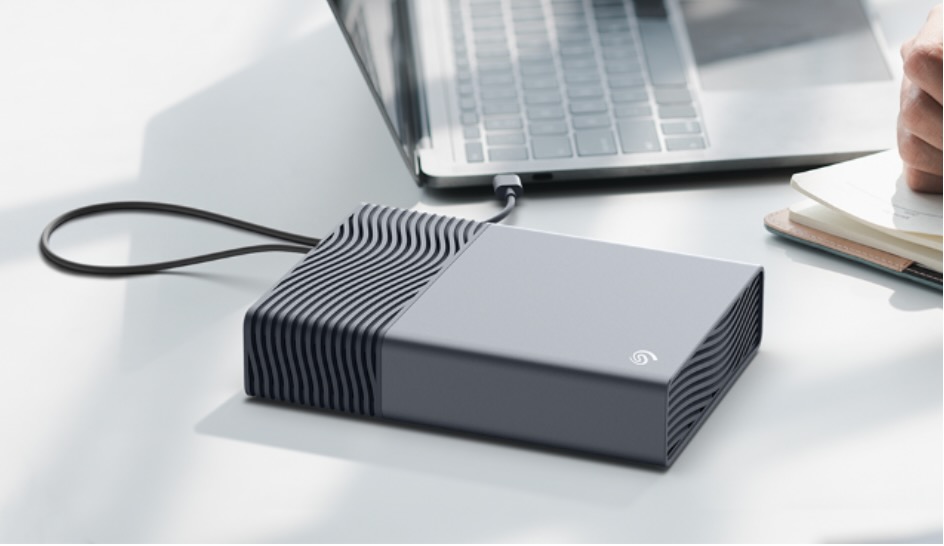


The Seagate One Touch desktop external hard drive provides an elegant storage solution with added features to improve your efficiency and a safety net if you lose any data. It’s an excellent way to keep your most important data and memories safely and securely at your fingertips.
- RATING
The amount of storage we need for our data is growing rapidly and Seagate has responded to this demand with its new consumer range of One Touch desktop external hard drives.
Tech Guide received the Seagate One Touch for review – it has 8TB capacity but it’s also available in 16TB, 20TB and 24TB. They start at $259.99.
And these drives are bus-powered which means they draw their power from the computer they are connected to via a single USB-C cable and do not require separate power supply.
The Seagate One Touch works with both Windows and Mac computers right out of the box so you can organise your storage and backups immediately.
Customers can download the Seagate Toolkit to set up automated backups.
Seagate Toolkit also includes an import function that can automatically copy files from memory cards and other connected USB devices.
It can also be used to provide password protection for the drive. This means a password would be required to open the drive on your desktop for an added layer of security.
It is suitable for all types of users from students and families to professionals to provide fast and reliable connectivity and simplicity.
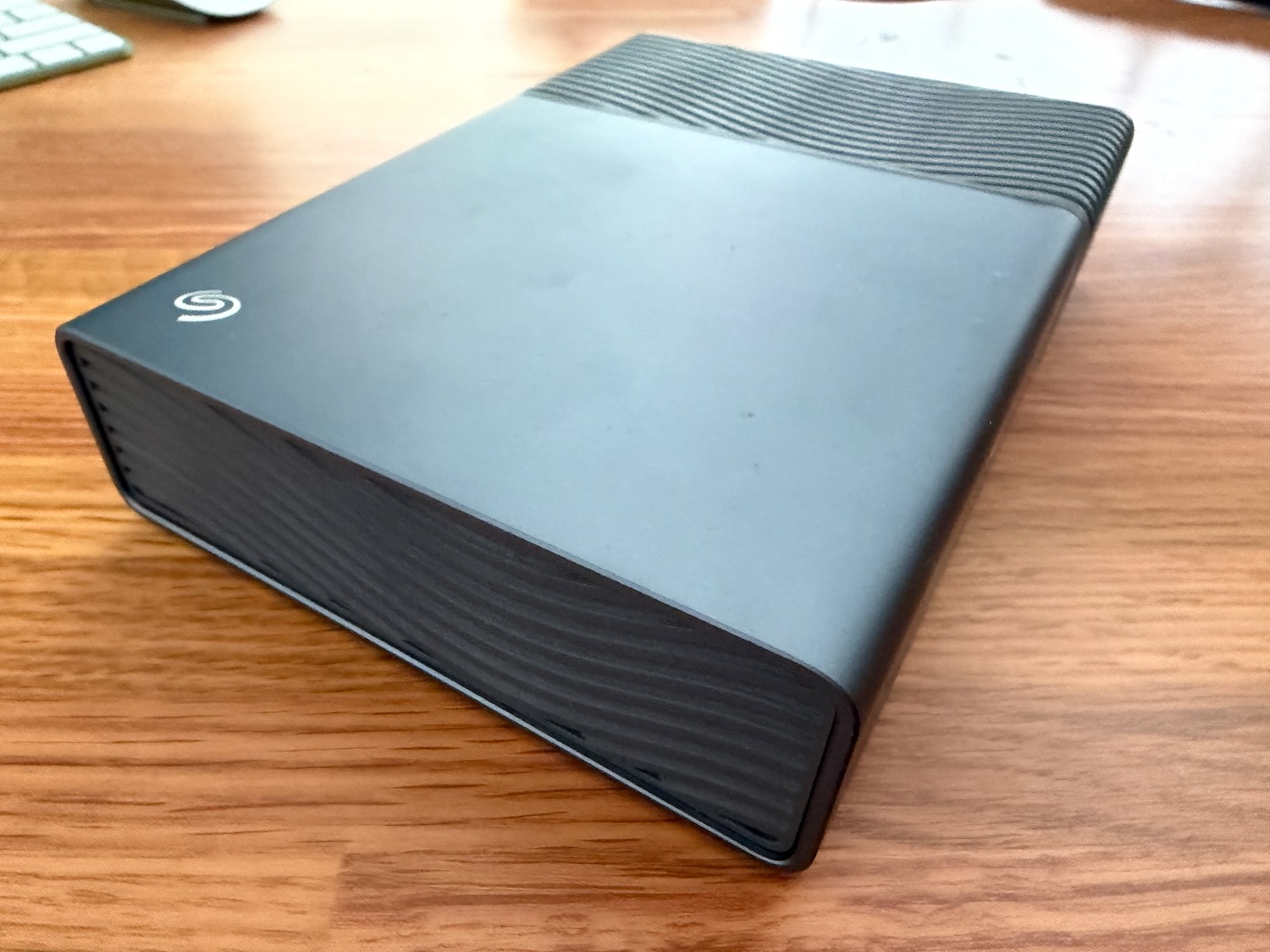
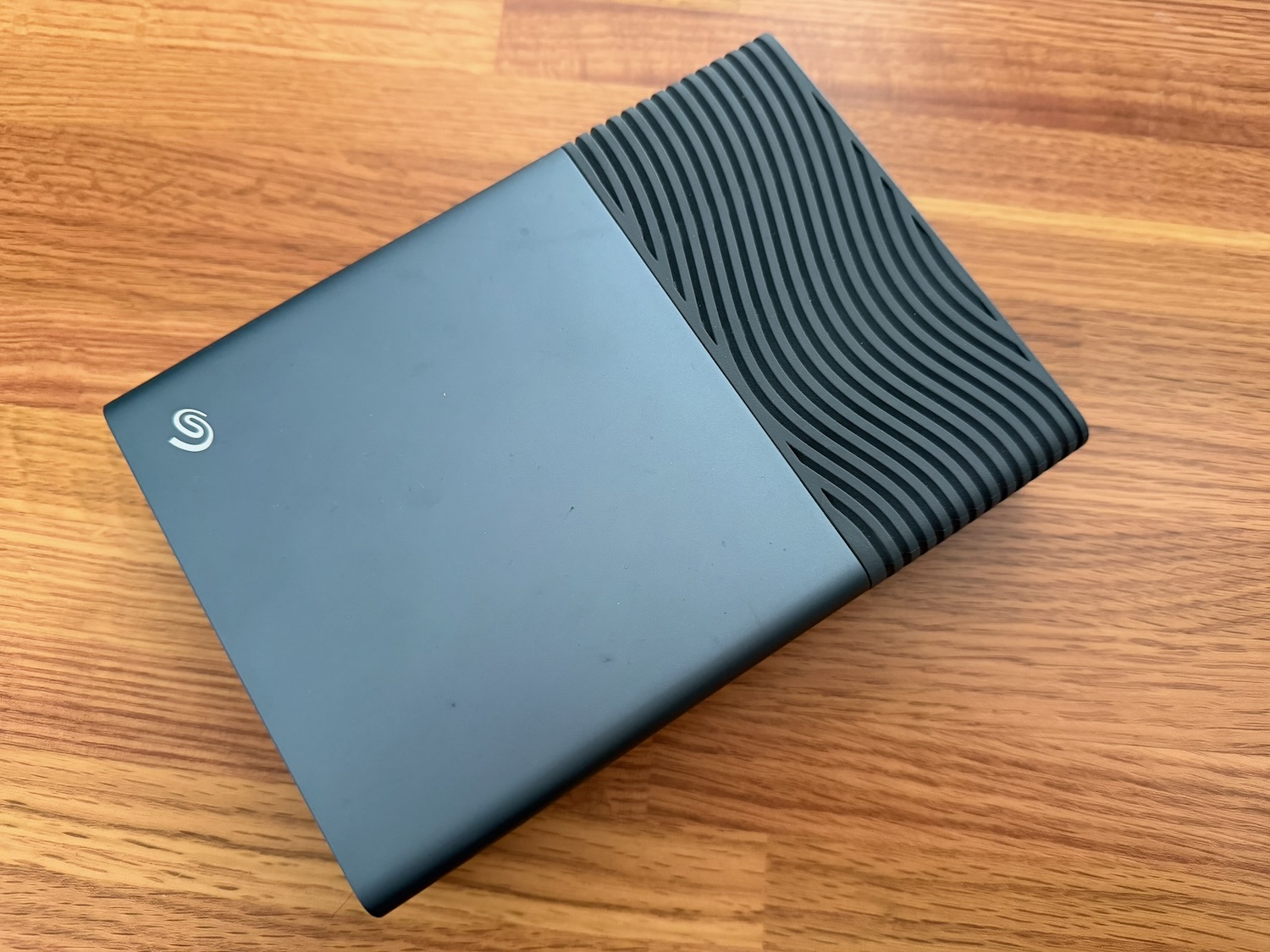
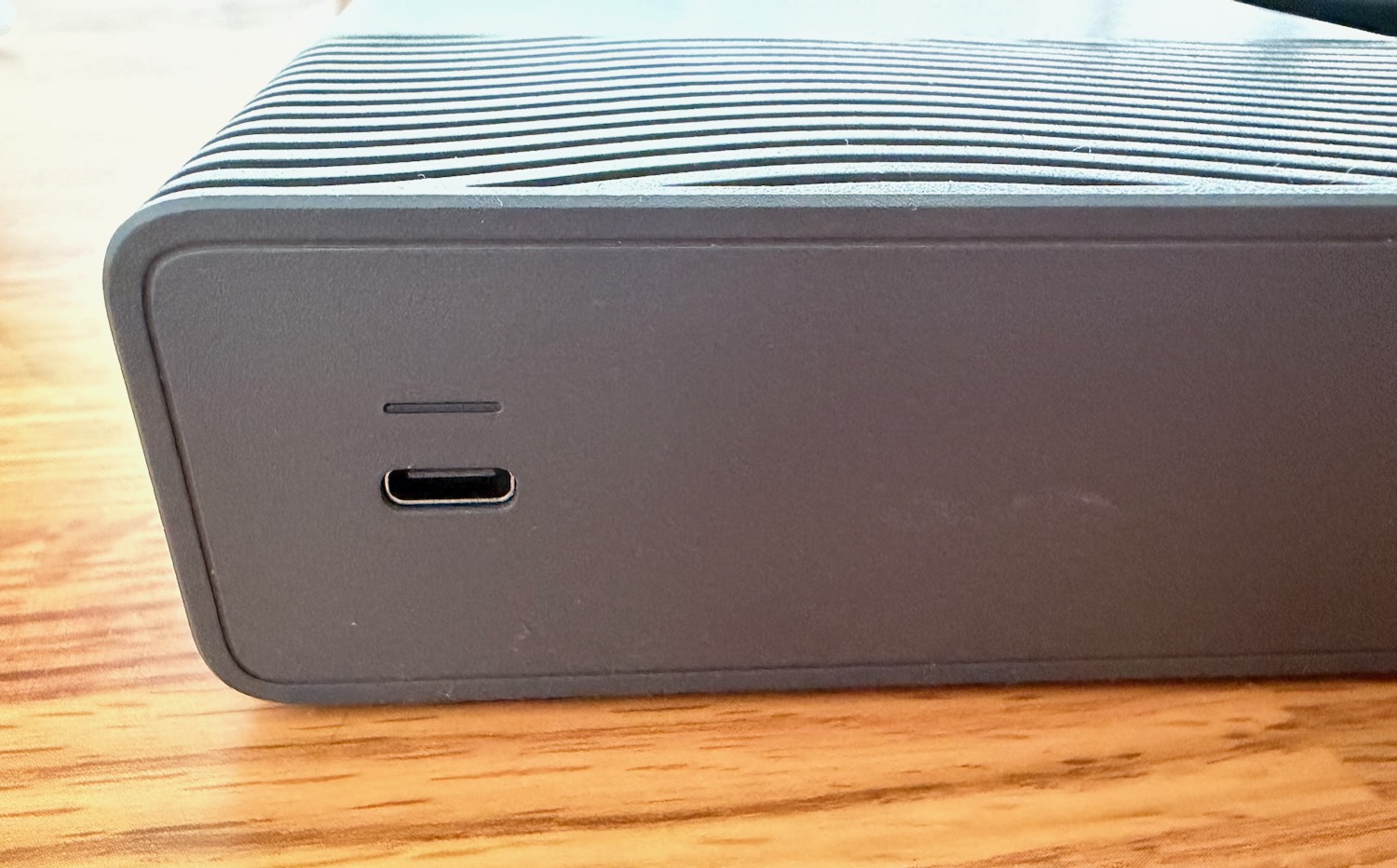
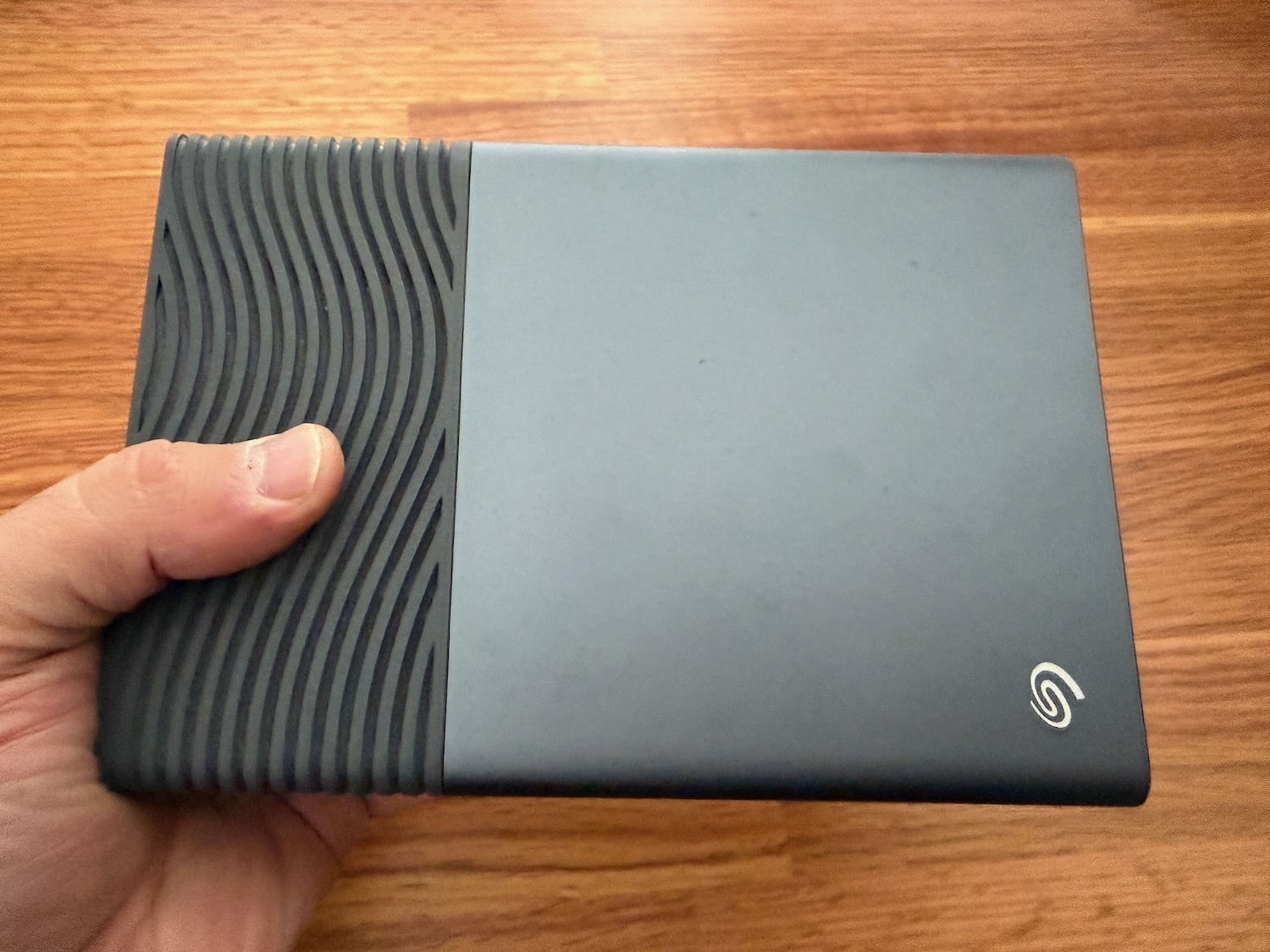
The drive has smooth and modern design. It is well ventilated and about 18.6cm long, 13cm wide and 4cm tall so it has a fairly small footprint.
There are four small rubber feet on the base which suggest the drive needs to sit flat.
But we believe resting on its side would be possible while keeping the vents clear.
While we have cloud storage at our fingertips having local storage has several advantages.
For one, once you’ve purchased the drive there are no ongoing monthly costs. Your data is immediately accessible from your desktop.
Many people can keep important memories like photos and video by their side.
For local backups, the Seagate One Touch can be used and set up to perform regular backups of Macs and Windows computers in minutes.
The drive is also more private and works whether you are connected to the internet or not.
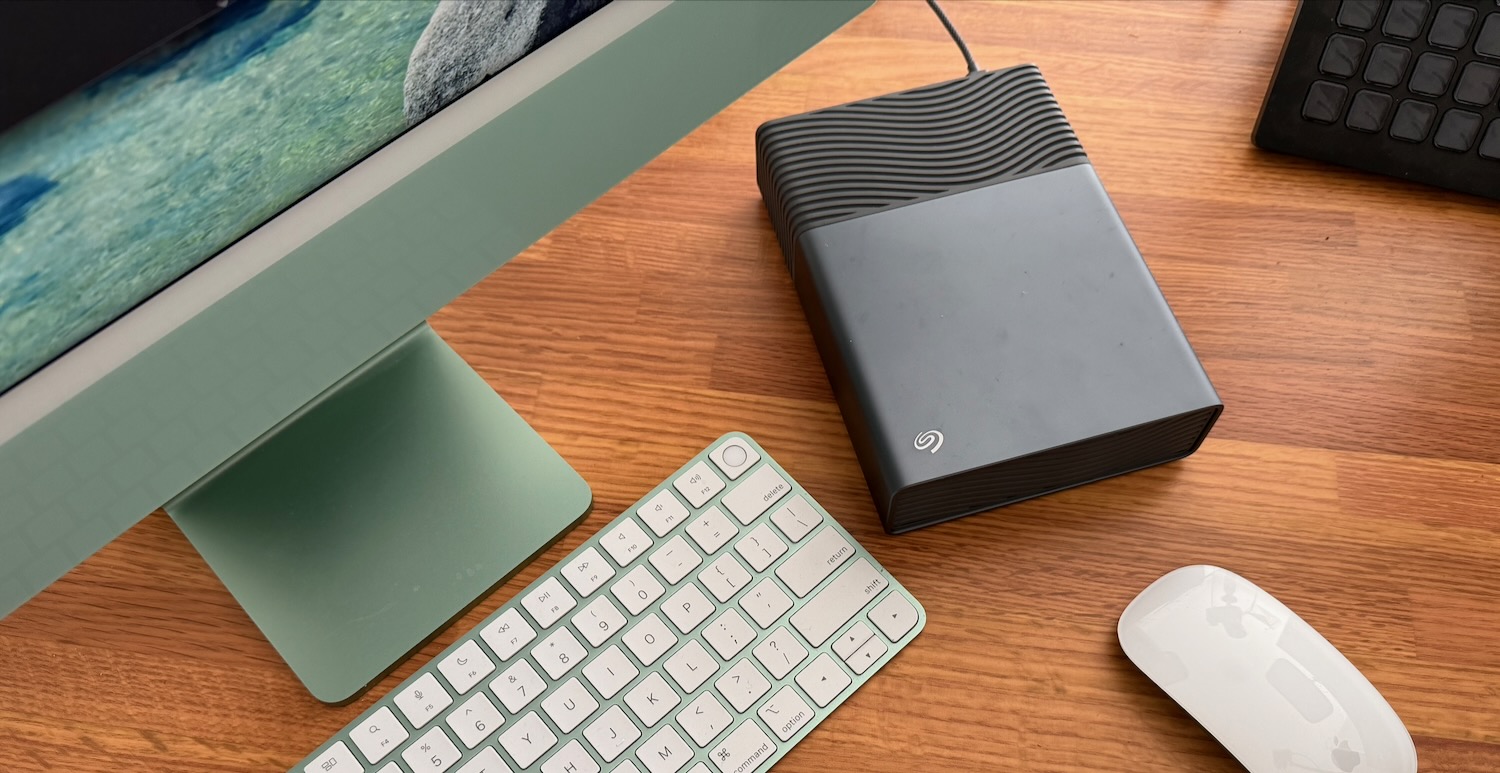
For our review we made Seagate One Touch the Time Machine back up of our 24-inch iMac.
But the drive did need formatting before our Mac would allow it the Seagate One Touch as the Time Machine backup.
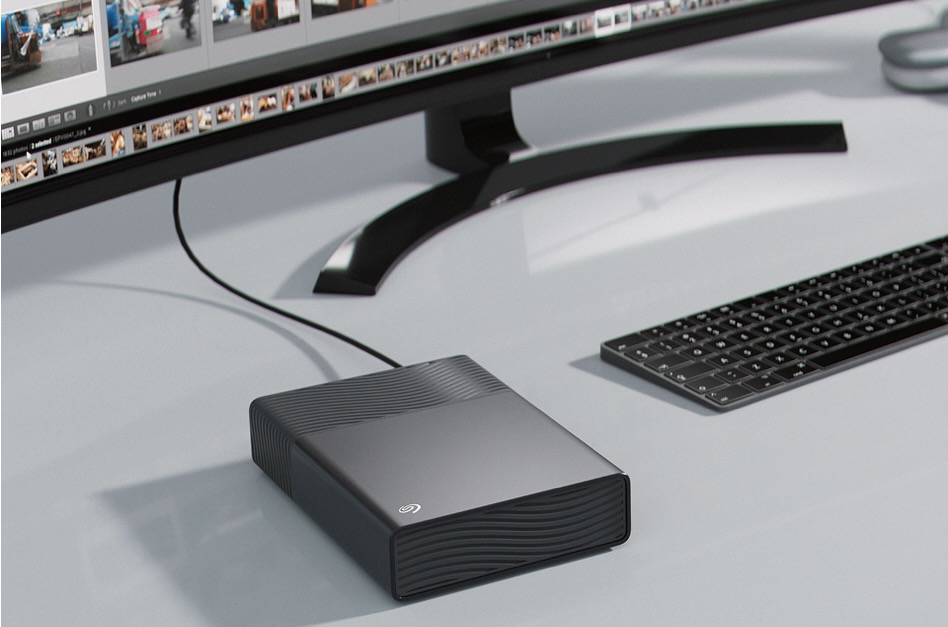
And because it only requires a single cable and does not require power there is no cable clutter.
There is just one USB-C to USC-C cable that runs from the single port on the back of the drive to a free USB-C port on your computer.
Now it should be noted that the Seagate One Touch has a mechanical hard drive onboard and, while Seagate drives have proven to be super reliable, that can sometimes fail.
Compared to SSD (solid state drive) mechanical drives are also a little slower when accessing the onboard data but the trade-off here is SSD drives are also more expensive and don’t come in the large capacities.
The Seagate One Touch can be used to store large data files, videos and photos and even has enough room to store and execute a localised LLM and AI datasets without needing a cloud connection and keeping sensitive information safe and sound.
And when you purchase a qualified Seagate drive you also have access to Rescue Data Recovery Services which is a service to recover lost data for free during the product’s warranty period.
VERDICT
The Seagate One Touch desktop external hard drive provides an elegant storage solution with added features to improve your efficiency and a safety net if you lose any data. It’s an excellent way to keep your most important data and memories safely and securely at your fingertips.
