

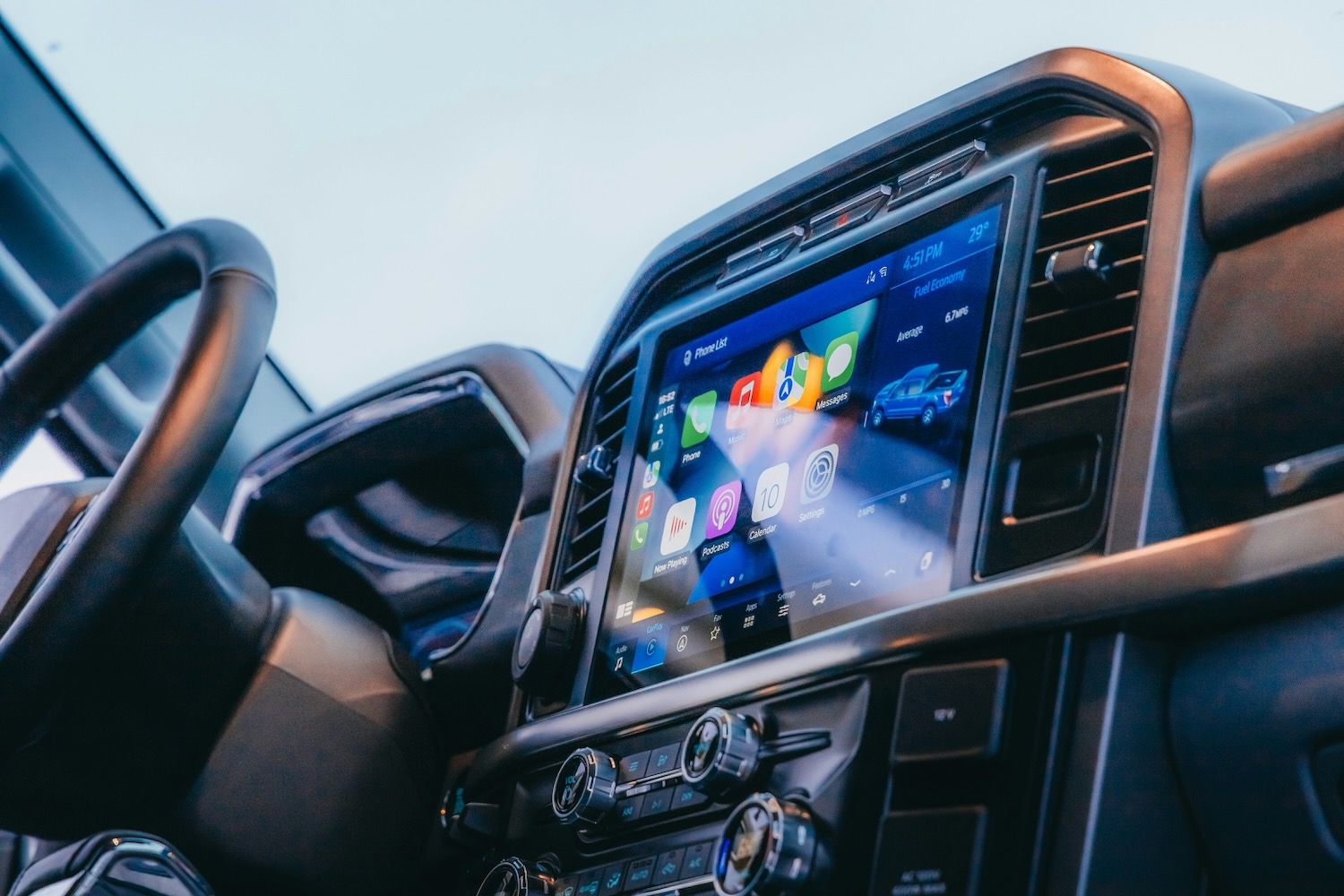


The salesperson gives the centre screen two quick taps. A map snaps into place, the speakers wake up, and you still haven’t worked out how to lower the seat.
Impressive. It is also nothing like a wet Tuesday morning with your own phone, your own account, and one bar of reception.
A connected car deserves a little inconvenience during the test drive. Before the keys go back, make the system handle everyday life rather than a carefully prepared showroom demo.
Pair the phone you actually carry
Don’t judge Apple CarPlay or Android Auto from a dealer’s handset that has already been paired.
Tell the salesperson you want a clean start. Delete the demo phone and see how far you get with yours.
Pretend you have stopped at the servo. Leave the car locked for half a minute, then slip back behind the wheel. Has the phone found its way back before your hands reach the mirrors?
A little pairing fuss barely registers in the showroom. Repeat it before every school run, and it gets old very quickly.
Try a second phone as well. Which handset takes priority when both owners get in? Can the passenger choose music without knocking out the driver’s navigation? Does the car load the right seat position and radio presets, or merely reconnect to the last device it saw?
Our AAWireless TWO+ review showed why a proper pairing test matters: the Android phone connected in seconds, while the iPhone would not connect during our test.
Leave the dealer’s support behind
Ask whether the vehicle is connected to the showroom Wi-Fi. If it is, take it off the dealer network or drive far enough away to lose the signal.
Leave Bluetooth alone because the car may need it to communicate with your phone. What you want to remove is the dealership’s internet connection, not the connection between the handset and the dashboard.
Give the system a real job. Ask it to find a café or charger a few suburbs away, start a song, and change the route by voice as the reception begins to fade.
The blue route line might stay put. Everything around it can start peeling away: the traffic stops updating, the café search hangs, the cover art vanishes, and the voice assistant gives up.
Australian regional drives contain plenty of patchy coverage. A spinning icon on a large screen is still a spinning icon.
That glossy home screen might be borrowing the dealership’s account. Tap the profile icon and ask the awkward questions: whose login is this, what is only free for now, and what disappears the day the trial runs out?
And don’t settle for “you get a free trial”. Put the end date and renewal price on the quote. Next year’s invoice has a habit of making today’s clever feature look less clever.
Find the important controls without hunting
Keep the car parked and picture two ordinary annoyances: a windscreen beginning to fog and a lane-warning chime that will not leave you alone. Can you clear the glass, cool the cabin, turn the fan down, bring up the reversing camera, and quieten the alert without digging through three menus? The hazard switch should not need a search party either.
During the drive, keep every interaction safe and legal. Australian Government research notes that in-car distractions can seriously impair driving, including distractions from entertainment and navigation systems.
With your eyes up, try turning the fan down or bringing the camera onto the screen. If your hand keeps missing the control, the layout is asking too much attention for an ordinary task.
BMW’s Panoramic iDrive spreads information and controls across the windscreen display, centre screen, steering wheel, and a small set of physical switches.
A vast display is not automatically a better interface. The best setup lets you finish the job and look back at the road.
Strip the showroom discount back to one figure
A bright sticker promising 8 per cent off can pull attention away from dealer delivery charges, accessories, and on-road costs.
Use the advertised starting price to calculate the price after the percentage is applied, then compare that figure with the written quote. It gives you a clean baseline—the advertised saving and reduced price—before dealer delivery charges, accessories, and on-road costs are added.
A car can wear an 8 per cent discount on the windscreen and still reach the bottom of the quote with a technology pack you never asked for.
Put the clever trim into monthly dollars
Climb one trim level, and the cabin suddenly picks up a head-up display, shinier speakers, two more camera views, and a screen big enough to dominate the dash.
Break the difference into monthly payments, and the extra spend can seem almost too small to argue about.
For a conventional lease quote that includes the selling price, term, residual percentage, and lease charge, you can estimate the monthly lease payment before comparing trims. It won’t reproduce a full Australian novated lease quote, but it gives you a handy baseline for comparing one trim to another.
Do not let a manageable monthly difference hide the full cost of technology you barely used during the test drive.
Bring the awkward thing that must fit
Boot capacity figures cannot account for the narrow tailgate opening, raised floor, wheel arches, or a subwoofer occupying the corner.
Take the troublesome item with you. A folded pram with one wheel sticking out will tell you more than a neat capacity figure, and the same goes for a portable fridge, camera case, or golf bag.
When an overseas specification lists cubic feet, measure the item’s box-like length, width, and height, then calculate how much cubic-foot space it occupies. After that, put it through the actual opening.
The tape measure gives you a useful number. The scuffed plastic lip, stubborn wheel, and tailgate that will not close give you the answer.
A proper connected-car test is not about making the screen fail for sport. It is about finding the small annoyances before they follow you home.
Pair your phone, leave the showroom network behind, and reach for the demister without taking your eyes off an imaginary road. If the car still feels easy, the technology has earned its place.
