

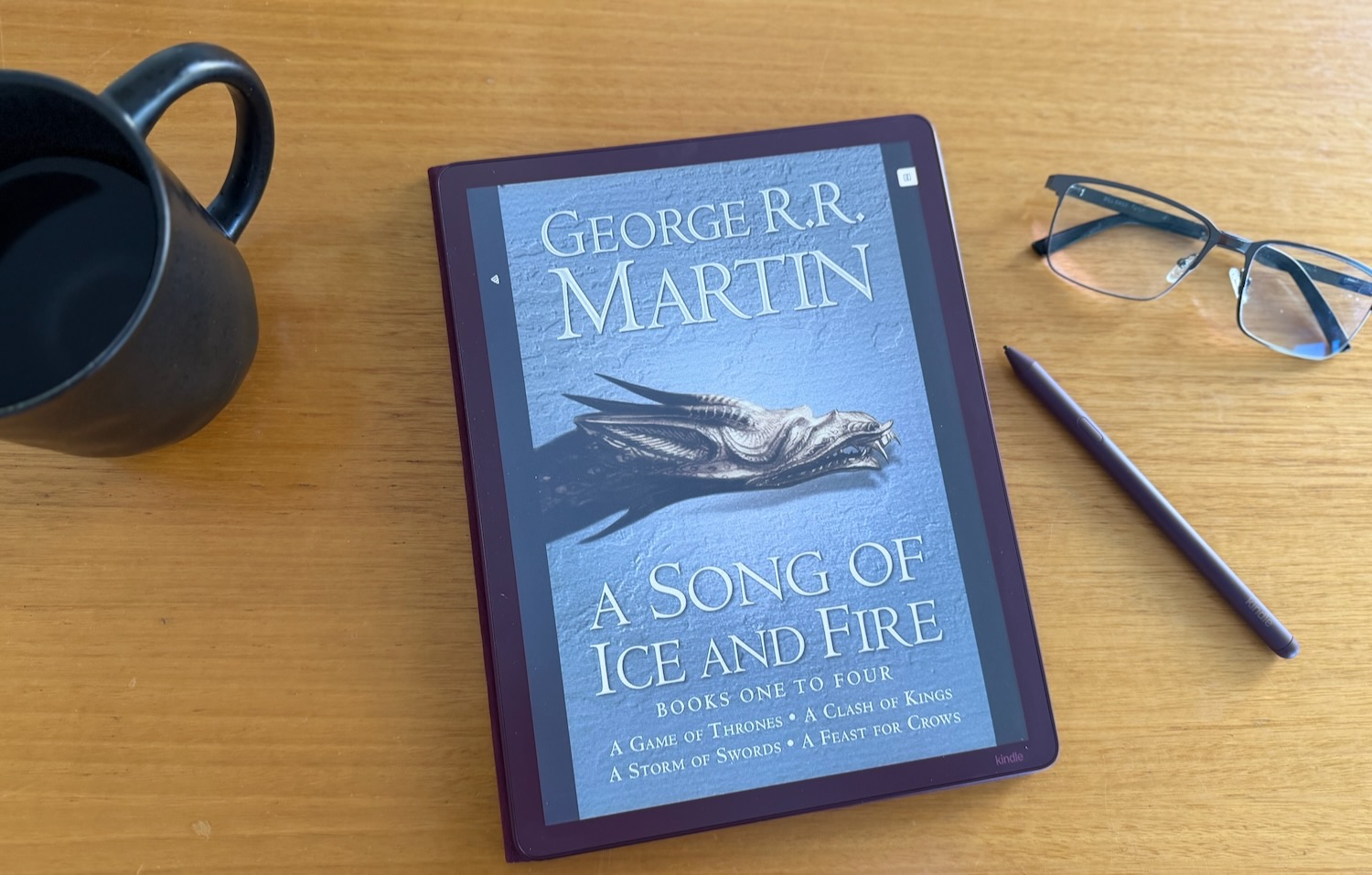


The Kindle Scribe Colorsoft is a powerful device for serious readers and serious notetakers. It's large screen and responsive writing will make the device something serious users will have by their side for hours at a time.
- RATING
The Kindle Scribe has evolved with a redesign and now has a colour display to make it an even more attractive digital notebook and e-reader.
The Kindle Scribe Colorsoft latest generation comes in graphite and the new fig colour which is more like maroon.
Tech Guide received the 64GB fig version of the Kindle Scribe Colorsoft for review which is priced at $1,099. The 32GB version is $999.
The device has an 11-inch Colorsoft display with a front light so you get a clear view of the paper-like screen which is oxide-based to deliver high contrast and a paper-like look and feel that’s easy on your eyes even after long reading and writing sessions.
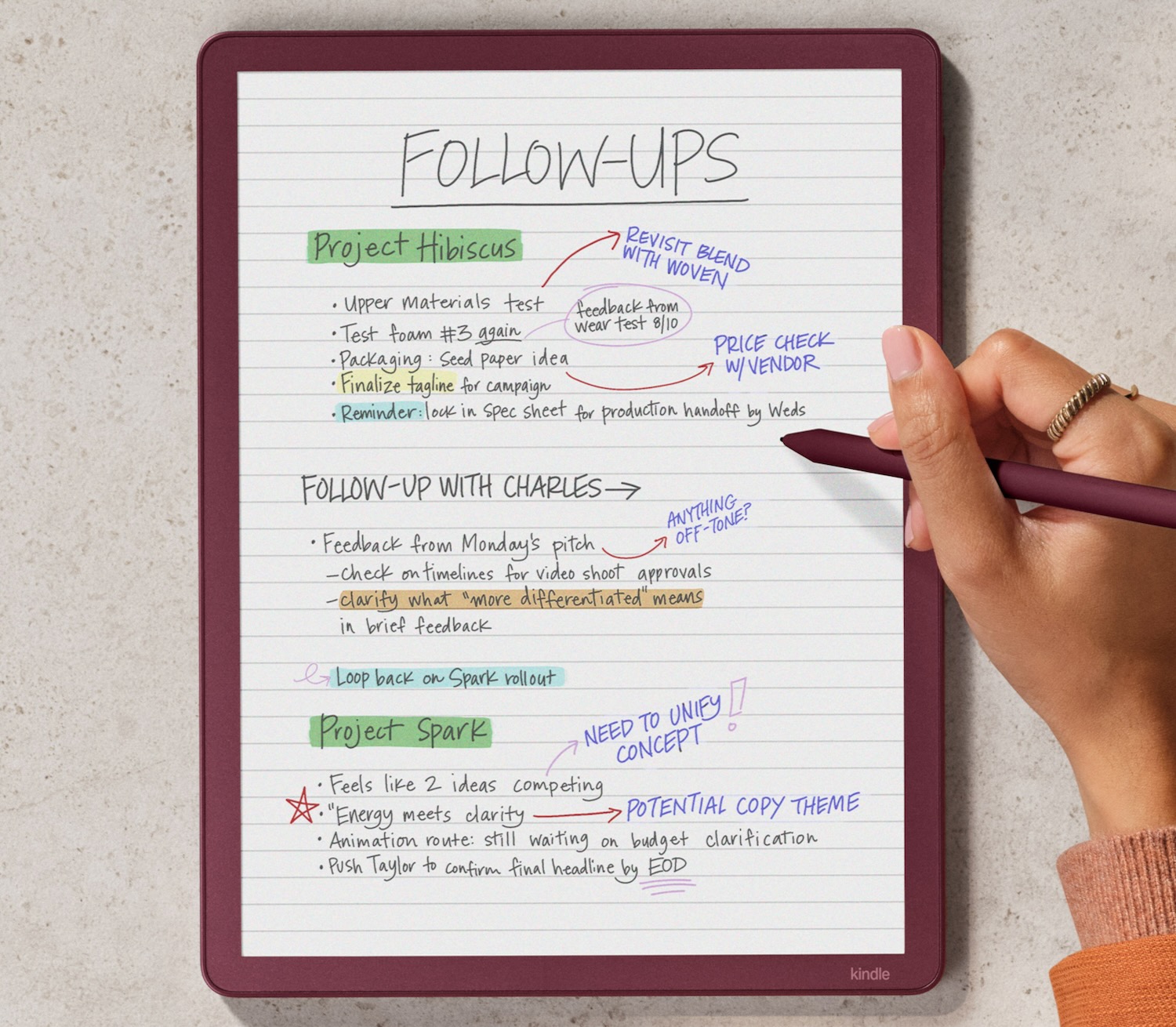
It also comes with the Premium Pen which never needs charging so you can use this larger Kindle like a notebook, annotate documents and highlight passages in your books.
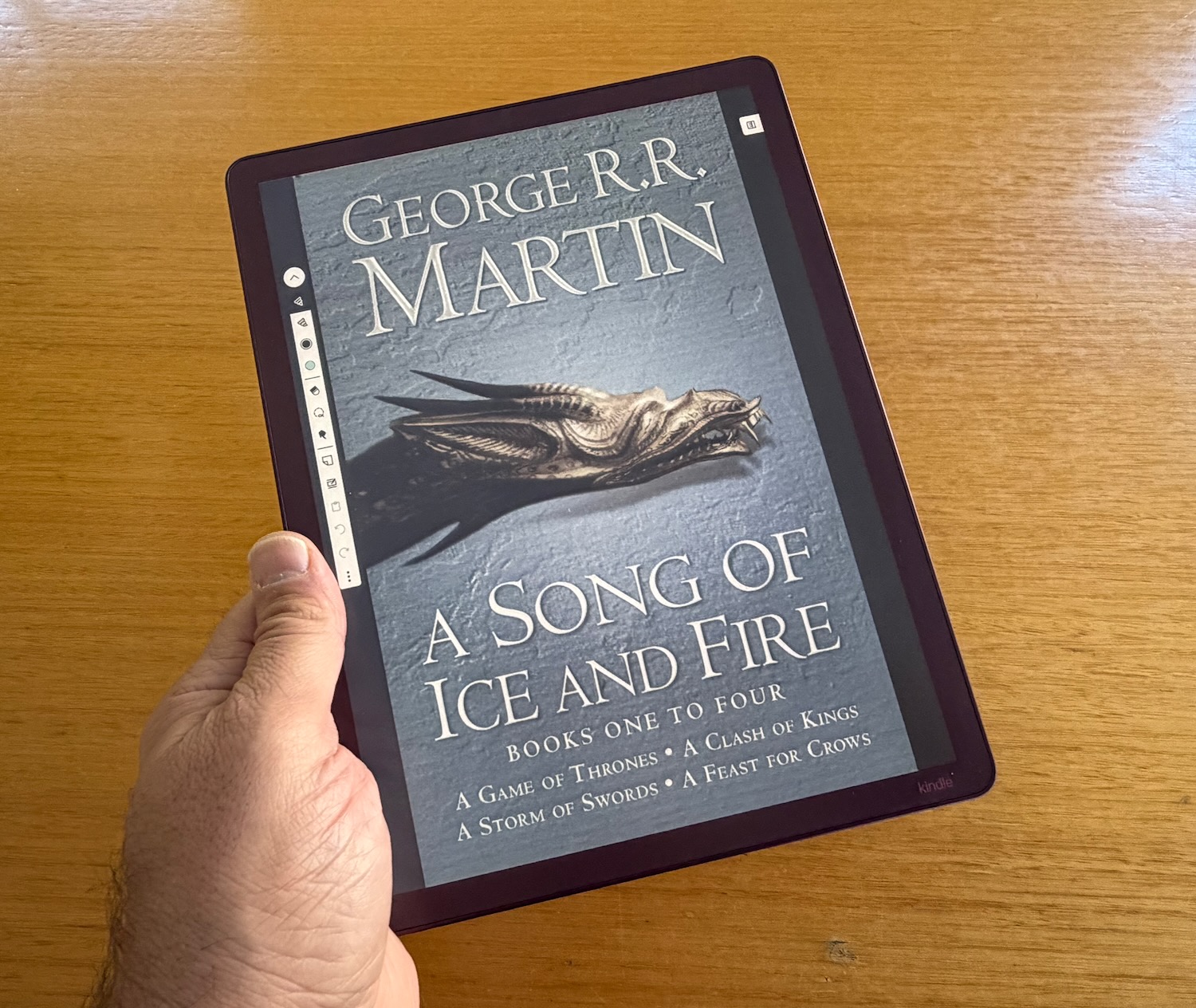
The display has a textured surface to give you a natural writing experience as if you’re writing on paper.
The Premium Pen also has excellent responsiveness. Your pen strokes appear instantly on the display.
The device has had a slight redesign with an evenly sized bezel around the screen.
The previous version had a larger left bezel that could act as a handle.
The new version means you can now grip it from any side while you are reading or writing.
Kindle is primarily recognised as a reading device but since the introduction of Kindle Scribe it can now be used like a digital notebook.
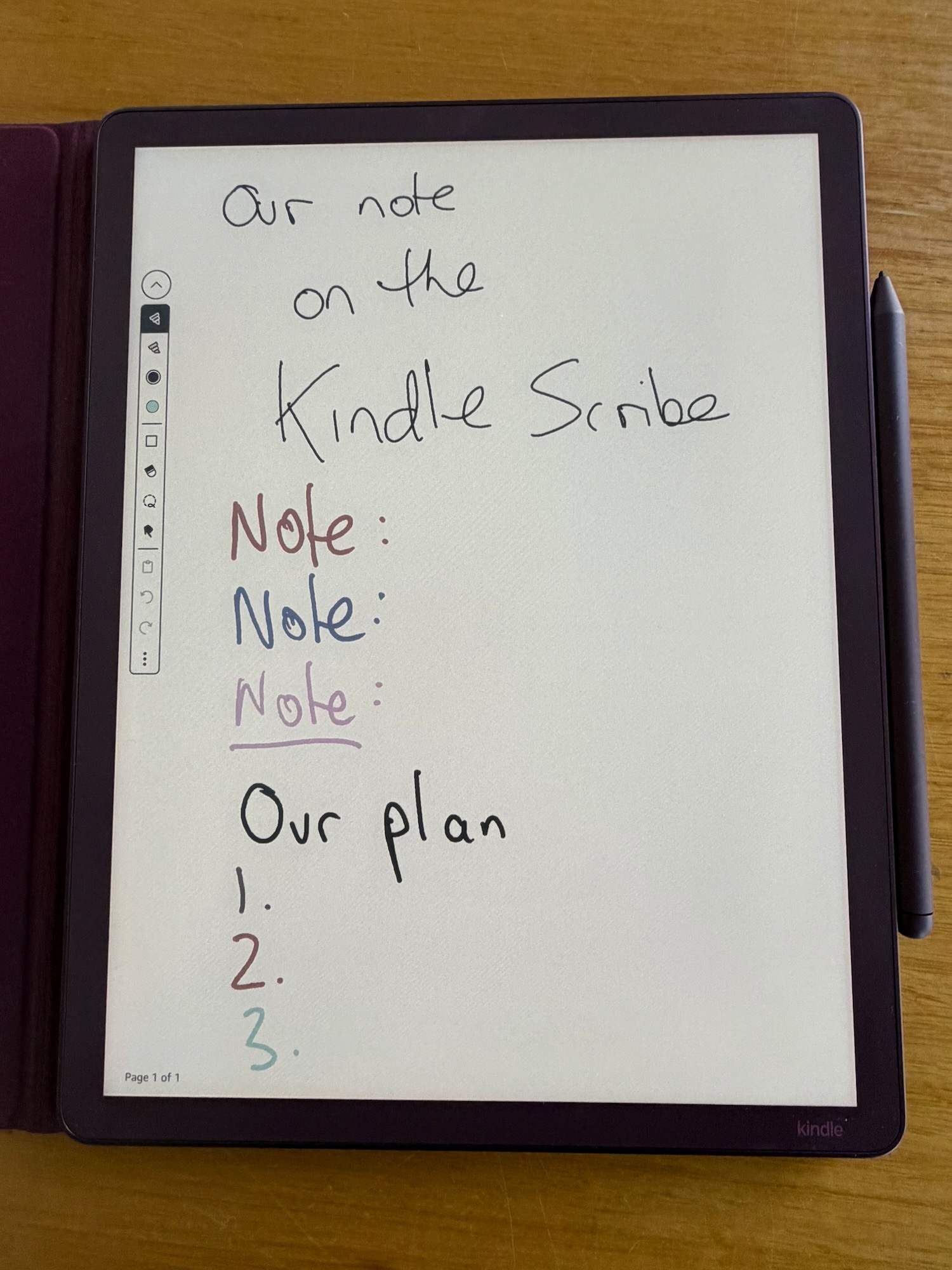
So you could practically go paper-free and use the Kindle Scribe Colorsoft and use the device to jot down notes and ideas and organise them into separate files.
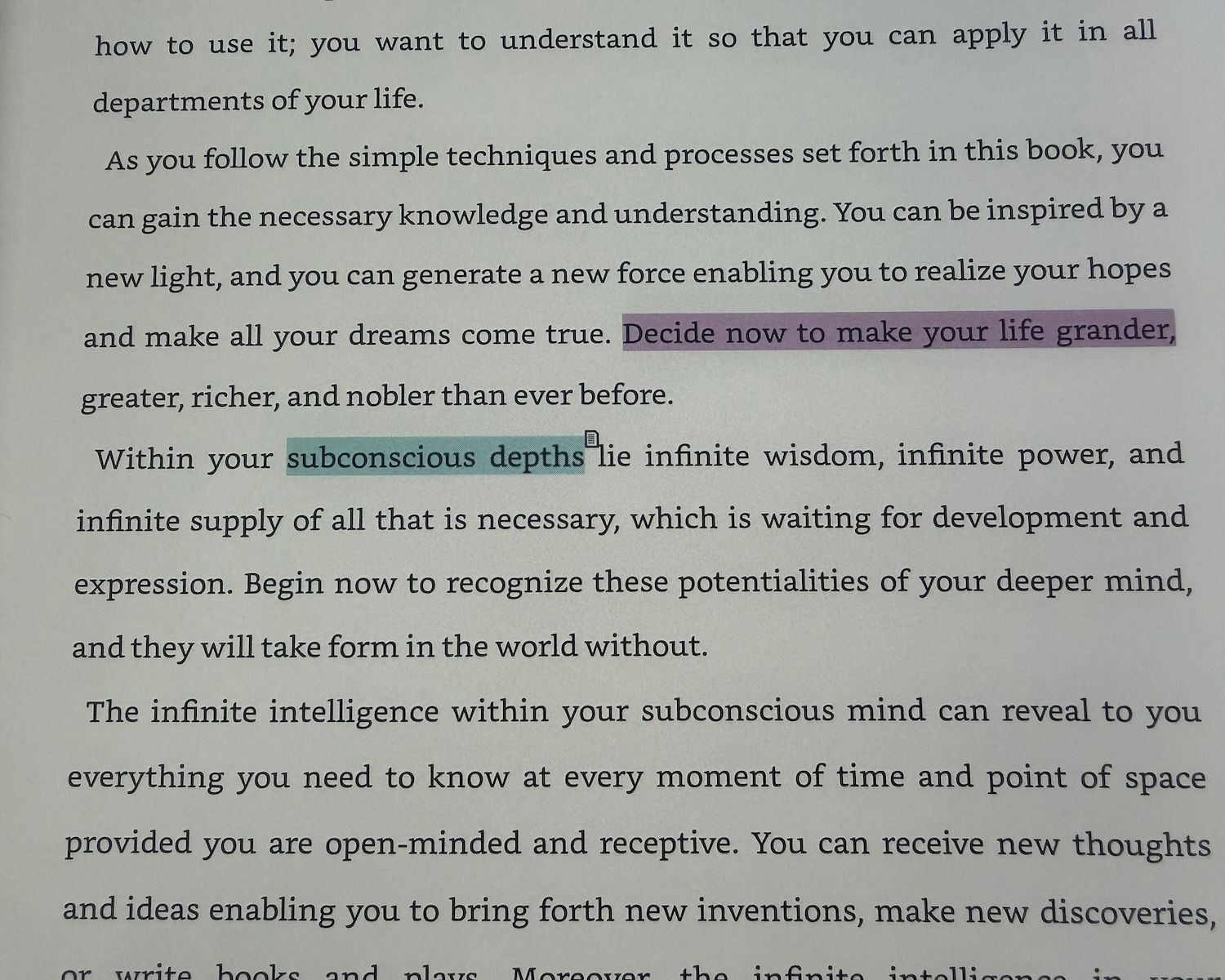
Many readers love to read their books with a pen in their hand and the Kindle Scribe Colorsoft allows you to do just that so you can make notes while you are reading and highlight various passages in different colours.
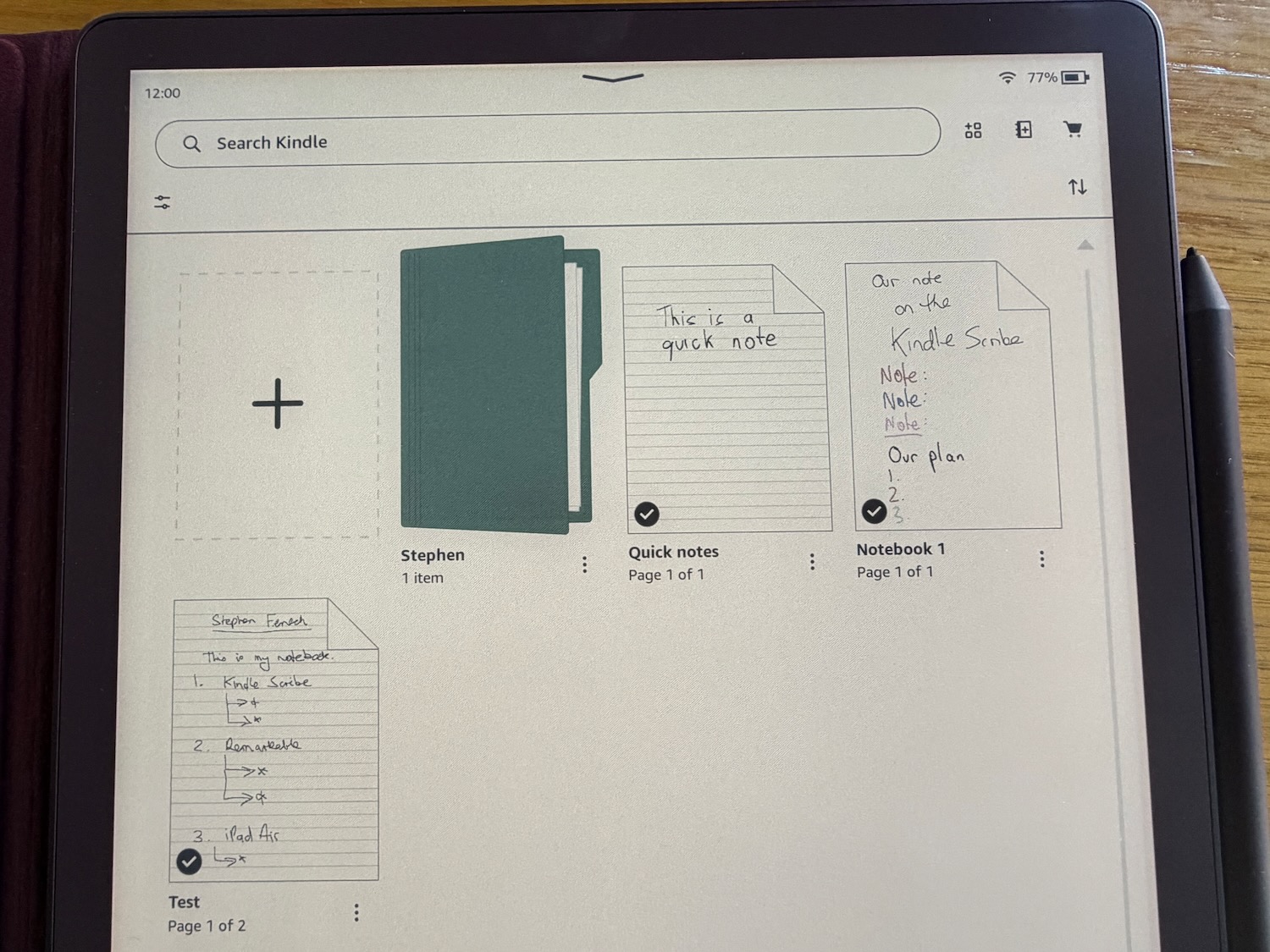
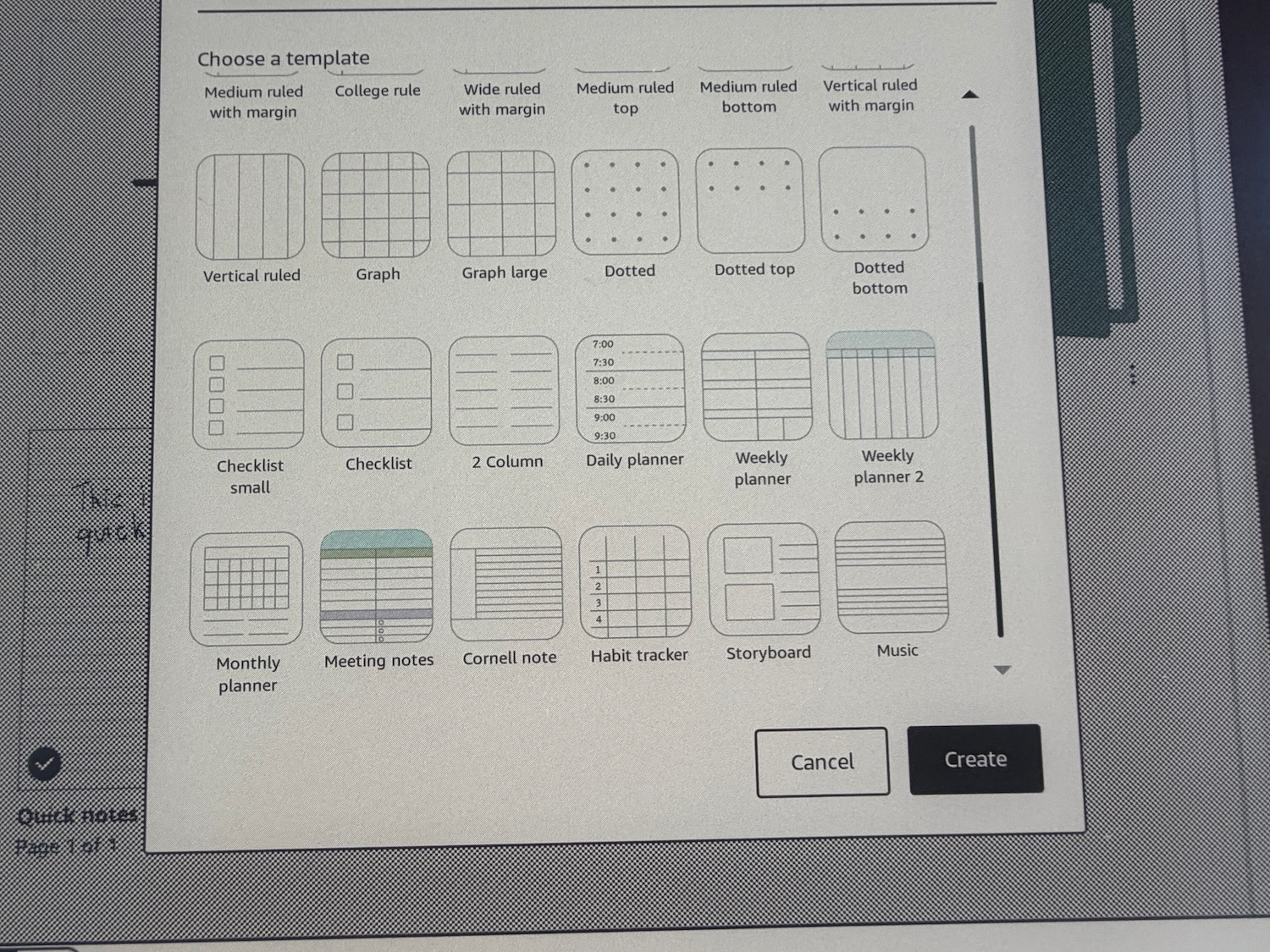
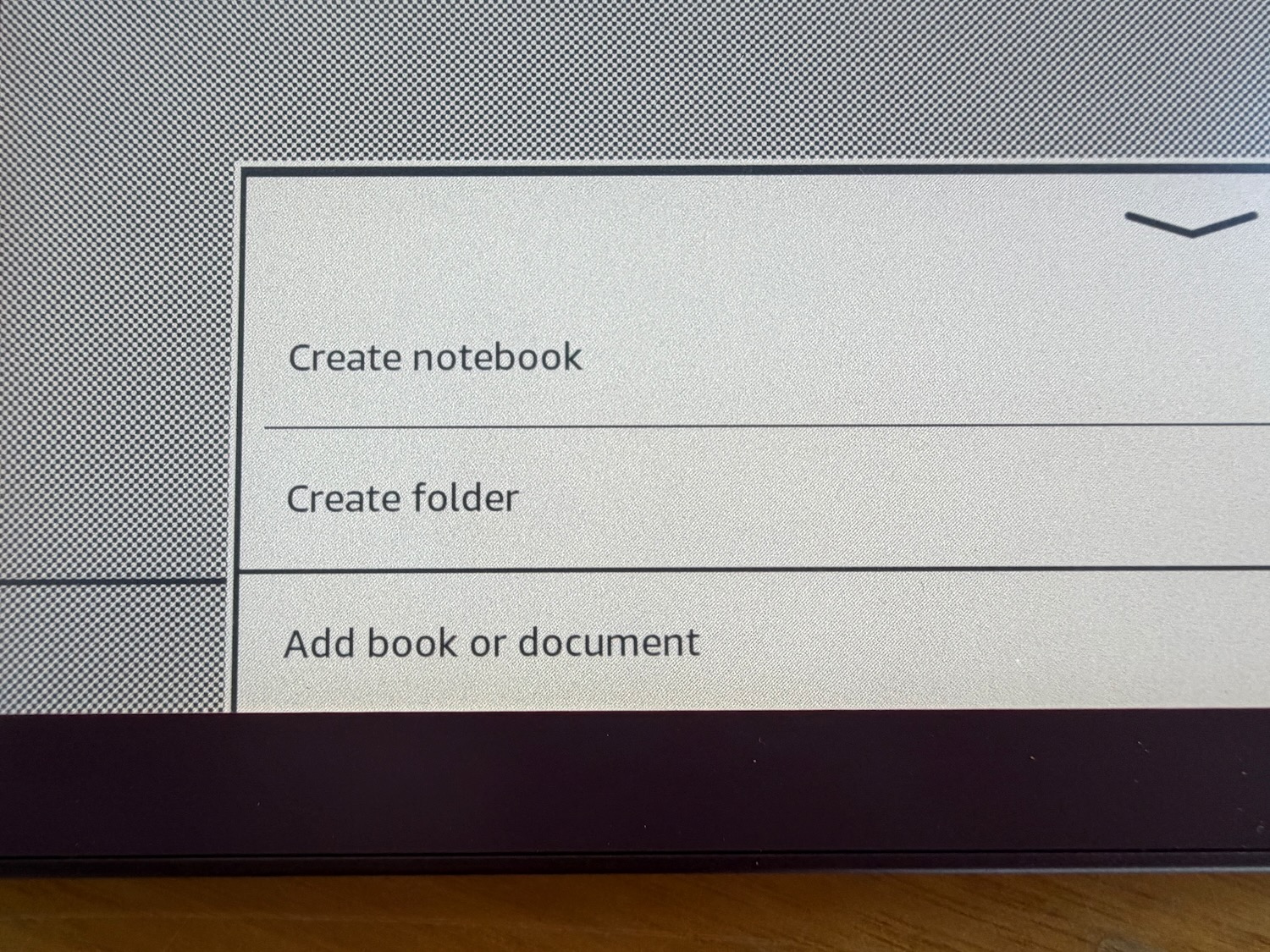
Users can organise their notes into folders and have access to various templates to accommodate the various documents you want to create whether you want ruled lines or dots, a yellow legal pad, larger graphs, a daily planner, a weekly planner, a storyboard, meeting notes and even music sheets.
It is a truly versatile notebook that be organised so that everything is at your fingertips.
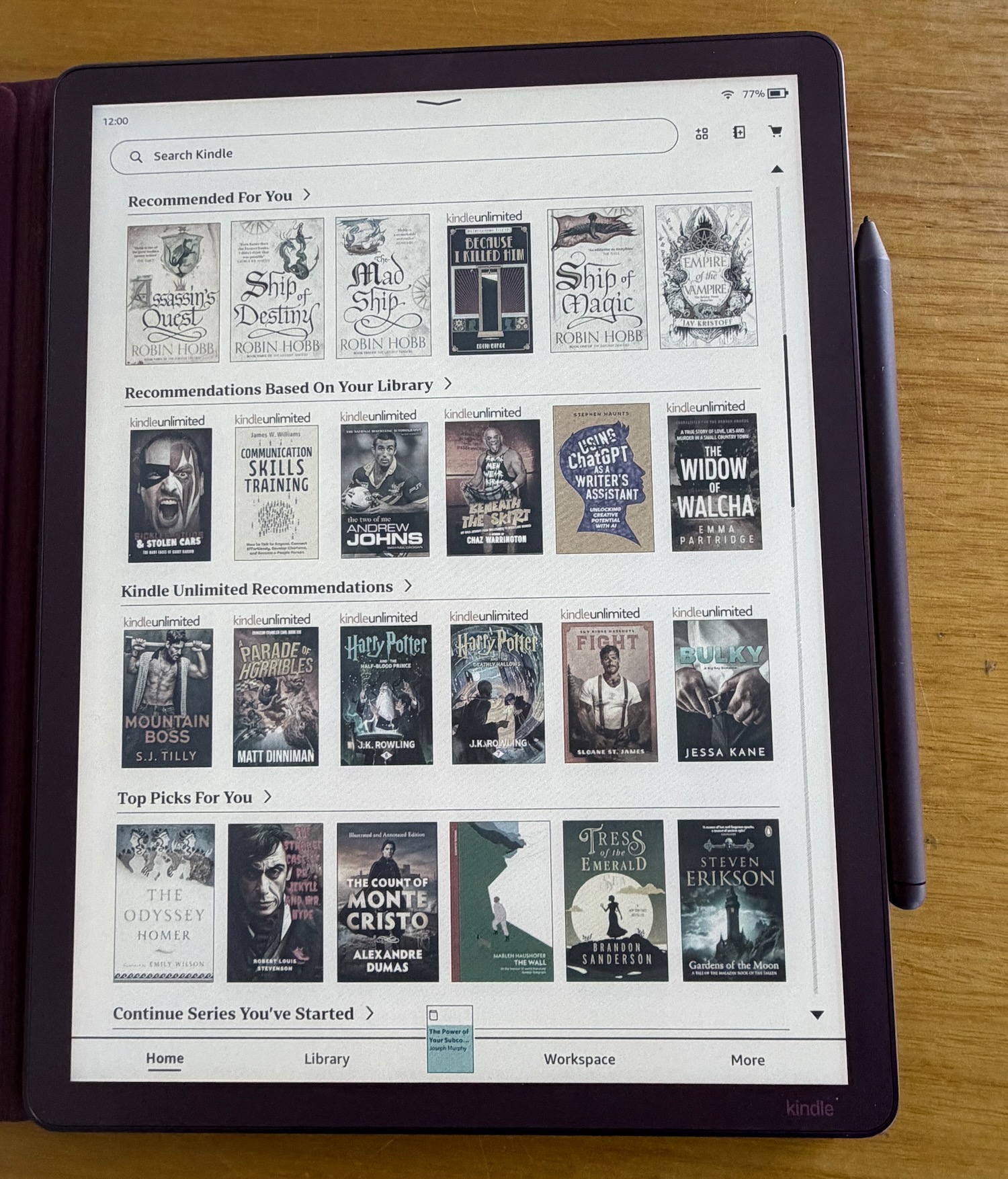
It’s also possible to link your Google Drive and Microsoft OneDrive so you can import and export your documents in seconds.
And there’s also AI on board, which allows you to search through even handwritten notes to find information and even chat about your notes to gain further insights and also generate summaries.
Within a book you can also create notes and highlight passages.
Simply use your pen to press on a word and you’re able then to drag the cursor out to include several other words.
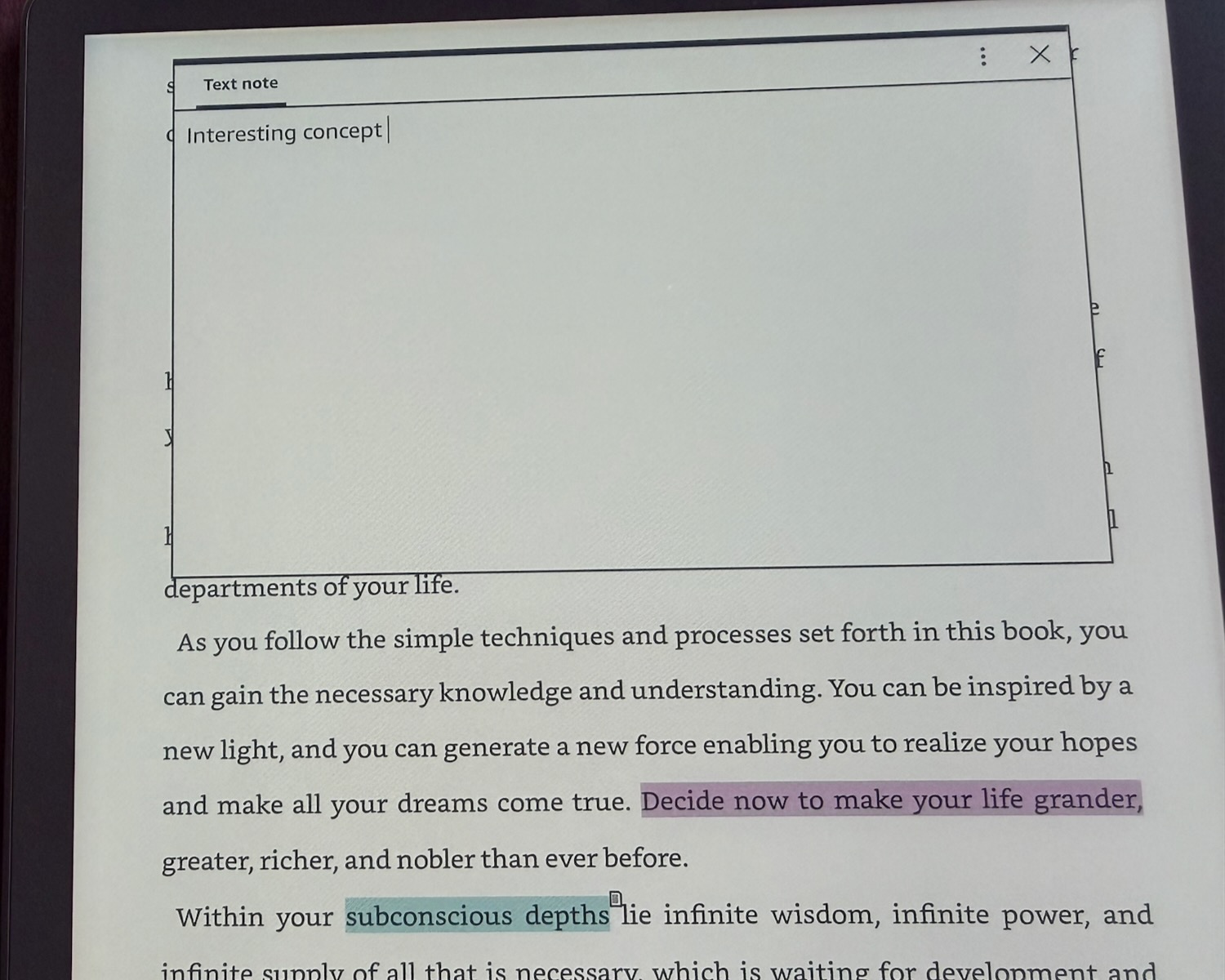
From here a pop-up appears to give you the choice of creating a highlight or a note.
If you decide on the note, it gives you the choice of writing or typing the annotation. If you choose to write with the pen, the Kindle will recognise your handwriting and convert it to text.
And when you’re done, you’ll see a tiny note symbol near the highlighted passage so you’ll know when you refer to that book that there is a note that you left here.
Unfortunately you can’t just simply write in the margins. This is the only way you can leave notes in the book you are reading.
Kobo owns the patent to the technology that allows you to write anywhere on an e-book directly on the pages.
Kindle users can only leave static notes on e-books. But on their own documents and PDFs you can write more freely.
And of course you have access to the Kindle store to purchase and download books in seconds.
Now the Kindle Scribe Colorsoft, with its 11-inch screen, is a large device that may get heavy and cumbersome after a long reading session.
Personally we love a big screen and reading a book with fewer page turns is something that we’d prefer.
But the trade-off is you are holding a larger and heavier device in your hands.
So the question is – is the Kindle Scribe Colorsoft aimed primarily at notetakers or readers?
For us it’s a no-brainer. We fit in both categories and we used all the features of the device.
For our review we loaded up all our favourite books and used it to create notes and folders.
If you want to go paperless and include a digital device in your workflow then the Kindle Scribe Colorsoft will be a good fit.
If you’re mainly a reader and want to enjoy the convenience of having all your books by your side then a smaller and less expensive Kindle may be the better option.
The other issue is the Kindle Scribe Colorsoft is not cheap and starts at $999 for the 32GB version and $1,099 for the 64GB variant.
VERDICT
The Kindle Scribe Colorsoft is a powerful device for serious readers and serious notetakers. It’s large screen and responsive writing will make the device something serious users will have by their side for hours at a time.
