

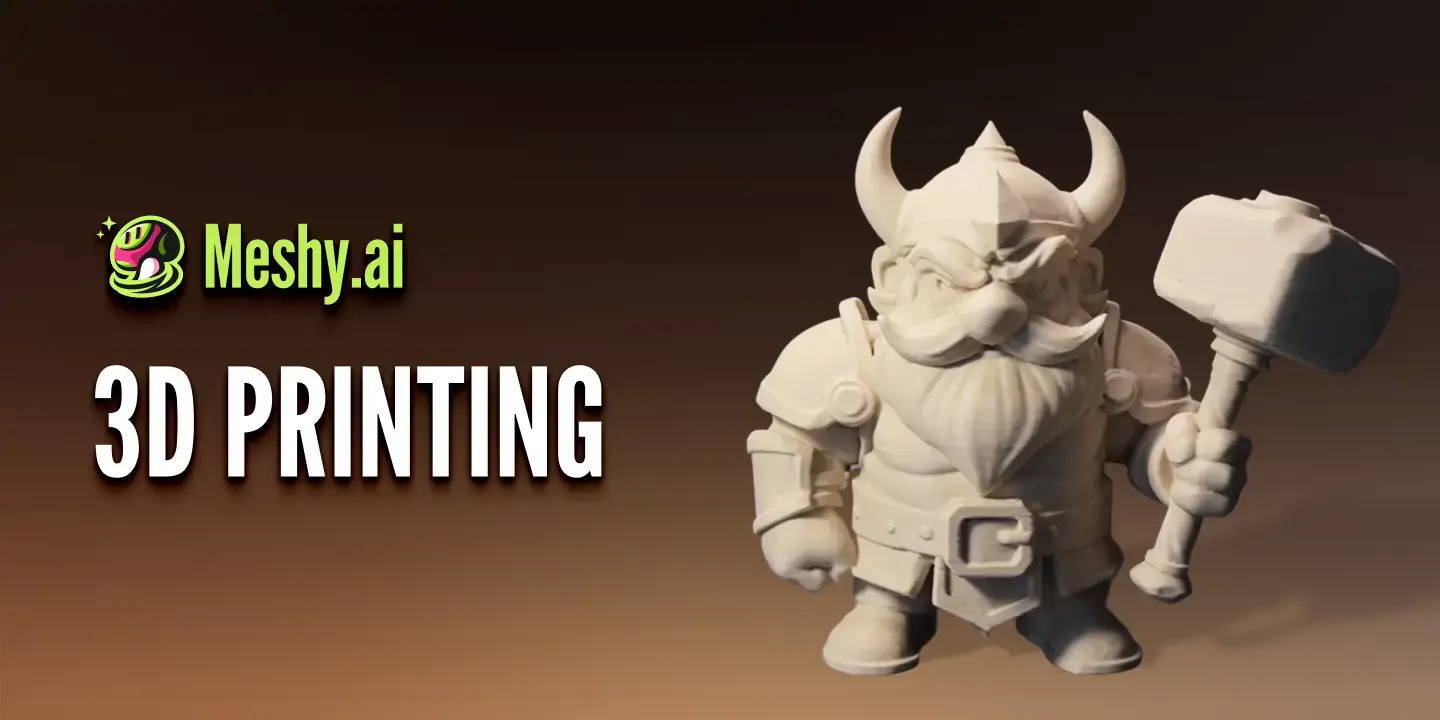


Creating a 3D model once required specialist software, a powerful computer and plenty of time spent learning modelling, texturing and file preparation.
AI 3D generators are making the first step much easier.
Instead of building every surface manually, users can now describe an object in words or upload a reference image and receive an initial 3D model. This has opened the door to game developers, designers, teachers, small businesses and 3D printing hobbyists who may have good ideas but limited modelling experience.
The technology is promising, but it is important to understand what these tools can and cannot do before relying on them for a serious project.
What Does an AI 3D Generator Actually Do?
An AI 3D generator converts a written prompt or visual reference into a three dimensional asset.
A user might enter a description such as:
A small wooden treasure chest with brass corners in a colourful game style.
The system then interprets the description and creates an estimated shape, surface details and textures.
Image based generation works in a similar way. Instead of beginning with text, the user uploads a photograph, drawing, concept image or product reference.
This can be useful when the visual direction is already clear.
The generated model can usually be rotated, inspected and exported for further work. It may also include textures, which give the object its colour and surface appearance.
The result is best understood as an initial model rather than a guaranteed finished asset.
Who Can Benefit From These Tools?
AI 3D generation is not only for professional 3D artists.
It can help several types of everyday creators.
Independent game developers
Small game teams often need many props, background objects and early character concepts.
Generating a rough asset can help a developer test scale, placement and visual style before deciding whether to invest more time in a polished version.
Designers
Product, interior and visual designers can use generated models to explore an idea from several angles.
A simple concept can become something that is easier to present to a colleague or client.
3D printing hobbyists
People who have an idea for a figure, decoration or personalised object can use AI to reach a starting model without building everything from scratch.
The output will still need to be checked before printing.
Teachers and students
A three dimensional object can sometimes explain a topic more clearly than a flat image.
AI generated models may be useful for presentations, classroom demonstrations and visual learning activities.
Content creators
Creators can use 3D assets in videos, social posts, animations, websites and digital portfolios.
The model can provide more visual options than a single static image.

Text or Image: Which Input Should You Use?
The best input depends on how clearly the idea has already been defined.
Text works well when the creator wants to explore.
A written prompt allows the user to test different styles, shapes and concepts without preparing a reference image first.
Image input is more suitable when the appearance of the object is already established.
For example, a designer with a character illustration or product sketch may want the generated model to follow the original colours and proportions.
Neither option guarantees perfect accuracy.
A text prompt may be interpreted differently from what the user imagined. A single image may not show the back or sides of the object, which means the system must make its own assumptions.
Clear input usually produces more predictable results.
Prompt Quality Makes a Difference
Short prompts can work, but they often leave too much open to interpretation.
“A robot” could produce almost anything.
A more useful prompt might describe:
- The type of object
- Its main shape
- Materials
- Visual style
- Level of detail
- Intended purpose
For example:
A compact service robot with a rounded white body, blue lights and a simple low polygon style for a mobile game.
This gives the system more direction without making the request unnecessarily complicated.
Users should also avoid asking for too many separate objects in one prompt. A request involving a character, vehicle, weapon and full environment may produce elements that blend together.
Starting with one main subject is often more reliable.
What a Tool Like Meshy Can Provide
Meshy AI is designed to turn text descriptions and reference images into textured 3D models through a browser based workflow.
This makes it accessible to users who do not want to install a complete professional modelling package simply to test an idea.
Generated assets can be exported in formats commonly used across 3D workflows. These include FBX, OBJ, GLB, STL, USDZ, BLEND and 3MF.
That range matters because different projects require different formats.
GLB is often useful for web based 3D content. FBX is commonly used in game and animation workflows. STL is widely associated with 3D printing.
Export support does not mean that every model is automatically ready for the next application. Users should still inspect the geometry, textures, scale and orientation before continuing.
The Model May Still Need Cleanup
One of the biggest misunderstandings about AI 3D generation is the idea that every result is production ready.
Generated models can contain several types of problems:
- Uneven geometry
- Incorrect hidden areas
- Distorted proportions
- Inconsistent textures
- Too many polygons
- Parts that blend together
- Missing small details
- Weak surfaces for printing
The importance of these issues depends on the project.
A rough model used in a presentation may be acceptable with very little editing.
A character intended for animation may need cleaner topology and proper rigging. A model intended for 3D printing must be checked for wall thickness, closed surfaces and physical stability.
The closer the asset gets to final production, the more important human review becomes.
It Does Not Replace Professional Modelling Software
An AI 3D generator can shorten the time needed to reach an initial concept, but it does not remove the value of applications such as Blender, Maya, Cinema 4D or CAD software.
Professional tools offer detailed control over geometry, measurements, animation, materials and final output.
AI is most useful when it handles the blank page problem.
It can create a starting point that a user can evaluate, reject, regenerate or continue editing.
Experienced artists may use it to accelerate early exploration. Beginners may use it to understand whether a 3D idea is worth developing before investing time in more advanced skills.
What About 3D Printing?
3D printing is one of the most appealing uses for generated models, but it also requires caution.
A model can look complete on screen while still being unsuitable for printing.
Before sending a file to a printer, users should check:
- Overall dimensions
- Wall thickness
- Open or broken surfaces
- Small unsupported parts
- The stability of the base
- Whether supports are required
- Whether details are large enough to print
A slicer or mesh repair tool may identify some issues, but the user still needs to decide whether the physical object will work as intended.
AI can make the first model easier to obtain. It does not remove the technical requirements of manufacturing a real object.
Hardware and Browser Requirements
Because many AI 3D tools run through the cloud, users may not need the same level of local computing power required for traditional modelling and rendering.
A modern browser and reliable internet connection may be enough for generation and previewing.
More demanding work can begin after export.
Editing a dense model, preparing animation or handling detailed textures may still require a capable computer and specialist software.
Users should therefore think of browser based generation and local editing as parts of the same possible workflow rather than competing approaches.
Consider the Intended Use Before Generating
It is easy to generate a large collection of models without a clear plan.
A better approach is to define the purpose first.
Ask:
- Is this a rough concept or a final asset?
- Will it be used in a game, website, presentation or print?
- Does it need exact dimensions?
- Will it need animation?
- How much cleanup can the project support?
- Which export format is required?
- Does the final model need to match a real product accurately?
These questions help users judge whether an AI generated result is good enough for the job.
A model that is perfectly suitable for a concept board may be unsuitable for manufacturing. A background game prop may require less refinement than a main character.
A Sensible First Workflow
New users can keep their first experiment simple.
Start with one clearly defined object.
Write a specific prompt or upload a clean reference image with the subject easy to see. Generate several variations rather than expecting the first result to be perfect.
Inspect the model from every angle.
Check the textures, hidden surfaces and proportions. Export the strongest result in a format that suits the intended project.
Then decide whether the model needs further editing.
This process is more useful than generating dozens of unrelated assets without testing how they behave outside the platform.
The Bottom Line
AI 3D generators are making three dimensional creation more accessible.
They can help ordinary users turn a written idea, sketch or photograph into something that can be rotated, reviewed and developed further.
Their main advantage is speed at the beginning of a project.
They reduce the effort needed to create a first model, which makes experimentation easier for game developers, designers, students, makers and content creators.
The trade off is that generated results still require judgement.
Some models will be useful immediately for visualisation. Others will need cleanup, resizing, texture correction or complete rebuilding before they are ready for professional use.
The best way to approach AI 3D is not to expect a finished masterpiece from every prompt.
Treat it as a fast creative starting point, then decide how much human work is required to take the idea further.
