

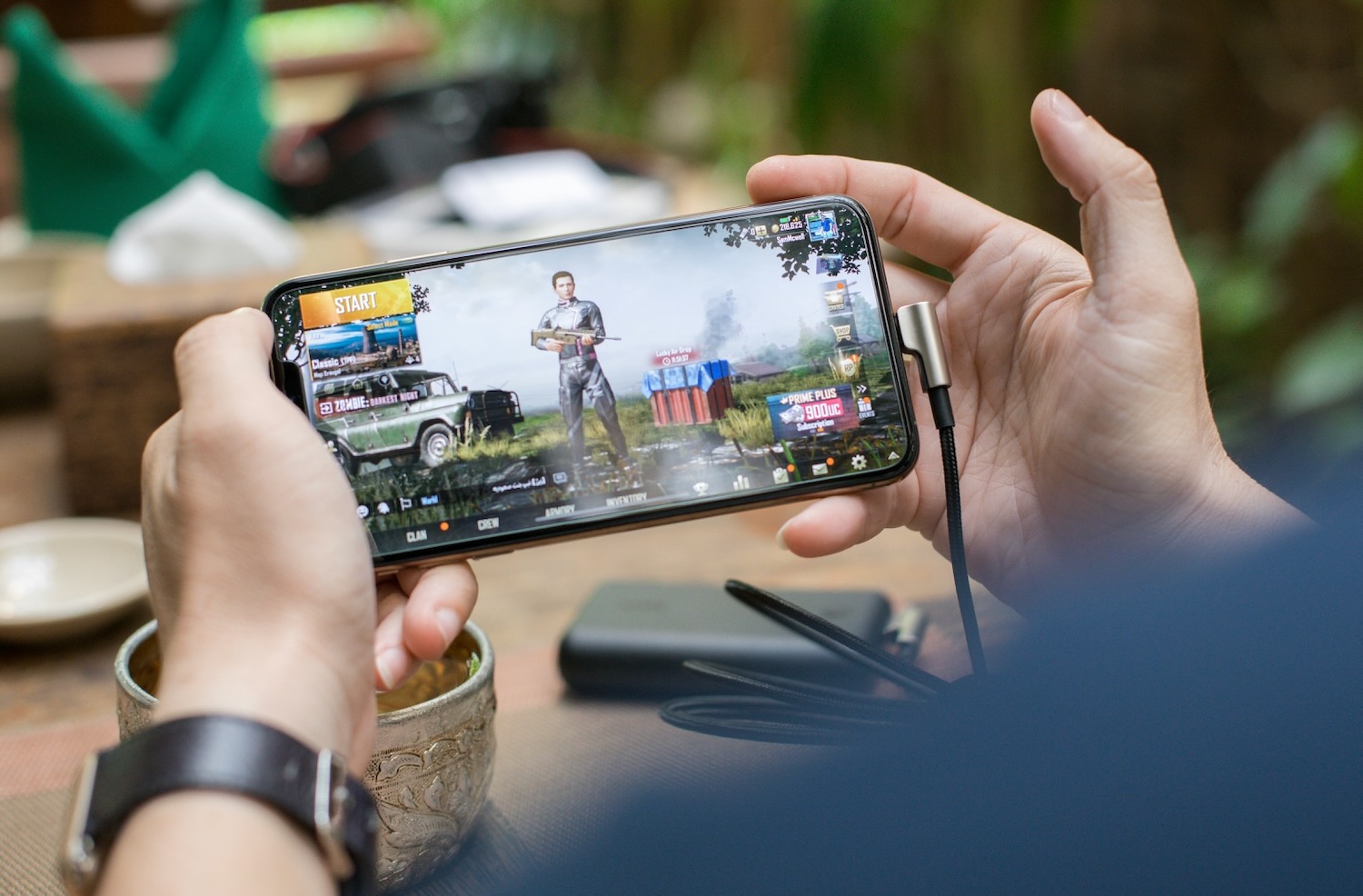


Your phone got you into Cookie Run Kingdom, Epic Seven, and Blue Archive. It is also the reason those same games now feel cramped.
If daily commissions leave your device burning, your thumbs aching, and your storage begging for mercy, you are not “playing wrong.” You have simply outgrown the hardware the genre now demands.
Modern mobile RPGs are no longer five-minute time-killers. They are open-world gacha games with console-scale maps, long story patches, and live-ops calendars that punish missed stamina. That is why mobile RPG players are moving beyond smartphones and why so many of them now play mobile games on PC through an Android emulator.
Even a flagship phone struggles during long RPG sessions. Two-hour boss farms and exploration quickly expose its limits.
What actually breaks the phone experience is:
- Thermal throttling: Open-world RPGs keep the SoC loaded. Heat climbs, frames drop, and combat starts to hitch.
- Battery anxiety: High graphics plus 60 FPS can drain a pack in a single session.
- Tiny UI: Mini-maps, relic stats, and team menus were designed for thumbs, not for reading every modifier at a glance.
- Storage pressure. Titles like Genshin Impact already eat tens of gigabytes, and every patch asks for more.
- Touch fatigue: Precise camera control, timed parries, and menu-heavy gacha management do not love a glass slab.
What RPG Players Actually Came For
Mobile RPG players over-index on mastery, progression, and community, not just “something to tap on the train.” They want characters to grow, builds to matter, and time spent to show up on screen.
That motivation collides with phone limits. You cannot study a skill tree, manage two accounts, and farm a domain comfortably on a 6.5-inch panel while the chassis cooks your hand. The genre got bigger. The device did not.
Phone vs. PC: What the Shift Happens
| Pain on smartphone | What changes on PC |
| Heat and frame drops | Desktop cooling and stable high FPS |
| Small screen, fat fingers | Monitor, mouse, and keyboard mapping |
| One account at a time | Multi-instance rerolls and alts |
| Battery + storage panic | Plugged-in sessions and hard-drive space |
| Same servers, same UID | Progress stays on your existing account |
As you can see, the game does not change. The box it runs in does. An Android emulator copies the Android environment onto Windows, so you keep the same Play Store title, the same account, and the same world chat, only now the PC does the heavy lifting.
Why LDPlayer Fits Heavy RPG Play
Players who spend hours in games like Arknights or Chaos Zero Nightmare need stable FPS, multi-instance support, and tools that reduce repetitive tasks.That is why many RPG players choose LDPlayer for PC gameplay.
What RPG mains actually use are:
- High, stable FPS on mid-range PCs for smoother exploration and combat.
- Android 14 compatibility for newer game updates.
- Unlimited multi-instance sync for rerolls and alternate accounts.
- Operation Recorder and macros for daily commissions and auto-battles.
- Key mapping and controller support for more comfortable controls.
- No battery clock. Plug in and play through the story instead of watching the percentage fall.
You still take the phone on the commute. Home sessions which are the ones that decide whether you clear endgame or rage-quit a 20-minute load belong on a monitor.
How to Move Without Losing Progress
- Download and install LDPlayer on an SSD.
- Sign into the same Google account you use on Android.
- Install the game from Play Store or LD Store.
- Log into your existing UID. Cross-progression does the rest.
- Bind keys, cap FPS for stability, then clone instances only if your RAM can hold them.
Start with one window. Add multi-instance after the main account feels locked in. Bind guest data immediately so a wipe does not eat a lucky pull.
Conclusion
So, why does this happen? Why are RPG players moving on beyond smartphones? They are not abandoning mobile RPGs. They are refusing to let a pocket computer limit a genre that now asks for hours, not minutes. Bigger screen, cooler hardware, better controls, and smarter grinding are not “PC elitism.” They are the same mastery instinct that made you pull for a limited character in the first place.
Keep the smartphone for dailies on the bus. When the next patch drops a new region, open it on LDPlayer, and play the game the way it was always trying to be played.
Summary: Why mobile RPG players are moving beyond smartphones, and how the best Android emulator unlocks bigger screens, stable FPS, and smarter PC grinding.
