

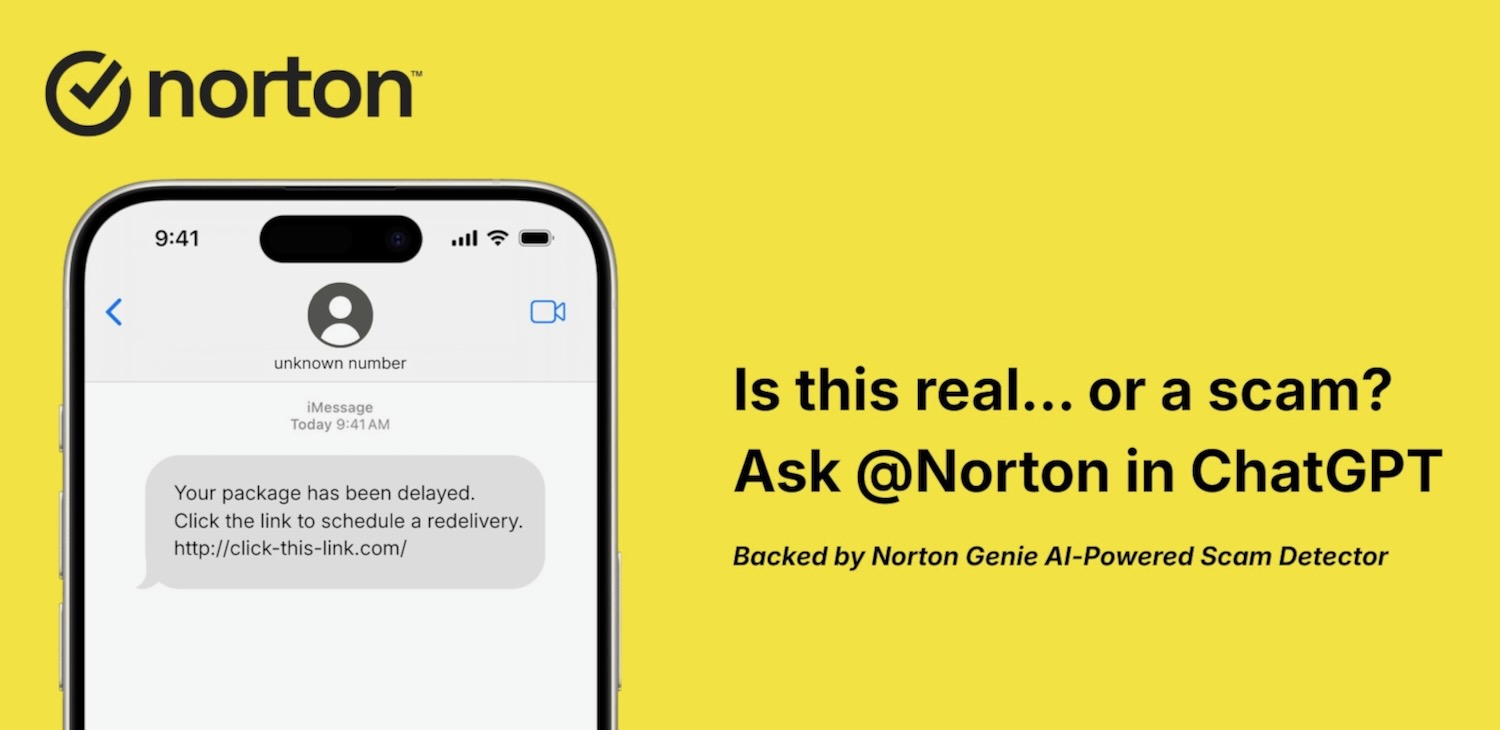


Norton has launched the Genie AI-powered scam protection tool inside ChatGPT to give users access to trusted security intelligence.
Leading internet security company Norton, part of the Gen group, created the Genie app to help users work out if a message or email was legitimate or a scam.
The vital tool uses AI to assess the threat and check it against known threats and scams.
Now the app has been launched as a tool within ChatGPT to make it easier to check suspicious emails, text, messages, images and links and get instant guidance on whether it is safe, risky or a scam.
And seeing so many users are turning to ChatGPT for their inquiries, Norton is now lending a hand to help users when they asked the question “is this legitimate”?
“AI is quickly becoming part of our daily lives. People are already asking ChatGPT whether they should click, pay, or respond,” said Leena Elias, Chief Product Officer at Gen.

“With Genie in ChatGPT, we are extending Norton’s scam analysis and advice directly into those conversations.
“In addition to the comprehensive protection people receive with Norton 360, we’re helping them make safer decisions in the moment.”
According to Norton’s latest Gen Threat Report, more than 90% of threats targeting people in 2025 came from scams.
But the challenge is that many of these attacks are designed to look convincing and ordinary which makes it hard to determine if it’s real or not.
Now users can make sense of suspicious messages with the Norton Genie app in ChatGPT which can answer all kinds of questions that people face every day including:
– “@Norton, this email says my account will be locked if I do not act now. Is this a scam?”
– “@Norton, I got a text about a missed delivery with a link. Should I click it?”
– “@Norton, this message looks like it’s from my bank, but something feels off.”
– “@Norton, is this online deal real, or is it trying to steal my information?”
This way Norton looks at the complete message and its full context and uses AI to examine the language, intent and tactics that are being used.

It also checks the URL and domains to spot popular scam patterns like impersonation, pressure to act quickly and requests for sensitive information.
The result is clear and easy to understand guidance which explains why something may have looked risky and what steps to take including not clicking a link, avoiding a reply or deleting the message altogether.
The Norton Genie app inside ChatGPT has been designed to be easy to use with users able to simply paste in messages or images to check for scams and ask for guidance.
How to Use Norton in ChatGPT
– Log in to ChatGPT
Apps are available once you are signed in.
– Open the Apps section
Visit the ChatGPT app directory.
– Find and enable Norton
Search for the official Norton app and click Connect to enable it.
– Use @Norton in your chat
Get started by asking questions like “@Norton, is this a scam?”
Start questions with @Norton any time you want help checking a message, email, link, or image, or when you have questions about staying safe online.
Norton in ChatGPT is available across the Free, Plus, Team and Enterprise tiers of ChatGPT where apps are supported.
