

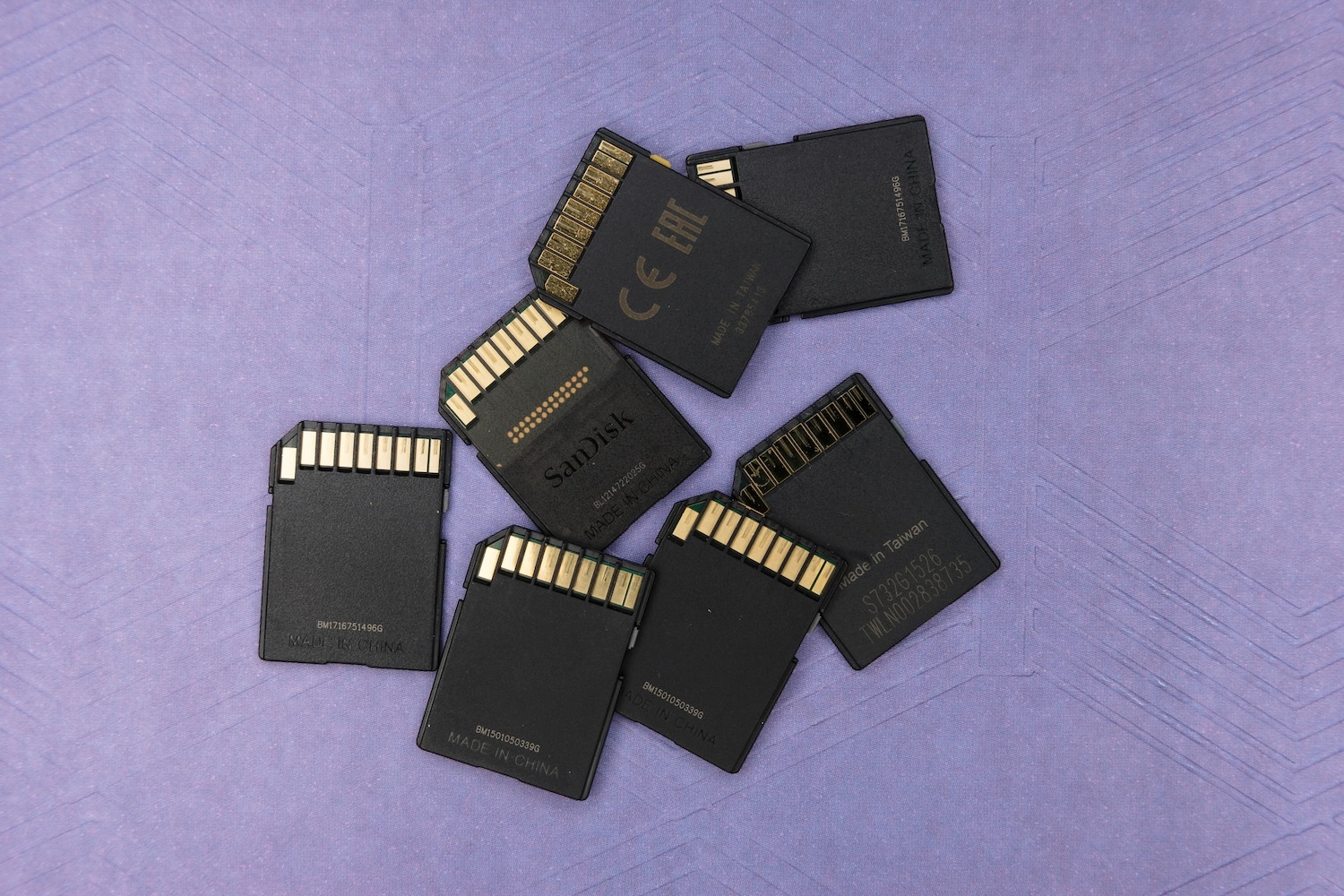


Phones now ship with a terabyte of storage, and microSD cards run past 1TB, so a 32GB SD card can look outdated. It isn’t.
It’s still one of the best-selling card sizes, because for a lot of everyday devices it’s simply the right amount of storage — at a lower price, and with fewer compatibility problems.
The problem is that cheap, small cards are also the easiest to get wrong. It’s where you’re most likely to buy a card that’s too slow, fake, or a size your device can’t use. Here’s when a 32GB card is the right choice, and how to make sure the one you buy actually works.
Why bigger isn’t always better
It’s tempting to assume more gigabytes is always an upgrade. For plenty of gear, it isn’t — for two reasons.
First, many devices simply can’t use large cards. Anything that takes an SDHC card tops out at 32GB and expects the older FAT32 file system. Drop a 256GB card into one of these, and it may not be recognized at all. Older cameras, entry-level dashcams, audio recorders and countless single-purpose gadgets fall into this group.
Second, some devices are designed to record in a loop, constantly overwriting the oldest files — dashcams and many security and trail cameras work this way. They never need to hold months of footage, so paying for enormous capacity is money you’ll never get back. What matters far more is that the card is reliable and fast enough to keep up.
Whatever the device, the goal is the same: match the card to what it actually needs — and start with a genuine, correctly-specified 32GB SD card from a source you trust, rather than the cheapest unbranded option in a marketplace.
The devices where 32GB is the sweet spot
A 32GB card is often the ideal match for:
- Dashcams that loop-record your drive
- Home security cameras and outdoor trail cameras
- Drones capturing short flights
- Handheld and retro gaming devices
- Older digital cameras and camcorders
- Voice and field audio recorders
- Any single-purpose device where you just need dependable, no-fuss storage
For these, 32GB hits the sweet spot of price, compatibility and reliability. You can also buy several for the cost of one high-capacity card — handy if you rotate cards or run more than one device.
How much can a 32GB card actually hold?
More than most people expect. Exact figures depend on your device’s quality settings, but as a rough guide, 32GB will store somewhere around:
- 5,000–8,000 photos from a typical 12-megapixel camera or phone (JPEG)
- Roughly 4–6 hours of 1080p video — plenty for a dashcam that loops over the day
- Around 40–60 minutes of 4K video
- Hundreds of hours of compressed audio recordings
For the loop-recording and single-purpose devices above, that’s comfortably enough — which is exactly why 32GB remains such a practical size.
When it’s worth sizing up
None of this means 32GB is always the answer. If you shoot 4K video, record long action-camera sessions, capture RAW photos in rapid bursts, or leave a trail camera unattended for weeks between visits, a larger 64GB or 128GB card earns its keep — you’ll spend less time swapping cards and less time worrying about running out mid-session. Video creators and serious photographers usually sit in this camp, and for them the extra capacity is money well spent.
The buying rules don’t change, though. Whatever size you land on, prioritise sustained speed, choose endurance for anything that records continuously, and buy genuine stock over a suspiciously cheap listing. The point isn’t that small is always better — it’s that the right size is the one that matches how the device is actually used. For a huge range of everyday gear, that number is still 32GB.
What to look for when buying one
Speed. Look for Class 10 and a UHS-I rating (U1 or U3), plus a video speed class such as V10 or V30 if you’re recording video. Ignore the big “up to” number on the front — what matters is the sustained speed, which is what stops footage dropping frames.
Endurance. If the card lives in a dashcam or security camera that records around the clock, choose a “High Endurance” card. Everyday cards are built for occasional use — a few photos, then offload and repeat — and they wear out quickly under constant recording, often failing silently right when you need the footage. High-endurance cards are rated for far more write cycles and cope better with heat and cold, which matters for a camera sitting in a car or strapped to a tree.
Format and form factor. Check whether your device takes a full-size SD or a microSD card, and remember a 32GB card is SDHC, formatted FAT32 — which is exactly what most of these devices expect.
Watch out for fakes
Counterfeit memory cards are a genuine problem, and 32GB is a favourite target precisely because the cards are cheap. The classic scam is a card that reports a larger capacity than it really has, so it appears to work until it quietly starts dropping or corrupting files. On a marketplace, “commingled” inventory means even a legitimate-looking listing can ship a card someone else returned.
The defenses are simple: buy name-brand cards from a reputable source with proper stock control, be skeptical of prices that look too good to be true, and — for anything important — test a new card’s real capacity before you rely on it.
Format it right, and it’ll last longer
Once you’ve got a good card, format it in the device that will use it, or with the SD Association’s free SD Memory Card Formatter, rather than your computer’s built-in tool. The official formatter sets the card up correctly for its flash layout, which helps both performance and longevity. Reformatting every so often — after backing up anything you want to keep — also clears out fragmentation and keeps the card running cleanly.
The bottom line
A 32GB SD card isn’t a downgrade. For dashcams, security and trail cameras, drones, handhelds and older gear, it’s frequently the right choice. Buy one that’s fast enough for the job, endurance-rated if it’ll be recording non-stop, and — above all — genuine. Get those three things right, and a cheap 32GB card will often outlast the device you put it in.
