

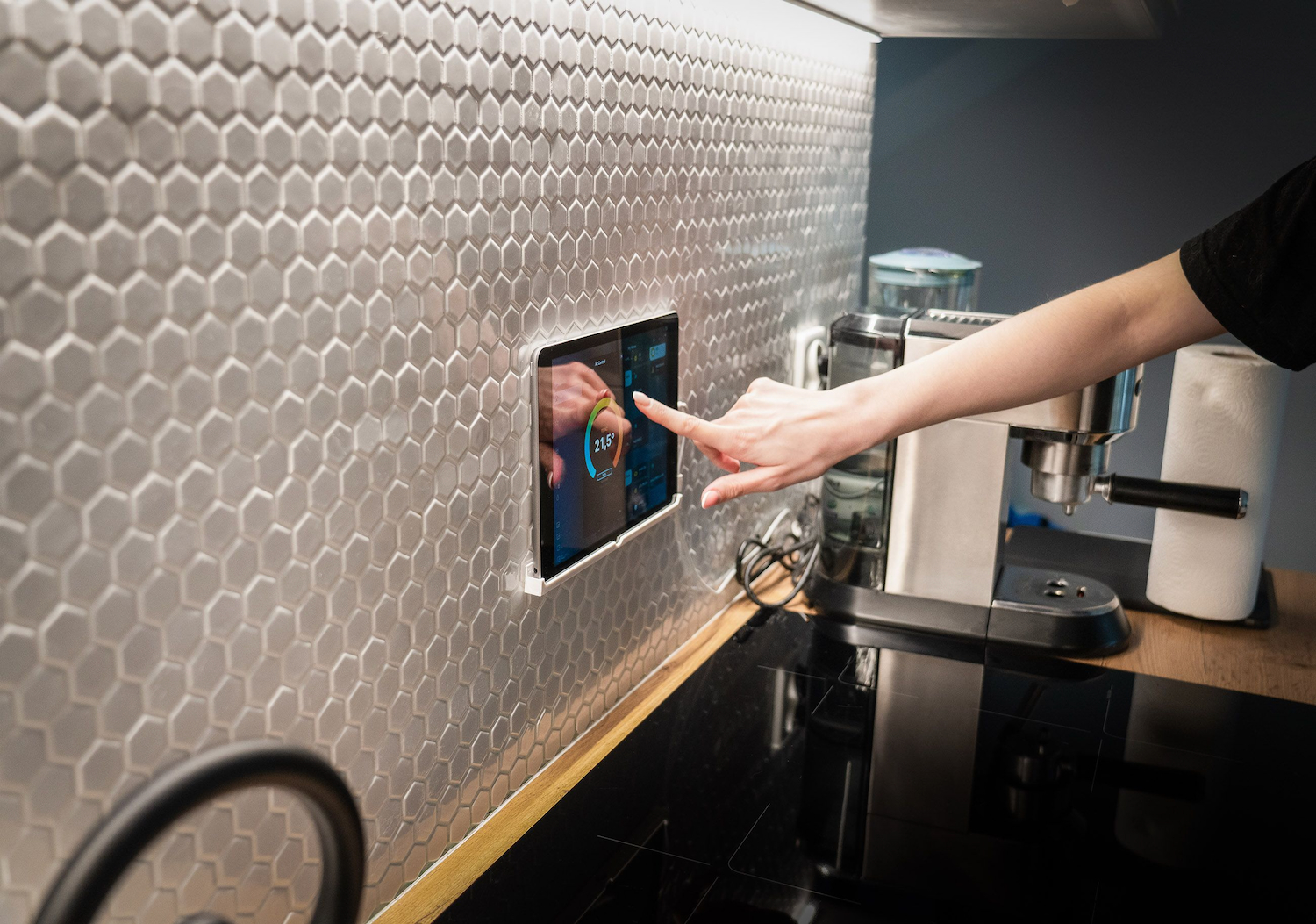


Most people think “smart home” means voice assistants and colour-changing light bulbs. In practice, the upgrades that pay off aren’t the flashy ones. They’re the boring, high-impact changes that quietly cut your energy bill and remove a dozen small annoyances from daily life.
Here are five worth making, in the order they’re worth making them.
1. Make Your Air Conditioners and Split Systems Smart
Heating and cooling account for around 40 percent of household energy use, according to the Australian Government’s YourHome energy guide, which makes this the highest-impact upgrade on the list by a wide margin. Not the flashiest one. Just the one that actually moves the needle on your power bill.
A smart-enabled system lets you control temperature and scheduling from an app instead of walking to a wall unit. That sounds like a minor convenience until you’ve used it. Set the system to a low-power mode before you wake up, have it ramp up before you get home from work, and stop paying to heat or cool an empty house all day.
The details depend on what you’re starting with. Ducted systems get the biggest gains from zoning, directing airflow only to the rooms in use instead of conditioning the whole house. Split systems work differently: since each unit already conditions a single room, the upgrade is usually about adding app-based control via a Wi-Fi adapter, letting you schedule and manage air conditioners and split systems from your phone rather than a wall remote. Either way, it’s rarely a full system replacement, just an add-on to what you’ve already got.
One thing worth knowing: if your internet drops out, a properly designed system doesn’t stop working. You lose the app control and any geofencing automations, but the unit itself still runs fine off its standard remote or wall controller. That’s not true of every smart device on this list, and it’s worth checking before you buy.
2. Sensors and Automation Rules
Once climate control is sorted, sensors are the next logical step. Occupancy sensors detect whether a room’s actually being used and adjust accordingly. Temperature and humidity sensors feed that data back into your system so it’s reacting to real conditions, not just a fixed schedule.
Geofencing takes this further; your home starts responding to your location rather than the clock. Leave for work and the system drops into an energy-saving mode. Head home and it starts adjusting before you’re through the door. It’s a small thing, but it’s the difference between a “smart” home and one that’s just remote-controlled.
3. Voice and Hands-Free Control
This is the upgrade most people install first, and honestly, it’s better as step three. Voice control through Google Home, Amazon Alexa or Apple Siri is genuinely useful once you’ve got climate control and sensors already talking to each other. Bolt it onto a house with none of that groundwork and you’re just asking a speaker to do what a remote already did.
Where it earns its place is in tying separate systems together. “Set the lounge to 21 degrees” is a nice trick with one device. It’s a real upgrade when that same command also checks whether anyone’s actually in the lounge.
4. Smart Lighting
Lighting is the cheapest, most visible upgrade on this list, and it’s a reasonable place to dip a toe in if you’re not ready to commit to a bigger system. Scheduling, dimming and presence-based lighting, switching off automatically once a room’s been empty for a few minutes, are straightforward to set up. Smart bulbs in particular don’t require any wiring changes, since they screw into existing fittings and connect over Wi-Fi or Bluetooth.
The energy savings here are real but modest compared to climate control. Think of this one as quality-of-life first, efficiency second.
5. Smart Plugs and Usage Monitoring
Last on the list, and the lowest-cost entry point of the five. Smart plugs retrofit existing appliances, the ones you’re not replacing anytime soon, into your automation setup without replacing the appliance itself. Plug in a lamp, a heater, or a fan, and suddenly it’s schedulable and remotely switchable.
The bigger value is visibility. Usage monitoring shows you which appliances are actually driving your power bill, which is often more useful than any single automation rule. It’s a good last step precisely because by this point you already know where the real savings are; this just confirms it.
Where to Start
You don’t need to do all five at once, and trying to is usually where people give up. Climate control first, since it’s where the actual savings live. Everything after that is about making the system smarter, not just bigger.
A connected home isn’t a single purchase. It’s a handful of decisions made in the right order, each one building on what came before it.
