




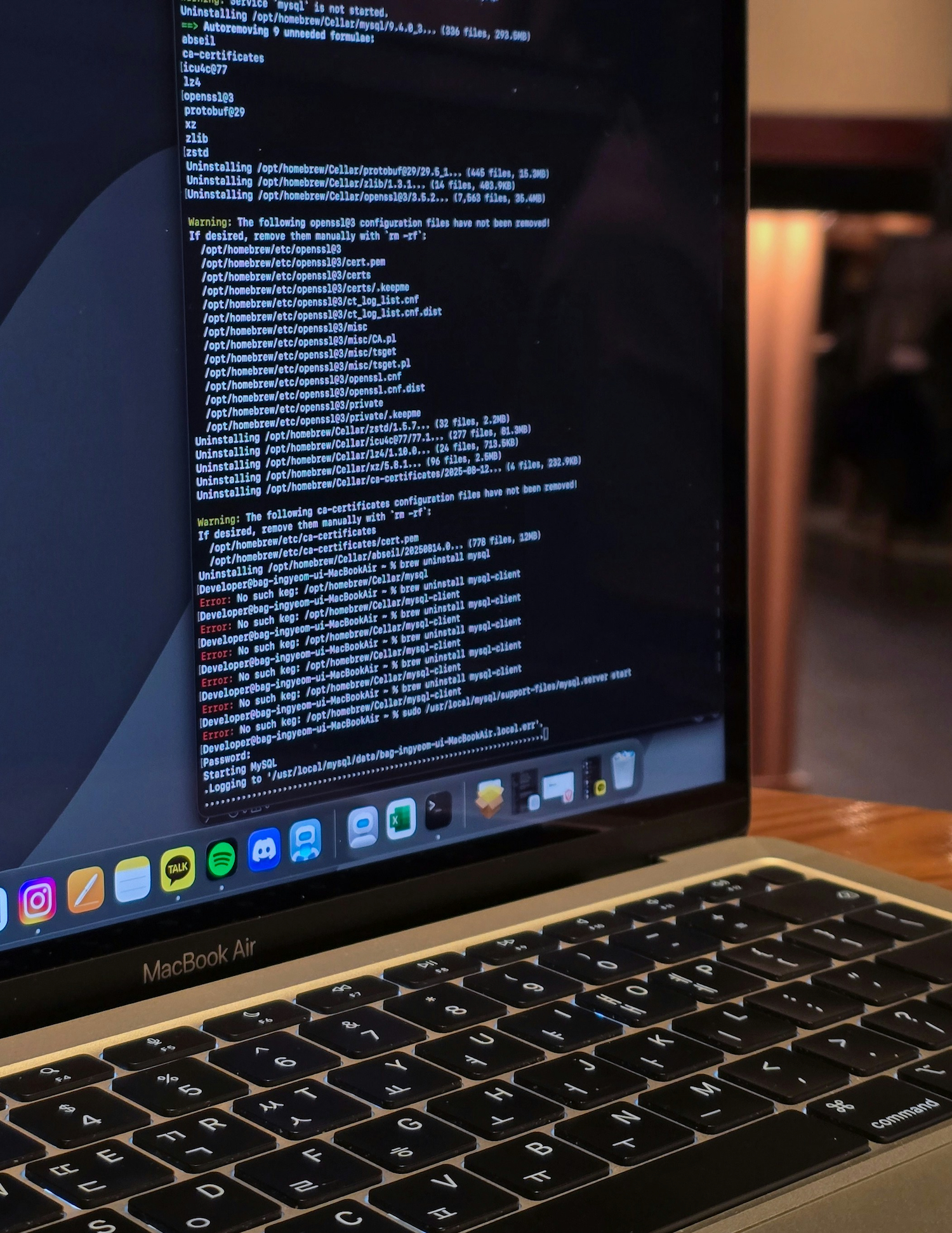
For many macOS users, the built-in Terminal still provides enough functionality for day-to-day work. But if you regularly work with SSH sessions, remote servers, containers, large logs, or multiple projects at once, its capabilities quickly become insufficient.
That’s why many developers with system administrators are switching to modern Mac terminal emulator solutions. The ones which offer flexible customization, better performance, and convenient tools for multitasking. By 2026, the market for third-party terminals had matured. The leading projects are developed openly, actively support Apple Silicon, and utilize GPU acceleration. Also, they offer features that truly save time. And they don’t try to replace the shell or your macOS CLI tools. Instead, they enhance the very process of interacting with the command line.
What to Consider Before Switching to a Different Terminal
Before choosing one of the Mac terminal alternatives, first analyze what features truly impact your daily productivity. Since there are now many more modern terminals available for macOS, their capabilities can vary greatly because of your use case. If you are interested in quickly comparing the most notable options, check out the best Terminal alternatives for Mac, which lists popular choices and briefly explains how they differ from the standard Terminal. Doing so will help you get a basic understanding of the toolsavailable. Thus, allowing you to more easily evaluate specific options for your own workflow. For developers and power users, the key criteria are generally:
- Rendering speed,
- Unicode and font handling,
- Support for split panes,
- Automation capabilities,
- Integration with modern macOS command-line tools.
1. Ghostty
It is a modern terminal focused on performance.
GPU acceleration. Fast rendering
Ghostty has become one of the most talked-about Mac terminal emulator projects thanks to the combination of high speed and modern architecture. GPU acceleration for text rendering is used. This is especially noticeable when you’re working with large output streams or complex command-line interfaces. On Apple Silicon, Ghostty runs very smoothly even with multiple active sessions and a large number of open panels.
Minimalism without functionality loss
Ghostty isn’t cluttered with unnecessary interface elements. Configuration is handled via a configuration file. It is really convenient for those users who sync their environment across multiple machines. Those ones who value fast startup times and minimal resource usage, this alternative is one of the most interesting developer utilities 2026.
2. Warp
It can be described as a new approach to working with the command line.
Block-based command structure
Warp introduced a concept that differs from classic terminals. Commands and their output are organized into separate blocks. This makes navigating the command history much more convenient. It’s especially useful during long sessions when you need to quickly return to a specific result without endlessly scrolling through the buffer.
Tools for modern command-line scenarios
Warp features built-in autocomplete and enhanced command editing capabilities, as well as convenient handling of large text fragments. It’s well-suited for those developers who frequently work with modern macOS CLI tools, DevOps tools, and complex shell scripts. However, note that Warp gives a more specialized approach to the interface, which may not appeal to all users of classic terminals.
3. iTerm2
It can be considered the most versatile option.
Automation. Integrations
iTerm2 supports:
- Triggers and automatic profiles,
- Integration with tmux and advanced copying,
- Custom hotkeys and AppleScript.
It remains one of the most feature-rich options for users which actively use Docker, SSH, Kubernetes, and other macOS command-line tools.
Split panes. Search. Profiles
Among macOS power users, one of its main advantages is that iTerm2 combines a vast array of features with high stability. Split panes allow you to work with multiple shell sessions in a single window. Meanwhile, powerful search capabilities within the history buffer greatly simplify the analysis of logs and command execution results.
4. Kitty
It’s all about speed and extensibility.
Advanced features
Kitty supports:
- An advanced hotkey system,
- Window management and remote control,
- Transfer of graphical content between apps, and other specialized features.
Its configuration is well documented. The ecosystem of plugins and additional tools continues to evolve. If you need maximum control over terminal behavior, many users consider Kitty as one of the strongest terminal alternatives for Mac.
High performance
Kitty handles fast screen updates, large amounts of text, and complex Unicode characters with ease. The difference in smoothness can be quite noticeable for users who work with large logs, system monitoring, or resource-intensive terminal apps.
5. WezTerm
Experience maximum customization flexibility.
Tabs. Panes. Cross-platform support
WezTerm works well not only on macOS but also on Linux and Windows. It supports tabs, split panes, GPU acceleration, and modern font rendering. For teams that use the same environment across different operating systems, this can be a major advantage. Among power-user software, WezTerm is often chosen precisely because of its deep automation capabilities.
Configuration via Lua
While iTerm2 is known for its wealth of built-in features, WezTerm stands out primarily for its flexibility. It uses Lua for configuration, allowing you to programmatically control virtually every aspect of the terminal’s behavior. Thus, many experienced users can create a fully customized working environment.
Which Terminal to Choose in 2026
Different tools are optimized for the different use cases.
If you need maximum speed and modern rendering, you might want to check out Ghostty or Kitty.
If you’re interested in a fundamentally different interface and improved command history navigation, then Warp might be the most productive option.
If mature features, automation, and proven stability are your top priorities, iTerm2 remains a very strong choice.
If you enjoy customizing your own working environment, WezTerm offers virtually unlimited configuration options.
Conclusion
A modern Mac terminal emulator has become a central part of the workflow for developers, system administrators, and technical specialists. It affects the speed of navigation, session management, and interaction with infrastructure. The best choice depends not on the number of features, but on how well the terminal supports your specific work style. That’s why you should test several solutions and evaluate them not only based on their feature lists, but also in real-world work scenarios.
