

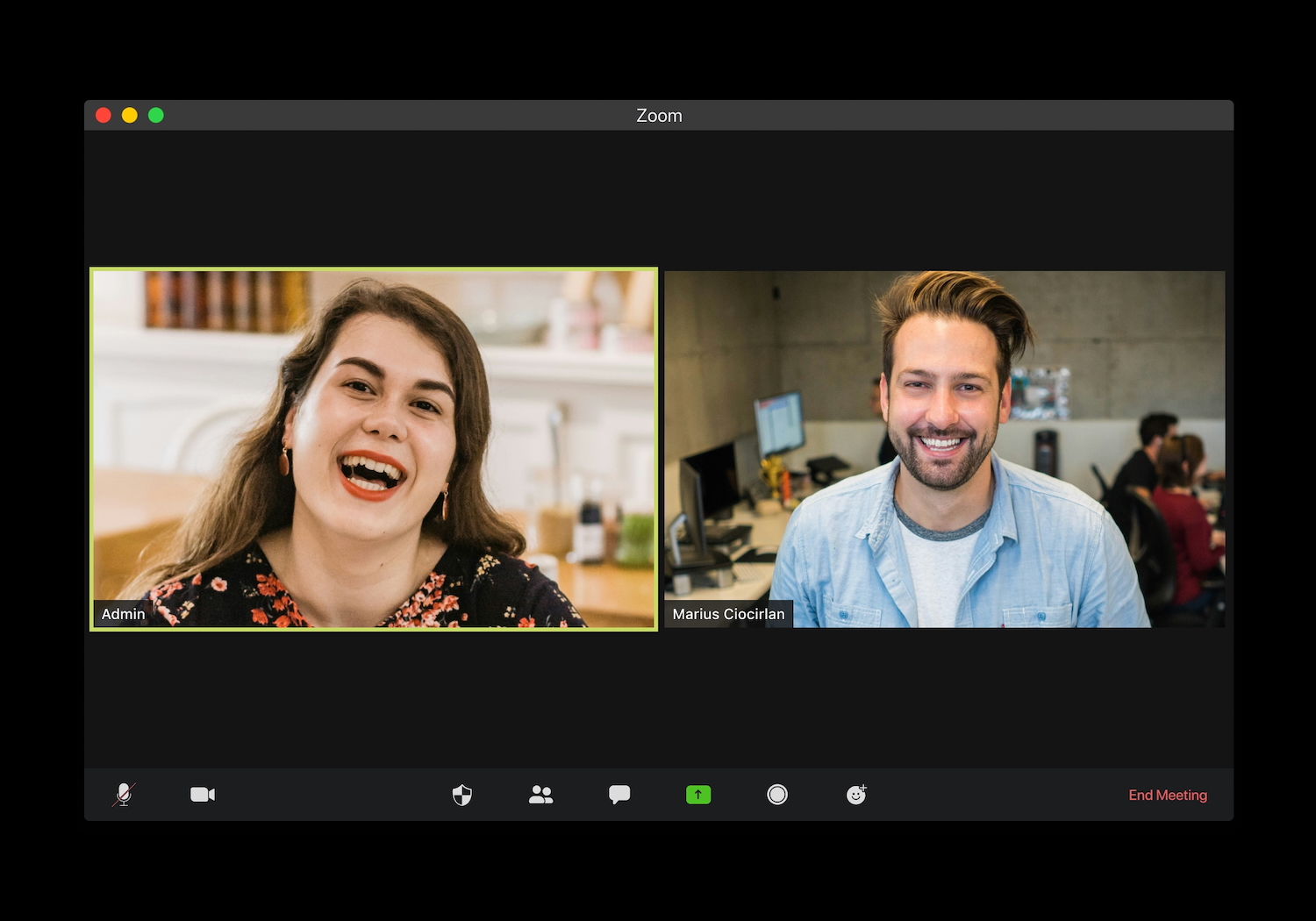


“Real-time” sounds like a single feature, but it is really a chain of decisions. The software must work with the candidate’s computer, hear or see the right input, interpret the question, show a useful cue quickly, and stay out of the way while the candidate speaks.
A weakness anywhere in that chain can make an impressive demo feel awkward in an actual video interview.
That is why a sensible buyer’s guide should examine more than the model name or the length of a feature list. The right question is whether the whole system fits a particular interview, device, role, and set of rules. Five checks reveal much more than a promise of instant answers.
Check One: Confirm the Complete Platform Path
Begin with the exact path the interview will take. Note the operating system, meeting or assessment platform, browser, microphone, headphones, and any coding environment that may be used. Compatibility with one piece does not guarantee that the complete chain will behave as expected.
Great Offer AI says its desktop application supports Mac and Windows and works alongside services including Zoom, Google Meet, Microsoft Teams, HireVue, HackerRank, and CodeSignal. That is a broad list, but candidates should verify the particular combination they will use. A browser-based interview with a shared coding tab creates different demands from a conversation in a desktop meeting app.
An AI interview copilot may need microphone access for spoken questions or screen access for visual and coding context. Check those permissions before the scheduled call. Also check whether the correct input device remains selected when headphones are connected or disconnected. The goal is not to simulate every possible failure; it is to remove preventable setup surprises.
Look for an uncomplicated fallback. If the tool becomes unavailable, the candidate should still be able to hear, speak, share the required material, and continue the interview. Software that is genuinely supportive should not become a single point of failure.
Check Two: Understand What Information Enters
Live assistance cannot generate relevant guidance without context, so the next check is the input path. Does the service process microphone audio, a transcript, a screenshot, a selected screen region, uploaded files, or some combination? Each input may improve relevance, but each also creates a privacy and confidentiality decision.
Great Offer AI’s privacy policy says enabled features may process real-time audio, transcribed questions, screen content, screenshots, resumes, job descriptions, code, and other material the user chooses to provide. It states that raw audio is processed temporarily and deleted immediately after processing, while saved transcripts or outputs may follow different retention rules. The policy also notes that third-party AI or transcription providers may process relevant inputs.
Translate those statements into practical limits. Remove government identifiers and unnecessary contact details from a resume. Do not expose source code, client data, internal dashboards, or confidential documents unless authorised. Capture only the screen region required for the task. Review which permissions can be revoked when the interview ends.
This check is not satisfied by a general “private” label. A consumer should be able to identify what enters the service, why it is needed, how long it is retained, and which controls are available. If those answers are unclear, the feature should remain off until they are understood.
Check Three: Inspect the Shape of Guidance
Response speed receives plenty of attention because a delayed cue can miss the conversational moment. Yet latency is only useful when the output can be scanned and judged quickly. A long answer that arrives in one second can still take twenty seconds to read, verify, and translate into natural speech.
Great Offer AI advertises low-latency voice assistance, on-screen tips, coding screen analysis, partial screen capture, and customisable hotkeys. These features describe the delivery mechanism. The buyer should also ask how the guidance behaves: Can the interpreted question be checked? Is the first cue concise? Can detail be expanded only when needed? Can a suggestion be ignored without disturbing the meeting window?
Different interview moments call for different output. A behavioural question may need a reminder to state the situation, personal action, and result. A technical question may need a prompt to clarify constraints before proposing a solution. A follow-up may require nothing more than “answer the new condition.” Finished prose is often less useful than a small directional cue.
Accuracy deserves equal weight. AI output can sound certain while using incomplete audio, missing a constraint, or supplying an experience the candidate never had. Great Offer AI’s terms state that generated content may be incomplete, inaccurate, outdated, or unsuitable and that users must review and verify it. Any product in this category should leave that human decision visible rather than encouraging automatic reliance.
Check Four: Examine Control Under Pressure
A live tool should be easy to start, pause, dismiss, and stop. Those controls matter more during an interview than a large settings menu. If a prompt is wrong, the candidate needs to return attention to the interviewer immediately. If a shared screen changes, the candidate should know what the assistant is processing. If permissions are no longer needed, access should be revocable.
Focus Mode is one of the product’s advertised controls. The company says guidance appears only on the user’s screen and does not appear in screen shares. Treat that as a product claim to verify in the intended setup, not as an invitation to conceal prohibited assistance. Employers and assessment providers can have different rules even when software is technically able to run.
Hotkeys can reduce pointer movement, particularly in coding interviews, but they should be checked for conflicts with the editor, browser, meeting app, and operating system. Controls should also be memorable. A shortcut that requires a note beside the keyboard has not reduced cognitive load.
Consider how the interface signals uncertainty or delay. An old response should not look current. A partial question should not look complete. A screen capture should show its boundary. These cues let the candidate decide whether to proceed, ask for clarification, or ignore the software.
Check Five: Decide Whether Use Is Permitted
The final check comes before price. Is live assistance permitted in this interview? Great Offer AI’s terms require users to follow applicable employer policies, interview rules, platform rules, and third-party agreements. They also prohibit impersonation and misrepresentation of identity, qualifications, or experience.
Permission may be explicit in an assessment notice, candidate agreement, recruiter email, or platform policy. Silence is not reliable approval. When the rules are unclear, ask the recruiter or proceed without live assistance. The same principle applies to recorded interviews, examinations, and coding assessments with proctoring requirements.
An official interview guide can provide broader preparation ideas, but no resource can decide the rules of a specific employer. Candidates also remain responsible for the truth of every statement. A prompt can organise a real example; it should not create one. A coding suggestion can be checked; it should not replace the candidate’s explanation of trade-offs.
These five checks produce a more useful buying decision than counting features. Confirm the complete platform path, understand the information path, inspect the output, test the controls, and establish permission. If one area fails, do not assume the others compensate for it.
The best live interview tool is not the one that speaks most confidently. It is the one a candidate can understand, constrain, verify, and set aside while staying present in the conversation. That standard keeps technology in the supporting role where it belongs.
