

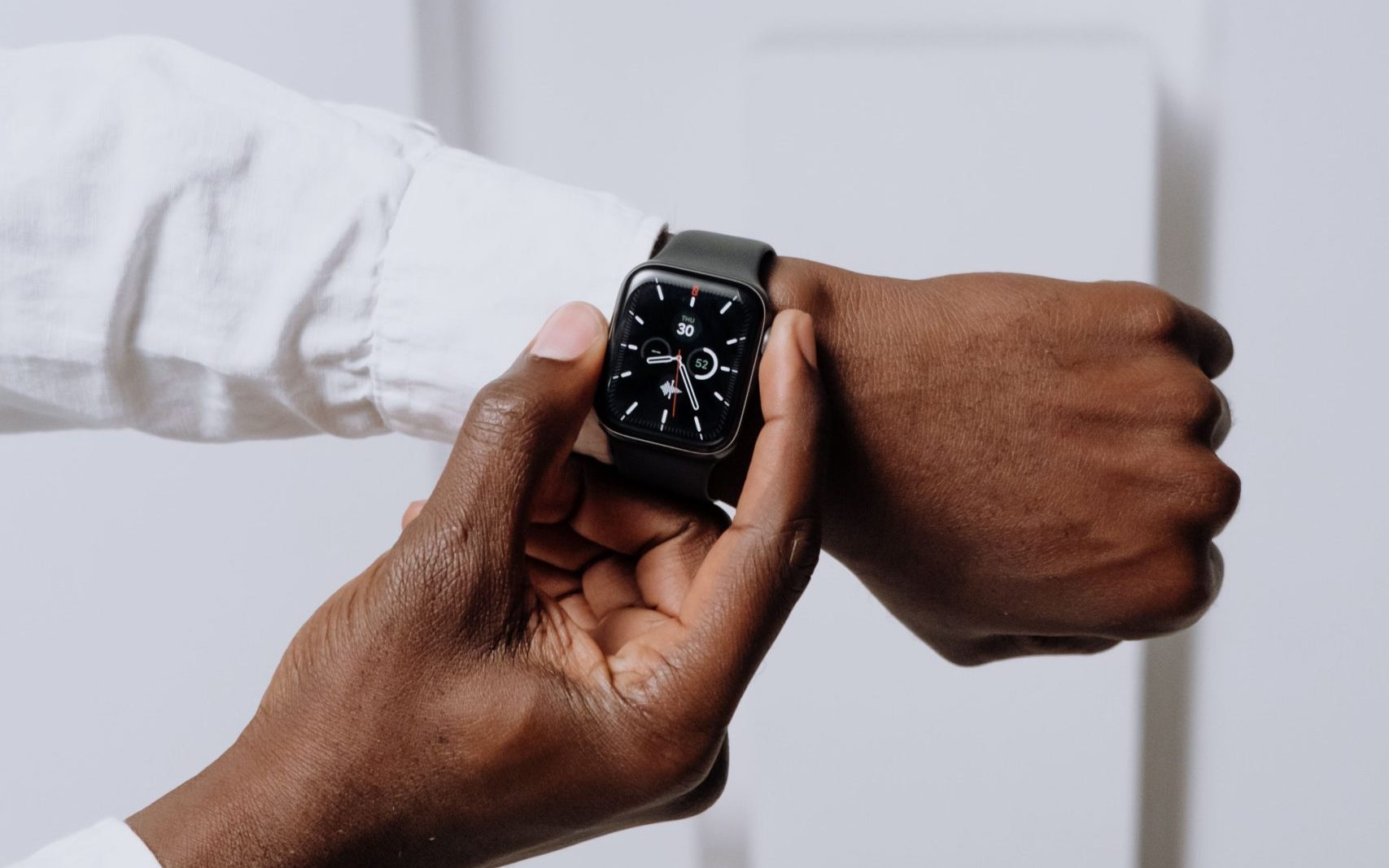


When your Apple Watch ceases to feel like a gadget and begins to function as a little, dependable part of your day, it has earned a spot on your wrist. The correct modifications can significantly improve comfort, battery habits, protection, and daily use if you wear it from the first alarm to the last sleep monitoring session.
Calls, alerts, workouts, payments, timers, music controls, sleep monitoring, and health insights are all already handled by the watch itself. Because all-day wear highlights the minor irritations you could overlook during a quick workout but become aware of after 14 hours, the accessories and settings around it frequently provide the greater benefit.
Photo by cottonbro studio on Pexels
Upgrade Your Charging Setup, So Battery Is Never a Drama
With an improved arrangement, charging becomes a short habit that works with your schedule rather than a nightly hassle. While you don’t have to always have a cord with you, you do need charging stations where they make sense.
Add a Proper Bedside Charging Stand
Because it provides your Apple Watch with a permanent home at night, a nightstand stand is one of the simplest improvements. A stand keeps the watch visible, steady, and accessible rather than letting the charger be unsecured on the ground or behind a table.
Because you can give the watch a quick top-up before bed and again while getting ready in the morning, it also simplifies sleep monitoring.
Use Fast Charging and a Travel Charger to Stay Powered All Day
The watch may be able to withstand a strenuous stretch with just a brief charge as you take a shower, have breakfast, or sit at your work. Using the right USB-C power adapter and magnetic fast charging cable – not an outdated cable that slows things down – is crucial. Those brief charging bursts are frequently more convenient for all-day users than waiting for a full charge.
When you leave early, stay out late, or forget to charge overnight, it comes in handy. Foldable charging pads, three-in-one travel docks, and small Apple Watch chargers can keep your iPhone, AirPods, and watch charged without adding extra cords to your suitcase.
Think About a Band You Can Wear From Morning to Night
The band is the most crucial area to start since it is the improvement you experience every minute. By lunchtime, a great smartwatch can become annoying due to a bad strap, even when activity, heat, and perspiration are involved. A band that secures the sensors without penetrating your wrist or retaining moisture beneath the casing is what you’re looking for.
Match the Band to Your Daily Routine
If you train before work, commute, sit at a desk, cook, shower, and sleep with your watch on, you need something easy to clean and quick to dry. If you mostly use your Apple Watch in the office, a leather-style or stainless-steel band can dress it up, but it may not be the best choice for workouts or humid weather.
- For a cleaner everyday look, Solace Bands can fit naturally into a setup where you want the watch to feel less like gym gear and more like part of your personal style. With some of the best apple watch bands on the market, they have the most diverse daily range.
Choose Comfort Before Colour
For extended wear, a flexible daily band, sport loop, woven nylon, or soft silicone typically works better than a hefty or hard strap. After a few hours, you should be able to tighten it sufficiently for precise heart rate readings without experiencing pressure marks. A lightweight band outperforms a formal metal bracelet if you alternate between work, exercise, errands, and sleep.
Keep the Watch Safe Without Adding Bulk
Protection should be discreet enough not to detract from the screen’s appearance or make it more difficult to use. The objective is to maintain the watch’s attractive appearance while maintaining the lightweight feel that first made it wearable.
If your watch frequently comes into contact with rough surfaces, a thin screen protector makes sense. Without altering the way you use taps, swipes, and gestures, it can help prevent minor scratches. While flexible film protectors may be less obvious on curved edges, tempered glass choices typically feel more like the original display.
Use a Case Only When You Need One
A thin bumper might provide peace of mind if you work with tools, train outside, travel frequently, or wear your watch while performing manual labor. A large case might make the watch feel heavier than necessary if you spend most of your day at the workplace.
The ideal course of action is to wear the watch bare or with little protection when you want the cleanest appearance, and to have a protective case for harder days.
Enhance the Features You Use Daily
Small adjustments that speed up regular chores are frequently the finest Apple Watch improvements. Pay attention to the things you use often throughout the day, such as Apple Pay, timers, music, maps, smart home controls, exercise shortcuts, and complexities.
The watch becomes more of a shortcut machine and less of a second screen when they are configured correctly.
Build a Better Watch Face
A good watch face saves taps. Put the information you check most often in front of you, whether that is weather, calendar, battery, activity, heart rate, timers, or workout access. Keep one clean face for work and another data-heavy face for training, travel, or weekends. Switching faces is quicker than digging through apps, and it makes the watch feel better matched to the moment.
Make Payments and Travel Smoother
Apple Pay is one of the most underrated Apple Watch features because it removes the need to reach for your phone or wallet. It is even handy when you are carrying groceries, walking through a station, grabbing coffee, or paying after a workout. Maps, transit alerts, boarding passes, and wallet cards can also make travel days easier if you set them up before you leave.
Make Tracking Your Health, Fitness, and Sleep More Beneficial
You get a more complete view of your activity, heart rate, mobility, sleep, and recuperation patterns when you wear it all day. That is only effective if the watch fits correctly, the appropriate features are activated, and the notifications don’t take your attention away from the real advantages.
- Improving the experience is more than simply adding additional numbers – it also entails personalizing the health tools.
Set Up Activity Goals That Match Your Life
Your Move objective becomes meaningless if it is too low, and it is simple to overlook if it is too high. Even if your workdays, weekends, and training days don’t look the same, you should still modify your objectives to fit your actual schedule. Instead of making every day a contest with your greatest day, the Apple Watch functions best when it promotes consistent movement.
Develop Better Habits to Track Your Sleep
Sleep monitoring is only functional if your watch lasts during the day and has sufficient battery life at night. Because of this, band comfort and charging practices are just as important as the sleep feature itself. Avoid wearing a wet exercise strap to bed, use a softer band at night, and tighten it just enough to make sensor contact.
Choose Upgrades That Suit Your Watch Model
A Series model, SE, and Ultra can all serve different types of users, and your upgrades should reflect the device you already own. Case size, charging speed, screen durability, battery life, and band compatibility all matter when you are buying extras. Before spending money, check the exact model and case size so the accessory fits properly and does not limit the watch.
Know Your Case Size
You need to match the band to the correct case size group so it locks in cleanly and sits flush with the body. A poor fit can look cheap, feel loose, or fail to secure properly. Before buying a new band, check the case size printed on the back of your Apple Watch or listed in the Watch app on your iPhone.
Avoid Accessories That Add Friction
Oversized cases, stiff bands, awkward chargers, and cluttered watch faces can all get in the way of the experience. If an accessory makes the watch heavier, slower to charge, harder to clean, or less comfortable, it is not an upgrade. The best Apple Watch accessories quietly improve daily use without reminding you they are there.
Conclusion
Even though the Apple Watch is currently among the most practical gadgets, people who wear it all day want something more than the standard configuration. The gadget may feel brand-new without having to be replaced with a nicer band, a more intelligent charging schedule, light protection, clearer alerts, and a more useful watch face.
Start with the upgrade that most appeals to you, which is typically the charger or band, and work your way up. Wearing, trusting, and keeping your Apple Watch on your wrist throughout the day are all made simpler when every accessory has a purpose, and every setting has a home.
