

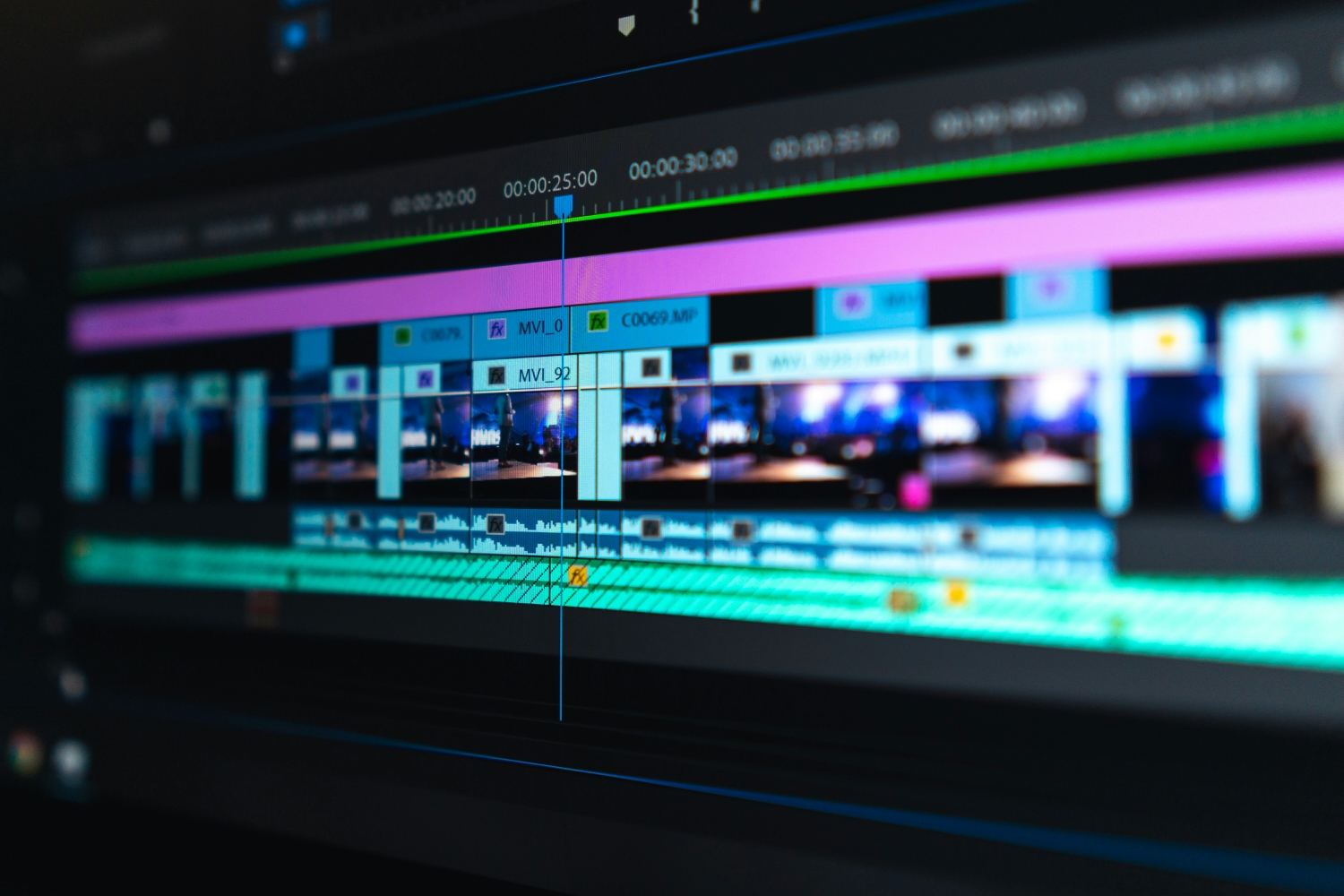


Video is no longer optional. Whether you’re publishing content for social platforms, business websites, or personal projects, video has become the most effective way to communicate ideas quickly. The challenge isn’t creating video — it’s editing it efficiently.
Many creators spend more time learning complicated software than actually producing content. This slows down output, kills consistency, and often leads to unfinished projects. As a result, search demand for simple video editing solutions and online video editors has grown steadily over the past few years.
The shift is clear: creators want speed, accessibility, and flexibility, not another bloated desktop program.
Common Problems With Traditional Editing Software
Professional video software certainly has its place, but it also introduces real friction — especially for beginners and small teams.
Typical issues include:
- Heavy system requirements and slow performance
- Long installation and update cycles
- Steep learning curves
- Expensive licenses or subscriptions
- Limited compatibility across devices
For someone who just wants to trim a clip, add text, resize a video, or export in the right format, these tools often feel like overkill.
That’s why more users are searching for alternatives that work directly in the browser.
What Modern Creators Actually Need From a Video Editor
Based on current search behavior and creator feedback, most users are looking for tools that can handle everyday editing tasks without friction.
Here’s what matters most:
- No installation required
- Works on low-spec laptops and shared computers
- Clean, intuitive interface
- Fast exports without watermark traps
- Support for common formats and aspect ratios
In other words, people want a video editor that fits into their workflow — not one that takes it over.
One example of such a solution is this online video editor, which runs entirely in the browser and focuses on practical editing tasks rather than overwhelming users with unnecessary complexity.
Browser-Based Editing: A Smarter Workflow
Online editing tools have matured significantly. What once felt slow or limited is now powerful enough for most everyday use cases.
Advantages of browser-based video editing:
- Edit from any device with internet access
- No dependency on operating systems
- Automatic updates without user action
- Easy collaboration and file access
This approach is especially useful for freelancers, marketers, educators, and remote teams who need flexibility more than deep cinematic control.
Real-World Use Cases (Not Just for YouTubers)
Online video editing isn’t limited to content creators. In fact, many professionals use lightweight editors for practical reasons.
Common use cases include:
- Cropping videos for Instagram, TikTok, or Shorts
- Adding subtitles for accessibility
- Compressing large video files for email or web upload
- Converting videos between formats
- Trimming recorded meetings or webinars
These are high-intent tasks — users aren’t experimenting, they’re trying to get something done quickly. That’s exactly why search demand for “edit video online” and “simple video editor” remains strong.
Key Features to Look for Before Choosing a Tool
Not all online editors are equal. Before committing to one, it’s worth checking whether it covers the basics without locking essential features behind aggressive paywalls.
Essentials worth prioritising:
- Trim, cut, and merge clips
- Text and subtitle support
- Aspect ratio presets (16:9, 9:16, 1:1)
- Format conversion and compression
- Clean exports
A good tool should feel invisible — letting you focus on the content, not the interface.
