

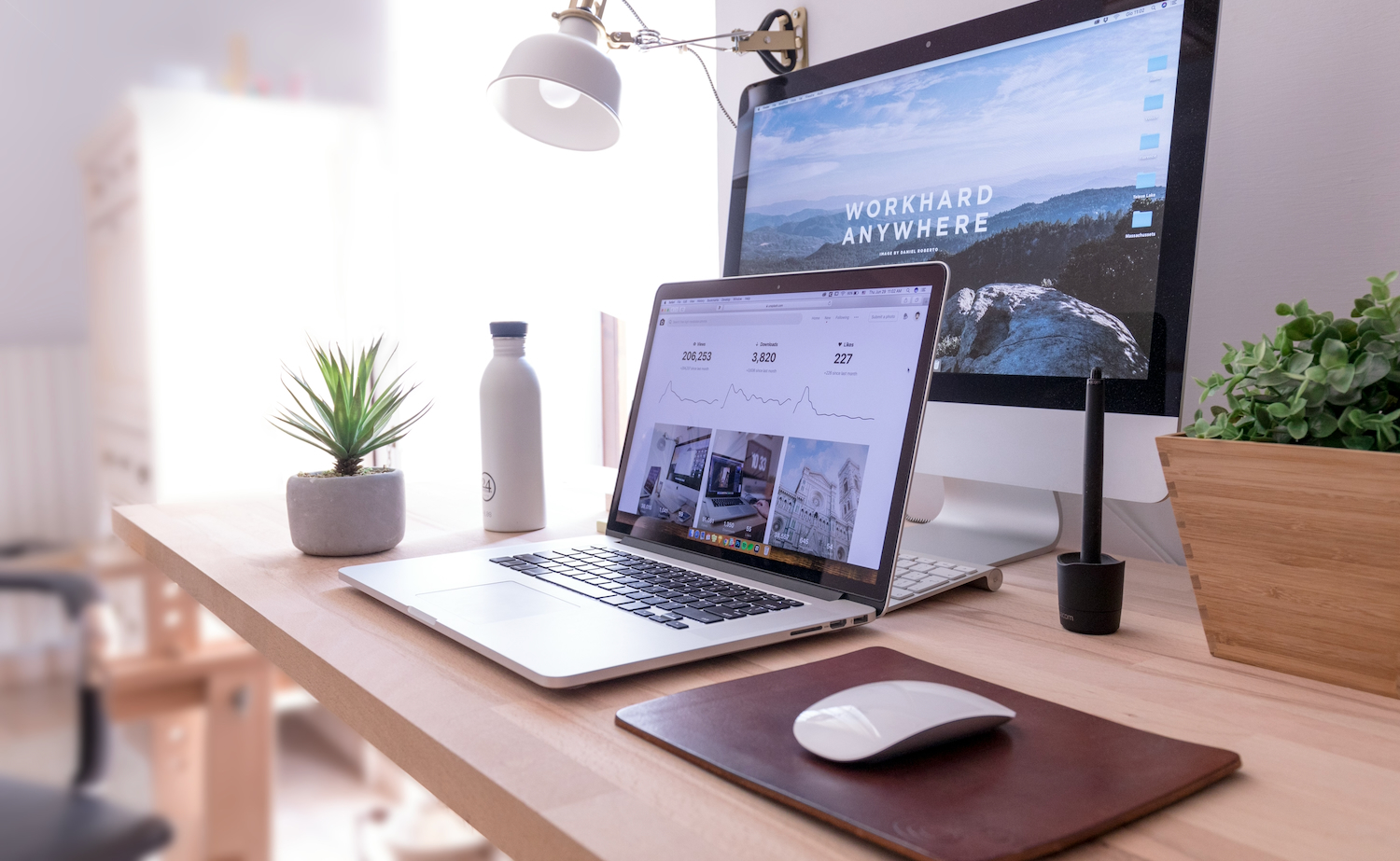


Most Australian homes do not have a room to spare. The home office almost always lands in the room that used to be something else, and in a lot of cases it is the room that still needs to be something else a few times a year when family visits.
The usual outcome is a compromise that fails twice. A cramped office with a bed shoved against one wall, or a guest room with a laptop balanced on a chest of drawers. Both are avoidable. The trick is to build the tech side properly first, then solve the furniture problem last rather than the other way around.
Start with the connection, not the desk
Every other decision in a home office is downstream of the network. A workspace with a great monitor and an unreliable connection is a workspace you will resent.
Run Ethernet if the room allows it. A wired connection removes an entire category of problem: the dropouts, the jitter, the meeting where you freeze mid-sentence and have to rejoin. If running a cable is not practical, a mesh system with a node in or near the room is the next best option, and it beats relying on a single router two rooms away with a wall in between.
Powerline adapters are the fallback when neither is workable. They can be excellent or mediocre depending on the wiring in the house, so buy from somewhere with a returns policy and test before you commit.
As a rough guide, a single high definition video call is comfortable on a stable 25Mbps, but stability matters far more than headline speed. A connection that averages 100Mbps and drops for two seconds every few minutes is worse for work than a rock solid 30.
Get the display and dock right
A single external monitor is the highest impact upgrade for most laptop workers. A 27 inch 1440p IPS panel is the value sweet spot in 2026, offering enough desktop space to have two windows side by side without the scaling headaches that come with 4K at that size.
Pair it with a USB-C dock so the entire setup connects with one cable. This matters more in a dual-purpose room than anywhere else, because a one cable connection is what makes it realistic to clear the desk and reclaim the space in five minutes rather than half an hour.
Mount the monitor on an arm rather than the supplied stand. It frees the desk surface underneath, gets the height right for your neck, and lets you swing the screen out of the way entirely when the room changes function.
The meeting stack: camera, light and audio
Video call quality is judged almost entirely on audio. People forgive a soft image and will not forgive having to ask you to repeat yourself.
A dedicated headset or a decent USB microphone outperforms laptop mics by a wide margin. If the room has hard floors and bare walls, the echo will be doing more damage than the microphone, so soft furnishings and a rug are part of the audio solution rather than a decorating afterthought.
For the camera, lighting beats resolution. A cheap webcam in good light looks better than an expensive one in bad light. Position yourself facing a window where possible, or add a small key light. Avoid sitting with a window behind you, which turns you into a silhouette regardless of what you spent on the camera.
Power and cables decide whether the room can convert
This is the part people skip, and it is the part that determines whether a dual-purpose room actually works in practice.
Use a surge-protected board mounted under the desk rather than a power strip on the floor. Run cables through a tray or a sleeve. Label the plugs. None of this is exciting, and all of it is the difference between a room you can reset quickly and a room where converting it means crawling under furniture with a torch.
A desk with a cable management channel is worth paying for. So is a monitor that can power a laptop over USB-C, because it removes one more power brick from the equation.
Now solve the furniture problem
Here is where most dual-purpose rooms fall down. A desk chair does not become a bed, and a permanent single bed takes up floor space you need for eleven months of the year.
The furniture needs to earn its space on working days and convert on demand. A sofa is the obvious answer for the working-day half, giving you somewhere to take a call away from the desk, read a document, or simply not sit in the same chair for nine hours. The problem is that a standard sofa does nothing for you when guests arrive.
This is the specific situation OMF sofa beds are built for. You get functional seating during working hours and a proper bed when you need one, without surrendering the floor space that a permanent bed would eat. Two things to check before buying: the depth of the sofa when folded out, since a room that fits the sofa may not fit the bed with clearance to walk around it, and the mechanism itself, because a fold-out that takes two people and a lot of swearing will not get used.
Measure the extended footprint on the floor with masking tape before you order anything. It takes five minutes and prevents the most expensive mistake in this entire project.
Storage that does double duty
A dual-purpose room needs somewhere for work things to disappear to. Open shelving looks good in photos and looks like clutter when guests are staying in the room.
Closed storage, a cabinet or a set of drawers, lets you clear the desk surface and the visual noise in one move. Leave one drawer or shelf empty permanently. That is where guests put their things, and it is the difference between someone living out of a suitcase and someone feeling like the room was ready for them.
Build in the shutdown
The last piece is behavioural rather than technical. A room that is both office and bedroom needs a boundary, otherwise the work stays visible and the room never fully becomes anything else.
A smart plug that cuts power to the monitor and peripherals on a schedule is a surprisingly effective mechanism. The screens go dark at a set time, the room stops looking like a workplace, and the transition happens without you having to decide to make it happen.
Get the network, the display and the cable management right first. Solve the furniture last, measure twice, and a single room can genuinely do both jobs without doing either of them badly.
