

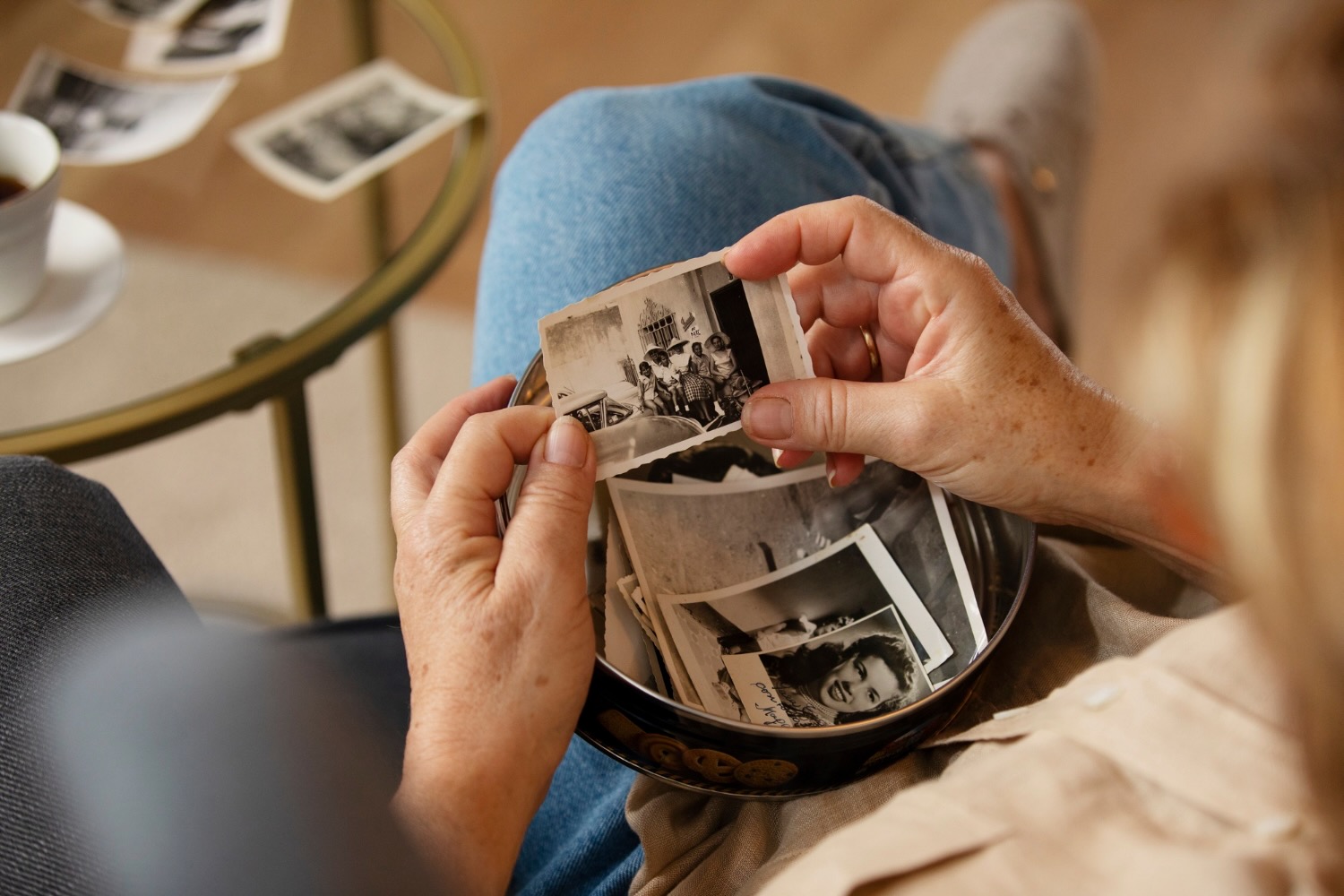


Most households have one. A shoebox, a biscuit tin, or a drawer full of prints, slides and negatives that nobody has looked at properly in twenty years, gradually fading in a cupboard.
The intention to digitise them is universal and the follow-through is rare, partly because the job sounds enormous and partly because it is genuinely unclear what modern software can and cannot rescue. Some of what you have heard about restoring old photos is true. A fair amount of it is marketing.
Scanning Is the Step That Actually Matters
Everything downstream depends on the quality of the capture, and this is where most home projects go wrong. Photographing a print with a phone is quick and produces a result limited by the angle, the ambient light and the reflections off the surface. A flatbed scanner gives you an even, controlled capture and enough resolution to work with later. The general principle used by people who do this professionally is to scan at a higher resolution than you think you need, because rescanning a thousand prints is a far worse outcome than storing slightly larger files. Negatives and slides need a scanner capable of transparency scanning, since they carry considerably more detail than the prints made from them and are frequently in better condition.
Fading, Colour Casts and Physical Damage
Once captured, the common problems fall into predictable categories. Colour prints from the seventies and eighties often show a strong orange or magenta cast as dyes degrade at different rates, and this is one of the more correctable faults. Fading and low contrast usually respond well to adjustment. Physical damage such as creases, tears and mould marks requires actual retouching, which is slow manual work on anything valuable. Black and white prints tend to survive better than colour, which is worth knowing if you are deciding what to prioritise from a large collection.
Storage Conditions Are Still Doing Damage
While you are working through the box, it is worth improving where the originals live, because deterioration continues whether or not you have scanned them. Heat and humidity are the main culprits, which makes a garage, a roof cavity or a shed close to the worst possible location in most Australian homes. An interior cupboard is considerably better. Prints stored loose in a shoebox abrade against one another, and the adhesive in older magnetic photo albums degrades and can bond to the print surface over time. Moving photographs into archival sleeves or boxes is inexpensive and stops the collection getting worse while you work through it.
What Upscaling Genuinely Does
This is where expectations need managing. Modern upscaling is impressive and frequently misunderstood: it does not recover detail that was never captured. What it does is generate plausible detail consistent with what surrounds it, using models trained on enormous numbers of images. For a slightly soft scan of a reasonable original, that produces a genuinely better result. For a tiny, heavily degraded image, it produces something that looks sharper while inventing features that were never there, which is a meaningful distinction when the subject is your grandmother’s face. Experimenting with image tools from Cloudinary or comparable services is worthwhile and cheap, provided you keep the original scan and treat the upscaled version as a rendering rather than a recovery.
Colourising Is Interpretation, Not Restoration
The same caution applies more strongly to automatic colourisation of black and white photographs. The results can be striking and they are guesses, informed by statistical patterns about what things usually look like rather than by any knowledge of what your uncle’s jumper was actually made of. There is nothing wrong with enjoying a colourised version, and plenty of families find it makes an old photo feel immediate in a way the original does not. It is simply worth labelling such images for what they are, particularly if they will be passed on, so that a future relative does not take the colours as documentary fact.
Getting the Archive Right
Whatever processing you do, the digitised files need somewhere sensible to live, and this is the part that determines whether the effort survives you. Guidance published by the National Archives of Australia on digitisation and digital preservation makes a point that applies just as well at household scale: preservation depends on keeping master copies in sustainable formats, storing them in more than one place, and recording enough information about each item to make it findable later. A folder of five thousand files named by scanner default is not an archive. It is a problem you have converted from physical to digital.
Do the Boring Part While Someone Can Still Help
The single most valuable thing you can do with a box of old photographs has nothing to do with software. Sit down with the oldest person in the family who is willing, go through the prints, and write down who is in them, where they were taken and roughly when. That information exists in a small number of heads and disappears entirely when those people do, and no amount of scanning resolution or clever upscaling will bring it back. Capture the images by all means, and capture the context first, because the context is the part that cannot be reconstructed later. Record it somewhere durable rather than on a sticky note, ideally in the file description or a simple spreadsheet keyed to the scan filenames, so the two survive together. A photograph of strangers is a curiosity. The same photograph with names, a place and a year attached is family history, and the difference costs nothing but an afternoon.
