

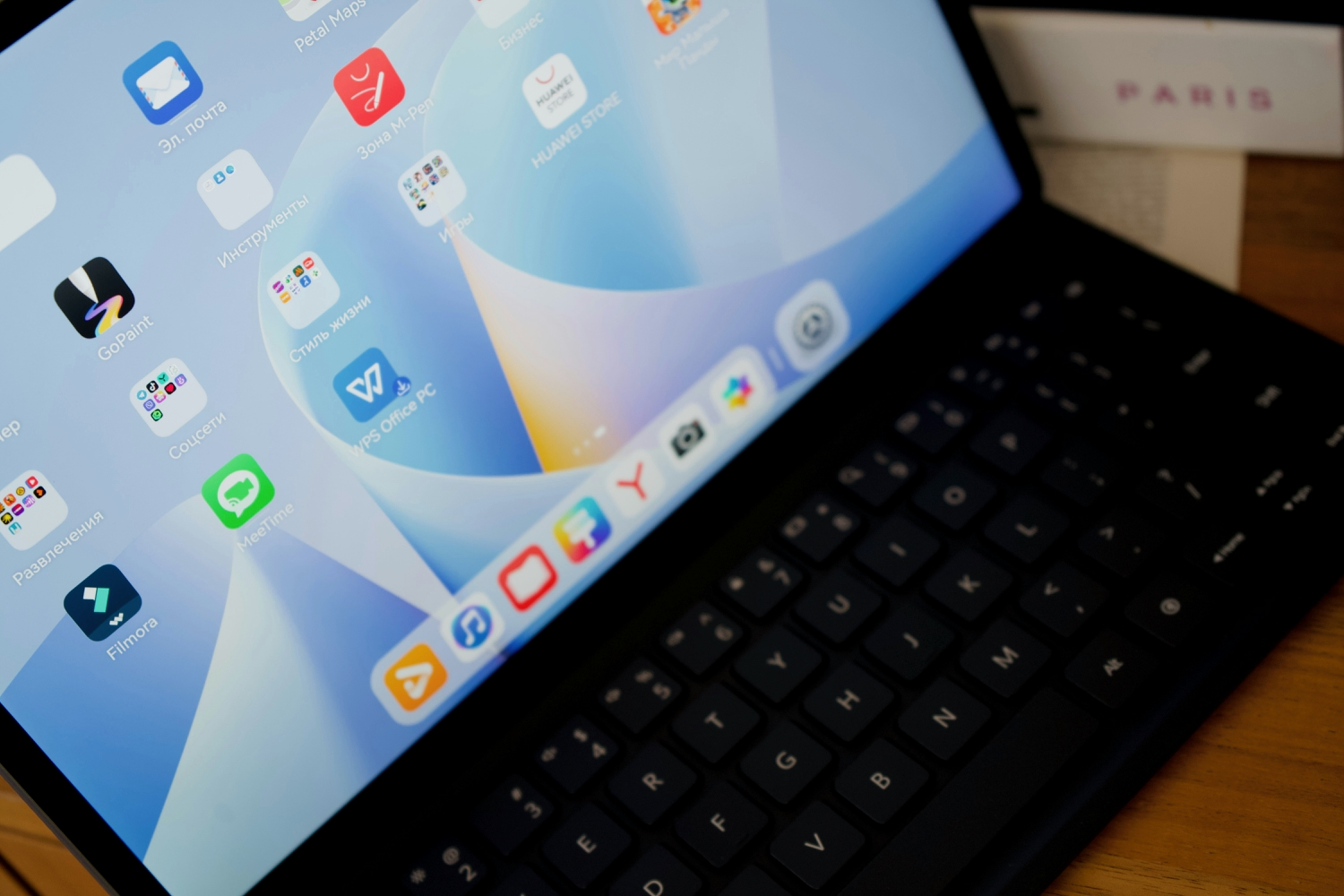


In today’s fast-paced digital world, productivity tools are no longer optional; they are essential. Whether you’re a student, a freelancer, or part of a large organization, having reliable office software can significantly impact your efficiency.
Among the many options available, WPS Office continues to stand out as a top choice in 2026, thanks to its powerful features, user-friendly design, and accessibility across platforms.
A Lightweight Yet Powerful Office Suite
One of the biggest advantages of WPS Office is its lightweight nature. Unlike many traditional office suites that require significant system resources, WPS Office is optimized for performance even on low-end devices. This makes it an excellent choice for users who want a smooth experience without compromising functionality.
Despite its small footprint, WPS Office offers a full range of tools, including Writer, Spreadsheets, Presentation, and PDF editing capabilities. These tools are designed to meet the needs of both basic and advanced users, ensuring that you can handle everything from simple documents to complex data analysis.
Cross-Platform Compatibility
In 2026, flexibility is more important than ever. WPS Office supports multiple platforms, including Windows, macOS, Linux, Android, and iOS. This means you can start working on a document on your laptop and continue seamlessly on your mobile device.
The cloud integration feature further enhances this experience. By syncing your files across devices, WPS Office ensures that your work is always accessible, no matter where you are. This is especially valuable for remote workers and teams that rely on real-time collaboration.
Cost-Effective Solution
Another reason WPS Office remains a top productivity choice is its affordability. While many office suites require expensive subscriptions, WPS Office offers a free version with a comprehensive set of features. For users who need additional tools, the premium version is still significantly more affordable compared to competitors.
This cost-effectiveness makes WPS Office particularly attractive for students and small businesses that need powerful tools without stretching their budgets.
User-Friendly Interface
Ease of use is a critical factor when choosing productivity software. WPS Office provides a clean and intuitive interface that closely resembles other popular office tools, making it easy for new users to get started without a steep learning curve.
The tabbed document interface is another standout feature. It allows users to open multiple files within a single window, improving workflow efficiency and reducing desktop clutter. Small design choices like this contribute significantly to overall productivity.
Rich Template Library
WPS Office offers a vast library of templates for resumes, presentations, reports, and more. These templates are professionally designed and customizable, helping users save time and produce high-quality work.
Instead of starting from scratch, you can simply select a template and tailor it to your needs. This is particularly useful for users who want polished results without investing too much time in design.
Secure and Reliable Downloads
Security is a major concern when downloading software. To ensure a safe experience, it’s important to rely on trusted sources. Many users prefer using official channels such as wps官网 to explore features, updates, and support resources directly from the developers.
For those looking to install the software, using wps官网下载 is the safest way to obtain the latest version without the risk of malware or outdated files. This guarantees that you’re getting authentic software with all the latest improvements.
Additionally, if you’re searching for quick access, terms like wps下载 are commonly used by users who want a fast and convenient way to find the installer. However, it’s always recommended to verify the source before proceeding with any download.
Advanced Features for Modern Needs
WPS Office continues to evolve by incorporating advanced features that meet modern productivity demands. These include AI-powered writing assistance, PDF conversion and editing, and enhanced data visualization tools.
The suite also supports a wide range of file formats, ensuring compatibility with documents created in other office software. This makes collaboration easier, as you don’t have to worry about formatting issues or file conversion errors.
For those looking to install the software, using wps官网下载 is the safest way to obtain the latest version without the risk of malware or outdated files. This guarantees that you’re getting authentic software with all the latest improvements.
Ideal for Individuals and Teams
Whether you’re working independently or as part of a team, WPS Office provides tools that adapt to your workflow. Its collaboration features allow multiple users to work on the same document, improving communication and efficiency.
For businesses, this means better project management and faster turnaround times. For individuals, it translates to a smoother and more organized work experience.
Conclusion
As productivity demands continue to grow in 2026, choosing the right office suite is more important than ever. WPS Office combines performance, affordability, and versatility in a way that few competitors can match.
From its lightweight design and cross-platform support to its rich features and secure download options, WPS Office proves to be a reliable companion for modern users. Whether you’re creating documents, analyzing data, or collaborating with others, it offers everything you need to stay productive and efficient.
