

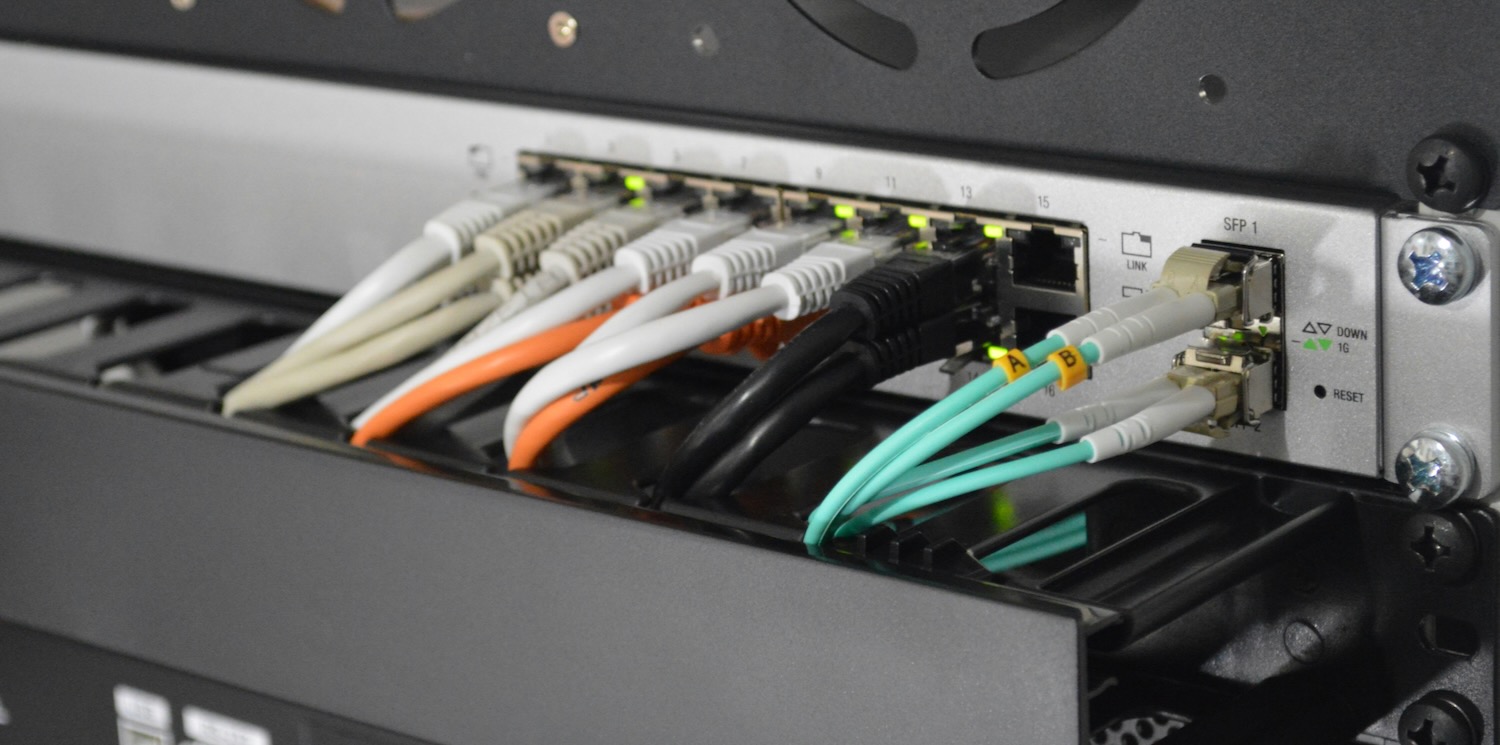


The Critical Role of Internet Connectivity in Small Offices
In today’s fast-paced business environment, reliable internet connectivity is no longer a luxury but a fundamental necessity, especially for small offices. These businesses often depend heavily on cloud-based applications, VoIP phone systems, video conferencing, and real-time communication tools that require continuous internet access to function effectively. When the internet unexpectedly drops mid-shift, it can disrupt workflows, delay customer service, and ultimately impact revenue and reputation.
Recent studies reveal that 35% of small businesses experience internet outages several times a year, with each outage lasting an average of four hours. This kind of downtime can lead to significant losses, not only in employee productivity but also in customer satisfaction and trust. Moreover, 60% of small businesses that suffer a major data loss or extended downtime close within six months. These statistics underscore how critical it is for small offices to prepare for unexpected internet disruptions.
Understanding Backup Connections and Failover Systems
To mitigate the risks associated with internet downtime, small offices must implement robust backup connections and failover solutions. A backup connection is a secondary internet link that automatically activates when the primary connection fails. Failover systems are designed to monitor the health of the primary connection continuously and switch to the backup without manual intervention, ensuring seamless business continuity.
For example, a local business like Lakeside Motors for BMW Vehicles understands the importance of maintaining constant communication with customers and suppliers. By having a failover system in place, they avoid potential revenue losses and maintain service quality even during internet outages. This proactive approach ensures that critical operations such as order processing, customer support, and internal communications remain uninterrupted.
Failover technology can be as simple as a router configured to switch to a cellular network when the primary broadband fails, or as advanced as multi-WAN load balancing systems that distribute traffic across multiple connections for both redundancy and performance improvements.
Types of Backup Internet Connections
Small offices have several viable options when it comes to backup internet connections, each with its own advantages and limitations:
– DSL or Cable as Primary, Cellular as Backup: Many small businesses use a fixed broadband connection as their primary internet source and a cellular connection via 4G or 5G as backup. Cellular failover is popular due to its ease of setup, mobility, and widespread coverage. It provides an automatic switch during outages, minimizing disruption.
– Dual Broadband Connections: Some offices opt for two broadband providers, such as cable and fiber, to eliminate dependence on a single ISP. This approach lowers the risk of simultaneous outages since each provider typically uses different physical infrastructure.
– Satellite Internet: Although satellite connections have higher latency and can be affected by weather conditions, they serve as an emergency backup in remote or rural areas where terrestrial options are limited or unavailable.
– Fixed Wireless Access (FWA): This option uses radio signals to provide internet service and can be a reliable backup in areas with good line-of-sight to a wireless tower.
Each option comes with trade-offs regarding speed, reliability, latency, and cost. For instance, while cellular backup is convenient, data caps and variable speeds may limit its use during prolonged outages. Small businesses should evaluate their specific operational needs, budget constraints, and geographic location when selecting a backup solution.
The Importance of Professional IT Support
Implementing and managing backup connections and failover systems can be complex and requires technical expertise to ensure they function correctly when needed. Many small offices lack the in-house IT resources to design, configure, and maintain these solutions effectively. This is where professional IT services become invaluable.
For instance, InfoTECH for Lafayette businesses offers managed IT services tailored for businesses in Lafayette, providing continuous monitoring, rapid response to connectivity issues, and regular failover testing. Partnering with such providers ensures that failover systems are properly configured, tested regularly, and updated as technology evolves, substantially reducing the risk of unexpected downtime.
Professional IT support can also help small offices assess their network vulnerabilities, recommend the most cost-effective backup solutions, and provide training to staff on best practices during outages. This partnership enables businesses to focus on their core operations without worrying about internet reliability.
Cost Considerations and Return on Investment (ROI)
While the upfront costs of backup internet connections and failover equipment might seem significant, the return on investment (ROI) often justifies the expenditure. According to a Gartner study, the average cost of network downtime for small businesses is approximately $8,000 per hour. Avoiding even a single extended outage can save substantial amounts of money.
Additionally, uninterrupted internet service improves customer trust and satisfaction, which are critical for small businesses competing in crowded markets. Reliable connectivity also enhances employee productivity by minimizing frustration and downtime. These intangible benefits can lead to increased customer retention, positive word-of-mouth, and new business opportunities.
When calculating ROI, businesses should consider both direct costs, such as lost sales and labor, and indirect costs, including damage to brand reputation and employee morale. Investing in backup internet and failover solutions is a strategic move to protect against these risks.
Best Practices for Backup Internet and Failover Implementation
To maximize the benefits of backup connections, small offices should follow these best practices:
- Assess Bandwidth Needs: Determine the minimum bandwidth required during failover to maintain essential operations. This ensures that the backup connection can handle critical applications like VoIP calls, email, and cloud access.
- Choose Diverse Providers: Avoid using ISPs that share the same physical infrastructure to reduce the risk of simultaneous outages caused by cable cuts or local disruptions.
- Regular Testing: Schedule periodic failover tests to ensure automatic switching works correctly and that staff know how to respond during outages.
- Monitor Network Health: Use monitoring tools that provide real-time alerts on connection status, enabling proactive troubleshooting before issues escalate.
- Plan for Scalability: As the business grows, ensure that backup solutions can accommodate increased internet usage without compromising performance.
- Secure Failover Connections: Implement security measures such as firewalls and VPNs on backup connections to protect sensitive data during failover.
- Document Procedures: Maintain clear documentation of failover configurations and response protocols accessible to IT staff and relevant employees.
Additional Considerations for Small Offices
Beyond technology, small offices should consider the human factor in managing internet disruptions. Training employees on contingency plans during outages can reduce panic and confusion. For example, staff can be instructed on how to switch to alternative communication channels or access offline resources.
Moreover, reviewing and updating internet service contracts can sometimes provide options for service level agreements (SLAs) that guarantee minimum uptime or faster repair times. Engaging with ISPs about these options can provide additional peace of mind.
Finally, staying informed about emerging technologies such as 5G and software-defined WAN (SD-WAN) can offer new opportunities for more resilient and flexible network architectures in the near future.
Conclusion
Internet outages can severely disrupt small office operations, but with strategic planning and the right technology, businesses can safeguard against downtime. Backup internet connections and failover systems provide a safety net that keeps workflows running smoothly, even when the unexpected occurs.
By understanding available options, leveraging professional IT support, and investing wisely, small offices can protect their productivity and reputation. In an era where connectivity is king, being prepared for internet disruptions is essential for any business aiming to thrive.
Ensuring your small office has a robust backup and failover strategy is not just a technical decision-it’s a business imperative that supports growth, customer satisfaction, and long-term success.
