

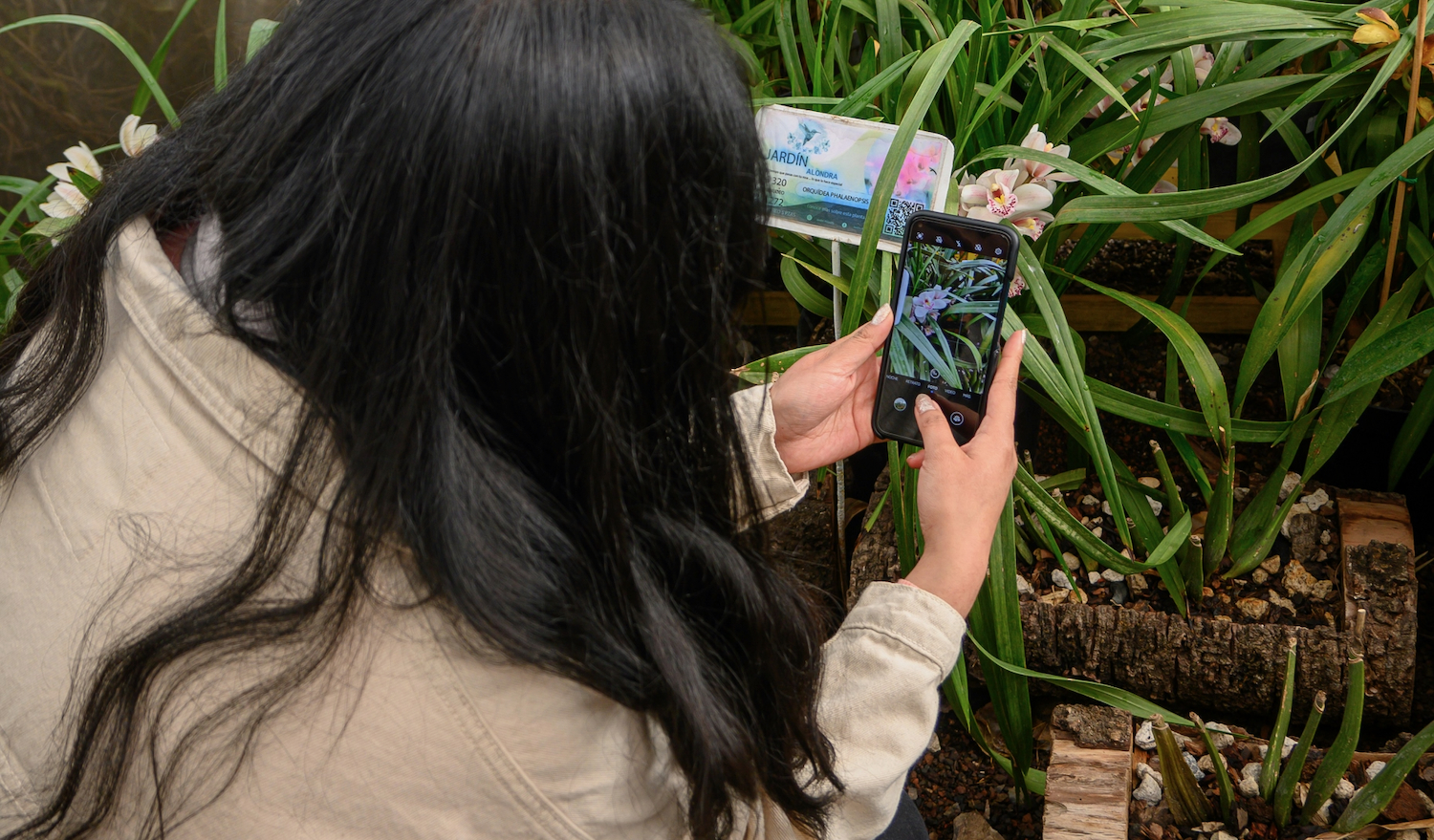


Choosing the best plant identifier app depends on more than getting a name from a photo. I tested Botan, Plant ID, Google Lens, iNaturalist, and Pl@ntNet with the same ZZ specimen to compare identification accuracy, ease of use, extra features, pricing, and platform availability.
In my test, Botan offered the most complete set of tools for everyday care, combining identification with diagnosis and follow-up guidance. Here is how all five apps compared in practice.
1. Botan App
My Botan App review went beyond the initial match: I also tried the care and diagnosis tools. It recognized the specimen as Zamioculcas zamiifolia and showed watering frequency, light needs, toxicity, and care details. The health check flagged mechanical leaf damage and gave me a recovery plan with follow-up steps.
For beginners and hobby gardeners, Botan also works as a plant care app with reminders and Botanist Chat. Its houseplant identification feature helps users recognize an unfamiliar indoor species from a photo.
| Identification accuracy | Correct species |
| Pricing | Freemium |
| Key Benefits | Identification, diagnosis, care guidance, reminders, and chat support |
| Usability | The main tools are easy to find from the home screen |
| Platforms | iOS and Android |

2. Plant ID
Plant ID uses a camera or gallery photo to identify plants and mushrooms, then provides care information after a match. The scan returned the correct species, Zamioculcas zamiifolia. The result included a description plus guidance on watering, fertilizing, and light. I also tried the diagnosis feature, although its advice felt broader and less tailored than Botan’s.
| Identification accuracy | Correct species for the test specimen |
| Pricing | Freemium |
| Key Benefits | Identification, care guidance, diagnosis, and a water calculator |
| Usability | Simple layout with straightforward navigation |
| Platforms | iPhone and iPad |

3. Google Lens
Google Lens is a general visual search tool rather than a dedicated identification app. For this check, the AI Overview suggested Zamioculcas zamiifolia and showed related visual matches and searches. It was useful for a quick identification, but I did not get a built-in care plan or diagnosis tool.
| Identification accuracy | Correct species suggested by the AI Overview |
| Pricing | Free |
| Key Benefits | Fast visual search and related image matches |
| Usability | Quick to use, though results lead into broader Google search |
| Platforms | iOS and Android. On iPhone, Lens works through the Google app or Google Photos |

4. iNaturalist
iNaturalist is built around biodiversity observations and community identification rather than care guidance. For my ZZ plant, it returned the correct genus, Zamioculcas, with 81.9% confidence, while Zamioculcas zamiifolia appeared among the species suggestions. I could then save the observation, add a location, explore the taxonomy, and receive identification input from other naturalists.
| Identification accuracy | Correct genus, with the exact species among suggested matches |
| Pricing | Free |
| Key Benefits | Community identifications, observation tracking, taxonomy, and location-based context |
| Usability | More detailed than a basic identifier, but less direct for houseplant care |
| Platforms | iOS and Android |

5. Pl@ntNet
Pl@ntNet is a photo-based plant identification service designed for botanical observations. After I selected Leaf as the photographed organ, the app returned Zamioculcas zamiifolia as the top result with a 59% identification score. It also showed alternative species and can use location data to narrow the suggestions.
| Identification accuracy | Correct species; 59% identification score |
| Pricing | Free |
| Key Benefits | Organ-based identification, a large plant database, location context, and community validation |
| Usability | More technical than a basic identifier, but still straightforward to navigate |
| Platforms | iOS, Android, and web |

How to Choose the Best Plant Identification App
The right app to identify plants depends on what you need beyond the initial identification. Beyond accuracy, I would compare what happens after a match. If you mainly want to identify plants by photo, start with recognition quality and database coverage.
- Identification accuracy: Look for reliable results from clear photos.
- Species database: A broader database can help with less common species.
- Care features: Check whether the app includes useful watering, light, or feeding guidance.
- Disease and pest diagnosis: Some apps can also assess visible health problems.
- Usability: Simple navigation makes scanning and reviewing results easier.
- Price and platforms: Compare free access, subscriptions, supported devices, and operating systems.
A basic identifier may be enough for occasional use. If you use one regularly, a dedicated plant identifier app with care guidance, diagnosis, reminders, or expert support may be more useful.
FAQ
Do plant identifier apps really work?
Yes. Plant identifier apps can work well when the photo is clear and shows useful features such as leaves, flowers, or stems. During testing, Botan and Plant ID identified the ZZ plant correctly, Pl@ntNet returned the exact species, and iNaturalist returned the correct genus with the exact species among its suggestions.
Can I identify a plant from a picture?
Yes. You can identify a plant from a picture by taking a new photo or choosing one from your gallery. I used the same ZZ plant across Botan, Plant ID, Google Lens, iNaturalist, and Pl@ntNet; all five returned a useful result, though the level of specificity varied.
Do plant identification apps work offline?
Some do, but offline support varies. Pl@ntNet offers a downloadable offline identification model for its mobile app, while services such as Google Lens rely on an internet connection for at least some features, so check offline support before choosing an app for field use.
