


Phishing and online scams are not going away. In fact, they are increasing at an alarming rate, but security company Kaspersky has put together a range of tips on how users can protect themselves and avoid becoming a victim.
In the first 10 months of 2025, Kaspersky identified around 6.4 million phishing attacks.
These were impersonating online stores, payments systems and banks.
And 48.2 per cent were aimed at online shoppers.
Not only is the sheer number of phishing scams increasing but they are also getting even more sophisticated and sharpened with AI.
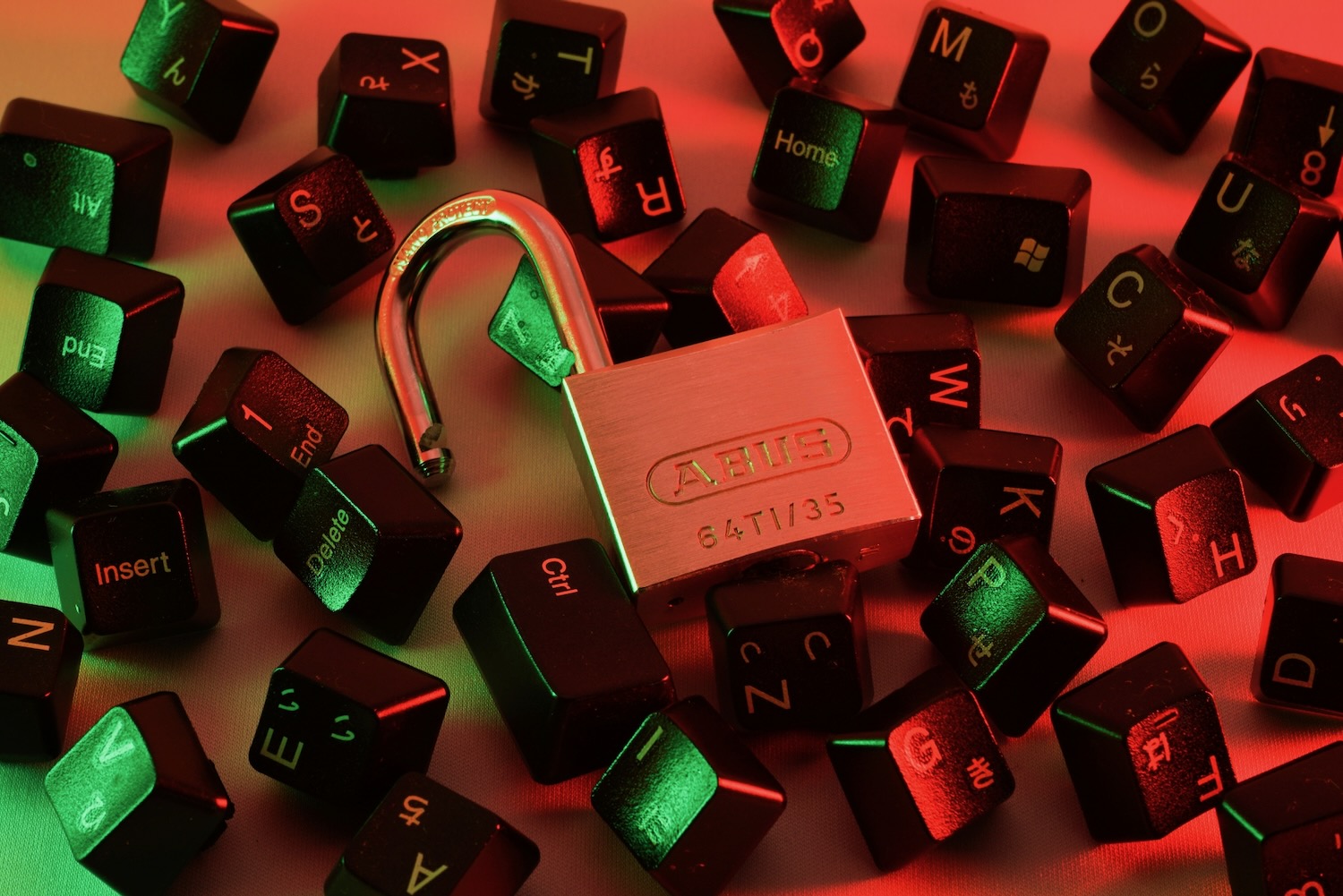
So with all that in mind it is important they we remain alert and vigilant.
Kaspersky Senior Web Content Analyst Olga Altukhova has put together a list of things to watch out for.
One distinct feature of a phishing attempt is creating a sense of urgency about an action that needs to be taken including changing a password, retrieving an account or reconciling an unauthorised purchase.
Phishing emails and fake websites can look almost exactly like the official ones they are imitating.
In these cases, pay close attention to hyperlinks as most are likely to have mistakes and spelling errors.
Also check the site’s interface for other errors, spelling mistakes and other inconsistencies. If there’s any doubt – get out.
Even receiving messages from people you know should also be considered carefully.
There have been cases where accounts were compromised and all their contacts were sent phishing emails in the hope the message would carry a level of trust because it came from a friend.


Treat all links and attachments with a level of scrutiny.
But it’s also a must to have a security solution like Kaspersky which will protect users and prevent them from clicking through on malicious links and checks all downloads.
Kaspersky’s Lead Security Researcher Noushin Shabab has also weighed in with security tips designed to protect users from online threats.
“My most fundamental tip would be to create and maintain strong passwords. Every account you have, from your social media to your online shopping, should have a unique password that’s at least 16 characters long that incorporates uppercase and lowercase letters, numbers, and special symbols,” Ms Shabab said.
“These complex passwords ensure resistance to both brute force attacks and dictionary attacks.
“It’s also recommended to store all your passwords in the password manager.”
Two factor authentication is also a must.
“Two-factor authentication adds an extra layer of security beyond just passwords,” she says.
“Even if someone steals or guesses your password, they still need that second factor to gain access.”
One thing that many people consider a chore is software updates – but this can also play a part in improving online protection.

“An often-overlooked tip is to keep your software updated – it’s actually one of the most effective ways to protect against known vulnerabilities,” Ms Shabab added. “Cybercriminals frequently exploit security holes that have already been patched by software vendors and by delaying updates you could be exposed to attacks that would have been prevented.”
Investing in a security solution will also provide real-time protection against malware, trojans, ransomware and spyware.
Backing up your system regularly is also advised. This can protect from cyberattacks, hardware failures and accidental deletion.
Users should implement a multi-layered backup strategy that includes both local (external hard drives, network-attached storage) and cloud backups.
Social media can also serve up scams, so we need to make some adjustments here as well.
“You must also review and customize your privacy settings on all social media platforms regularly, as these settings often default to more permissive options,” she added.
“Adjust who can see your posts, profile information, photos, and contact details.”
Use the Kaspersky coupon code – “TechGuide” – to get an extra 20 per cent off Kaspersky Premium (including VPN, Password Manager and Safe Kids).
