

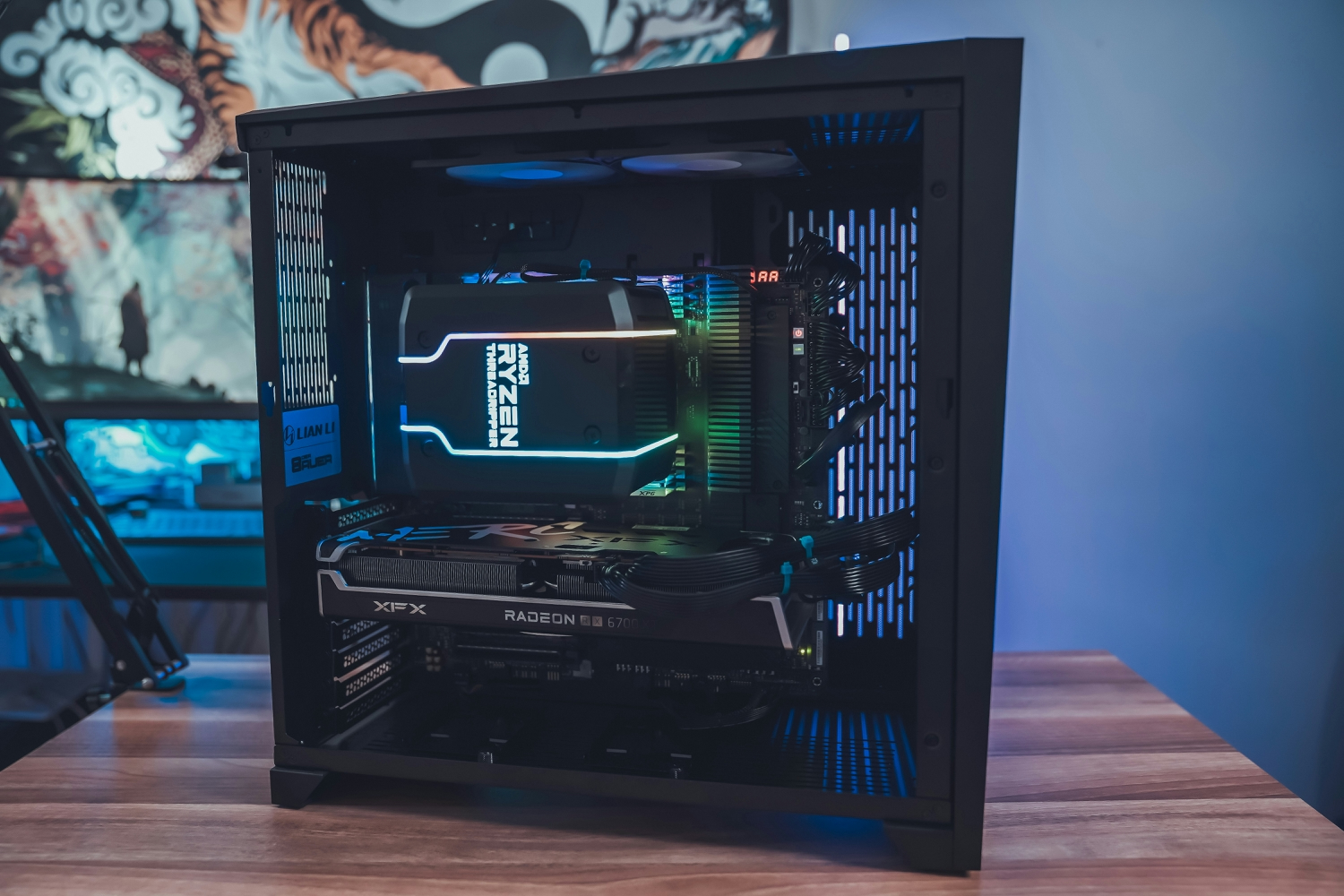


The retired desktop in the hallway cupboard is where plenty of Australian self-hosting starts, and in 2026 it’s also where a lot of it stalls.
Home users and small businesses who moved their photos and files onto their own machine are finding that an NBN line, a household power bill and a ten-year-old tower struggle to carry a service other people rely on. For most of them, the sensible next step is a rented dedicated server.
The tipping point usually arrives the day somebody else starts depending on the box, whether that’s a partner whose phone backs up to it or four staff who open the shared drive every morning. A hobby can be down for a weekend without anyone noticing, but a shared drive that vanishes on a Monday can cost somebody a day’s work.
Upload Speed Gives Out First
Of the 8.8 million NBN services in the ACCC’s end-of-June count, roughly half still sit on plans of 50Mbps or slower. That matters because whatever a remote user downloads from your home server has to leave the house through the upload channel.
On the 50Mbps tier, listed as 50/20 in the regulator’s communications market report, upload tops out at 20Mbps. Do the math on a 2GB project folder and the wait is over 13 minutes, assuming nobody else at home is on a video call or backing up a phone.
Yes, the NBN got faster. NBN Co’s wholesale speed upgrade in September 2025 turned 100/20Mbps plans into 500/50Mbps ones, but only on fiber and HFC, so fiber-to-the-node and fiber-to-the-curb homes got nothing. And 50Mbps of upload, generous as it sounds next to 20, is still only a tenth of what that plan downloads.
It costs nothing to find out how bad the problem is. The number you want is your weeknight upload speed between 7:00 pm and 11:00 pm, when the line is busiest. If it comes back at 17Mbps and your team’s biggest regular file is a 4GB video, someone outside the office waits about half an hour for it. Offices on full fiber can also ask their provider about business-grade plans with far more upload, which may be all a small team needs.
What Renting a Whole Machine Changes
When a faster plan isn’t enough, the cupboard’s replacement goes by the unglamorous name of dedicated server infrastructure. You rent one whole physical machine in a data center and run the same open-source software on it that ran at home, with full administrative control. Nobody else shares the processor or the disks, and the network port commonly runs at a gigabit in both directions.
Having the machine to yourself is what separates it from the cheap virtual servers many people try first. A virtual machine is a slice of someone else’s hardware, so its speed can depend on what the neighbors are doing, and extra disk space is usually billed by the gigabyte. That adds up once a photo archive and film collection run into terabytes.
Quotes for these machines are harder to compare than they look. Start with the monthly data allowance, which is the limit a busy file server tends to hit first, then ask whether the drives are mirrored and how fast a failed part gets swapped. Remote console access is worth having too, because it’s often the only way back in when a bad update locks you out. If the provider disappoints, everything installed on the server is yours to move elsewhere once the contract ends.
No Public Address, No Incoming Connections
An address is the next thing a home server tends to lack. IPv4 addresses ran short years ago, and carriers responded by putting many customers behind a single public address, using a block of numbers that the Internet Engineering Task Force set aside for exactly that purpose in 2012. The engineers who drafted the request, one of them at Telstra in Melbourne, listed the casualties themselves, and applications that need to accept incoming connections were on the list.
For a home server that can be close to fatal, because accepting incoming connections is the whole job. Aussie Broadband, which the ACCC’s figures credit with more than a million NBN services, says in its own help center that carrier-grade NAT is typically on by default and can be removed on request. A WhistleOut comparison of NBN providers and CGNAT found that Aussie’s budget brand, Buddy Telco, offers no opt-out and sells a static address as a paid extra.
Checking your own connection takes a minute. If the WAN address on your router’s status page starts with anything from 100.64 to 100.127, you’re behind carrier-grade NAT. The usual workaround is a tunnel, in which a small rented relay or a mesh VPN accepts the connection and passes it home. Anyone who has read up on what really happens to your data when you turn on a VPN will recognize the trade, which is reachability bought by trusting someone else’s network.
A rented relay is also a rented server, which is the irony of that fix. It’s the smallest one on the market, chained to the slowest link in the setup.
Power Bills and Single Points of Failure
Few people price in the electricity, because the PC was free. Take an old tower that idles at 80 watts and leave it on all year, and it uses about 700 kilowatt hours. The energy regulator’s benchmark Sydney household gets through 3,900 kilowatt hours a year on a default offer capped at $1,899, so one machine in a cupboard could add close to a fifth to that home’s consumption. A cheap plug-in power meter will give you your own figure within a week.
Swapping the tower for a compact modern machine such as the M6 Mac mini saves shelf space and usually power. The new box still has one power supply, one internet connection and one owner who goes on vacation. A dedicated server’s monthly price, by contrast, generally covers electricity, cooling and backup power.
Server-grade machines are designed on the assumption that parts fail. Drives are typically mirrored so one can die without taking the data with it, and when a component goes, swapping it is the provider’s job. Mirroring only covers a dead disk, though. A deleted folder is gone from both drives at once, which is why a separate backup still matters.
What Still Belongs at Home
None of this is an argument against tinkering. Building a home network server is still one of the better weekend projects in consumer tech, and anything used only inside the house probably belongs there. Home automation should keep working when the internet is down, and a media library for one living room needs no upload at all.
A workable rule is to split what’s used at home from what’s reached from outside it. A photo backup for a family spread across three suburbs has users, and so do a small office’s shared drive and the password vault four people log into every day. Much self-hosted software now ships as containers, so those services tend to move across largely as they are. The old tower then gets a better retirement job as the backup copy in a different building.
The Costs and Duties That Come With the Rental
Dedicated servers aren’t cheap, and anyone who says otherwise is probably selling one. Monthly fees run well past the price of a cloud-storage subscription, so the fair comparison is with the electricity and the Saturday afternoons the cupboard already swallows.
Renting the hardware doesn’t hand over the patching. In a 2021 study, Palo Alto Networks’ Unit 42 left 320 deliberately insecure honeypot servers online, and 80 percent were compromised within 24 hours. For administrators, a reasonable baseline is key-only logins, a firewall that blocks everything not explicitly needed and automatic security updates. Those who don’t want that job can pay the provider to manage it.
Distance and jurisdiction deserve a look as well. Plenty of providers keep their machines on other continents, which adds a delay that’s irrelevant to an overnight photo backup and obvious on a game server. If the server will hold customer records, read the OAIC’s guidance on cross-border disclosure of personal information first, since an Australian business can stay on the hook for what an overseas recipient does with that data.
Who Would Notice by Lunchtime?
Picture the box in the cupboard dying tonight. Who, apart from you, has noticed by lunchtime tomorrow? If the honest answer is nobody, leave it alone and enjoy it.
Once it’s a spouse or a client, the cupboard has probably stopped being a hobby and is due an evening of testing. Time a large upload at 8:00 pm, and check whether your router shows a shared address. The check that matters most is restoring one file from backup, since it’s the one people tend to skip. If any of it goes badly, get a dedicated server quote and put it beside your power bill.
