

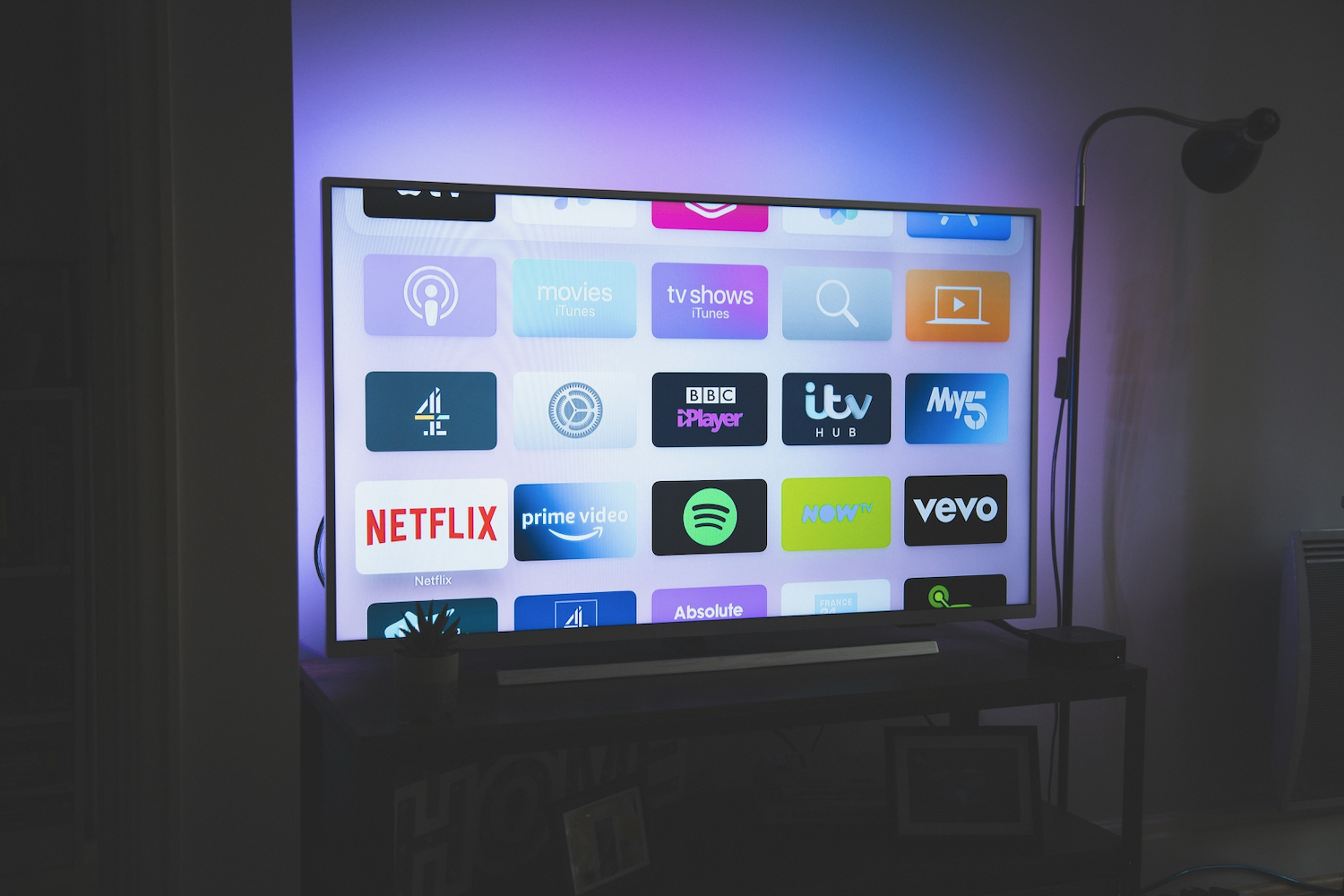


How many hours of TV have you watched last Tuesday? The majority of us will probably need to guess, and yet the information won’t leave the device and its manufacturer ever.
Modern smart TVs monitor everything that is broadcast and logged with timestamps for further analysis or sales. This is how it all works, who receives the data, and what settings to change now.
The Main Technology Involved: Automatic Content Recognition
Most of the information that is gathered by smart TVs is collected thanks to a technology called Automatic Content Recognition, or ACR for short. Like a track-recognition application for music, this tool samples the audio and video data, transforms them into unique fingerprints, and compares them with a database of shows, movies, and advertisements, marking any matches in order to track the information you view.
According to the court filings for a case from Texas, sampling takes place approximately twice a second. Thanks to working directly with video data, ACR can track content from numerous sources, such as cable boxes, HDMI-connected devices, and even TV broadcasting. Different brands implement coverage slightly differently: for example, according to LG, their system skips Netflix and YouTube applications.
Why Your Smart TV Knows It All Better Than You
Unlike humans, smart TVs have an amazing memory that stores even the most insignificant data, such as commercials you never noticed. Moreover, while you might have good memories of the shows you binge-watched, you forget those days when you have been watching TV in the background, but the TV knows it all, as long as ACR tracks and stores all of it.
It is easy to imagine what your favorite genre might be, your viewing time, the number of ads, etc., over several weeks or even months, which, however, has certain financial reasons behind it.
Commercial Reason for Tracking Everything You See
As you might know, the cost of modern TVs is surprisingly low compared to the price of their hardware, and part of the reason is the additional revenue that TV manufacturers get from selling viewing data and showing ads.
Whom Does the Viewing Data Belong To?
First of all, viewing data is received by the manufacturer or, sometimes, its advertising business, and then it might be used:
- To show you more appropriate ads, both on your TV and, when it comes to matching with other identifiers, on your mobile or computer.
- To see whether the advertisement viewed on your TV led to a visit to the site or a purchase of the advertised product.
- To provide audience data for advertising companies, broadcasters, and measurement firms.
What Has Happened During the Past Year
ACR was researched rather intensively during the last 12 months. For example, on December 15, 2025, Ken Paxton, the attorney general of Texas, sued Samsung, LG, Sony, Hisense, and TCL, claiming that they collect on-screen content using ACR and do so without consumers’ permission. As for Samsung, the company settled this matter in February 2026.
Your Location Shapes What Your TV Sees
Applications on smart TVs do not usually use GPS to determine your location. They determine your geographical location based on your IP, and it influences not only which ads you see but also the content you can access, applying different rules according to it. Thus, the fact that behavior differs from one country to another makes your geographic location important.
Here, a VPN helps you change it. All traffic sent to your TV passes through a distant server, so your IP is seen not by the applications but by the server’s IP. Picking a different VPN server location changes which region your applications consider you to be located in.
Since many TV applications cannot use any VPN, usually the router or the connected streaming sticks are configured as a proxy with a virtual location.
Remember that although the use of a VPN helps you hide your IP, ACR continues to recognize the content of what you are viewing, and streaming services might have additional restrictions depending on their conditions.
Taking Control of Your TV Back
It should be noted that privacy settings on a device usually remain hard to reach and hidden under the names of some vague options. Depending on the manufacturer of your smart TV, try looking for options such as Viewing Information Services (for Samsung), Live Plus (for LG), Smart TV Experience (for Roku), or simple ACR.
Then check those options to do the following:
- Disable ACR and interest-based advertising in the privacy menu.
- Reset or limit your advertising ID.
- Check again after firmware updates, as the menu might change.
- Connect an external streaming device and disconnect the TV from the Internet, as long as you do not need built-in applications.
Conclusion
The detailed tracking of your viewing habits exists intentionally as a source of additional income for TV manufacturers. ACR is constantly monitoring the content that you view, tying it to your location and transforming it into advertising value. Of course, there is no possibility of making your smart TV forget everything you’ve watched, but a few moments of working with the settings menu, along with some thinking about your Internet connection, give you control over the vast majority of the viewing history of the device.
