

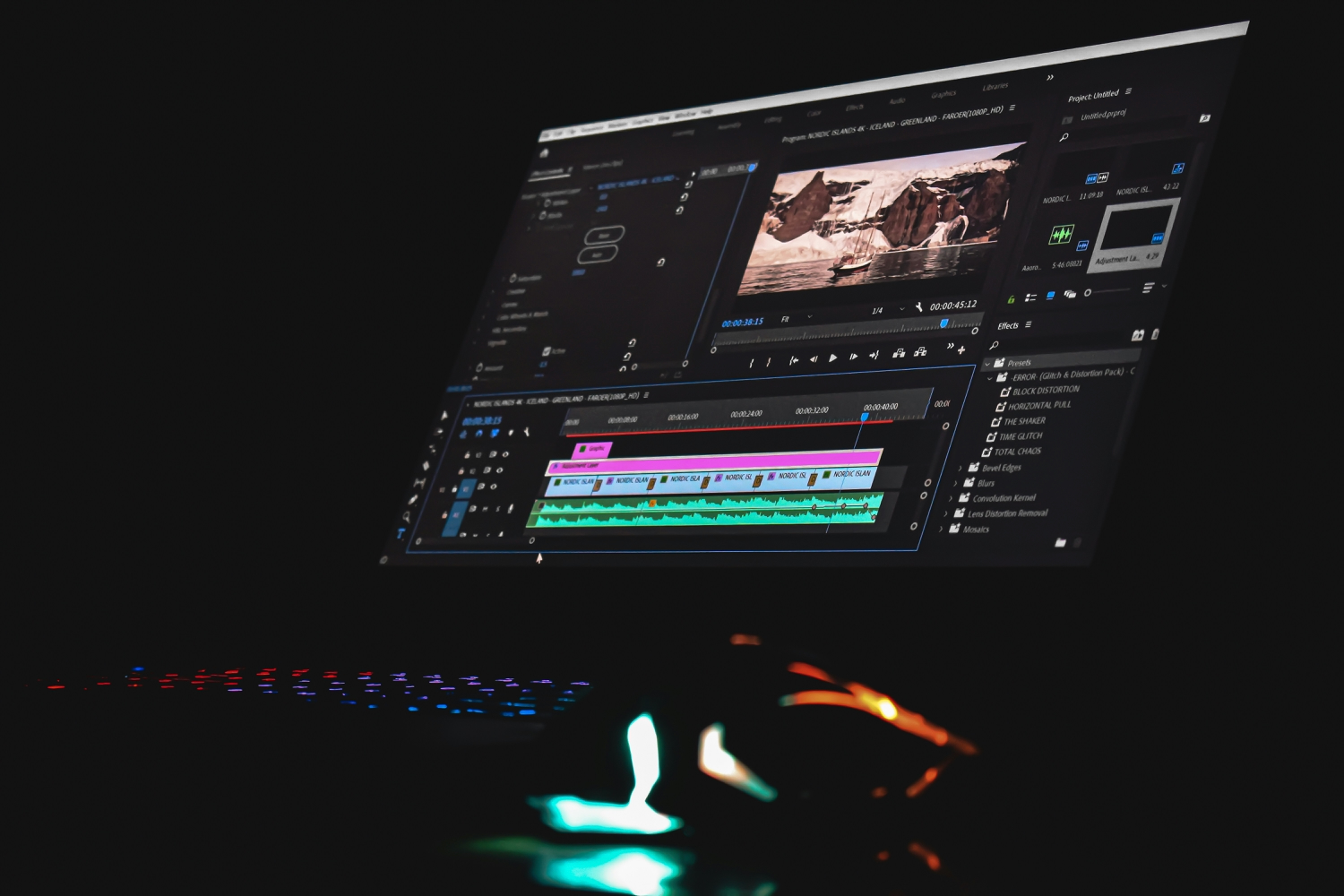


Every creator knows the feeling: a clip that is almost right, but ends two seconds too soon. The product reveal cuts off before the viewer sees the whole thing; the landscape shot stops just as the camera reaches the best angle. Until recently, the only fixes were to reshoot, slow the footage down until it looked soft, or cut around the gap and hope nobody noticed.
Generative AI has added a fourth option: AI video extenders look at the end of a clip and create new footage that continues it — the same subject, movement, and light, carried forward for a few more seconds. The result is newly generated video, not a loop or a frozen frame — built to pick up exactly where the original left off.
Image source: Unsplash — photo by Nejc Soklic
What Is an AI Video Extender?
An AI video extender lengthens an existing video by generating additional frames beyond its current ending. You give it a short clip, and sometimes a short text instruction describing what should happen next. The tool studies the final frames — the subject’s position, its direction of movement, the camera’s motion, the background — and renders new frames that continue the action.
The idea sits inside the wider family of generative AI video tools, alongside text-to-video generators and image-to-video animators. What makes an extender different is its starting point: it does not invent a scene from nothing, it inherits one. That constraint is also its strength — the generated seconds have a real reference to match, which is why good extensions can feel surprisingly seamless.
For creators who want to see the idea working on a real clip, an ai video extender online can add a natural continuation to a short video while keeping its subject, movement, and visual style intact — one of several tools in this category, working best on the clean, well-lit footage described below.
How AI Video Extenders Work
Under the surface, an extender combines several techniques that have matured quickly in recent years, in four stages.
First comes analysis. The tool reads the last second or two of the clip frame by frame, building a picture of the scene: the subject’s position and outline, the direction and speed of its movement, the camera’s motion, the lighting, and the background’s colours and textures. Clear, well-lit footage gives the model more to work with, which is why simple, well-shot clips extend more convincingly than busy or shaky ones.
Second comes prediction. A generative video model — typically built on the diffusion techniques behind AI image generators, extended to handle time — proposes what the next frames should look like. It estimates how each element should move: a walking person keeps walking, a panning camera keeps panning, ripples keep spreading. A text prompt, when provided, steers this step — hold the subject steady, keep the lighting warm, continue the motion for several more seconds.
Third is the hardest part: keeping time consistent. One good frame is far easier than sixty that agree with each other. The model must keep the subject stable, stop the background drifting, and keep motion smooth. Modern extenders generate frames in small overlapping batches, checking each against the frames before it, so errors do not compound.
Finally, the new footage is rendered and stitched to the original: the join is blended so there is no visible jump, and the resolution and frame rate match the source clip. Some tools also upscale the result or offer vertical, square, and widescreen export.
What Creators Use Them For
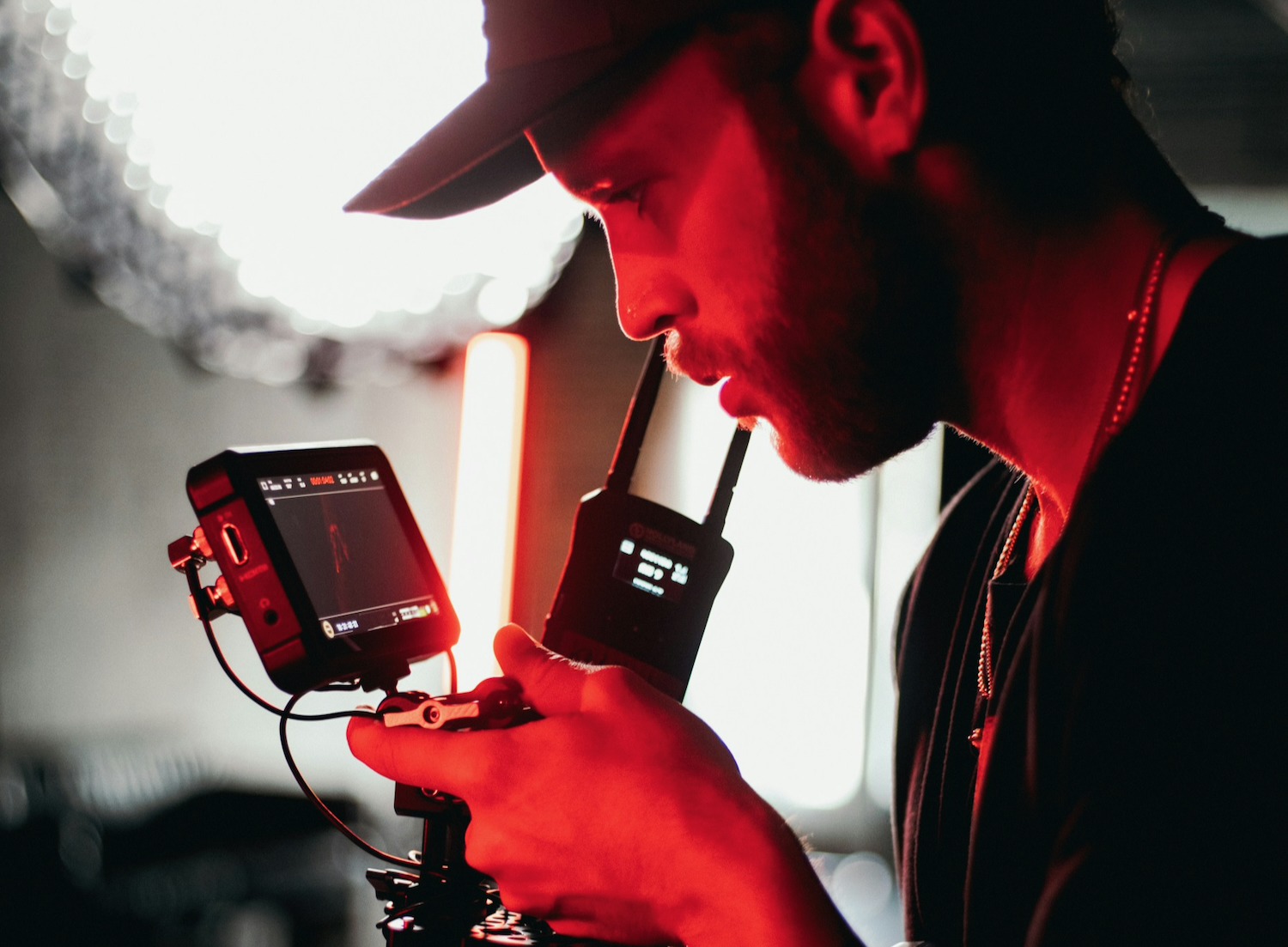
The most common use is pacing. A few extra seconds around a cut, a title card, or a transition can make a video feel less rushed, giving viewers time to absorb the key action. A calm shot gets a slow development; a fast short-form edit gets a more energetic continuation. The goal is to match the timing to the message, not simply to make the video longer.
Product videos use extenders to complete reveals: if a camera push ends before the product is fully visible, an extension can carry the movement into a wider shot. Travel creators stretch a brief moment — a wave breaking, a bird taking off. Social editors fit platform lengths, turning a seven-second clip into a ten-second one without repeating footage. And background loops for streams and signage can be extended so the seam never shows.
In each case the extender does a job that used to require a reshoot or an obvious compromise: not replacing filming, but rescuing footage that came back slightly short.
Where the Technology Still Struggles
Extenders are impressive, but they have honest limits, and knowing them saves wasted time.
Detail is the first weak spot. Hands, faces, text, and fine patterns are hardest for generative models to keep consistent, so close-ups of people talking or gesturing can show small glitches — a finger that bends oddly, a logo that morphs, letters that shift. Wide and medium shots usually hold up better.
Physics is the second. The model predicts motion from patterns, not from an understanding of the physical world, so objects can move in subtly wrong ways: water flowing uphill, shadows drifting the wrong way, a ball bouncing without losing energy. Short extensions hide these slips; long ones give them room to accumulate, so most creators extend in small steps and review each one.
There are practical limits too. Generation takes processing time, more of it for longer or higher-resolution extensions. Free tiers commonly cap duration, resolution, or exports, and may add a watermark or restrict commercial use — check the terms before publishing. And as with all generative media, honesty matters: extended footage of a real event should not be presented as if the camera recorded it, and many platforms expect AI-altered content to be labelled.
Getting Better Results
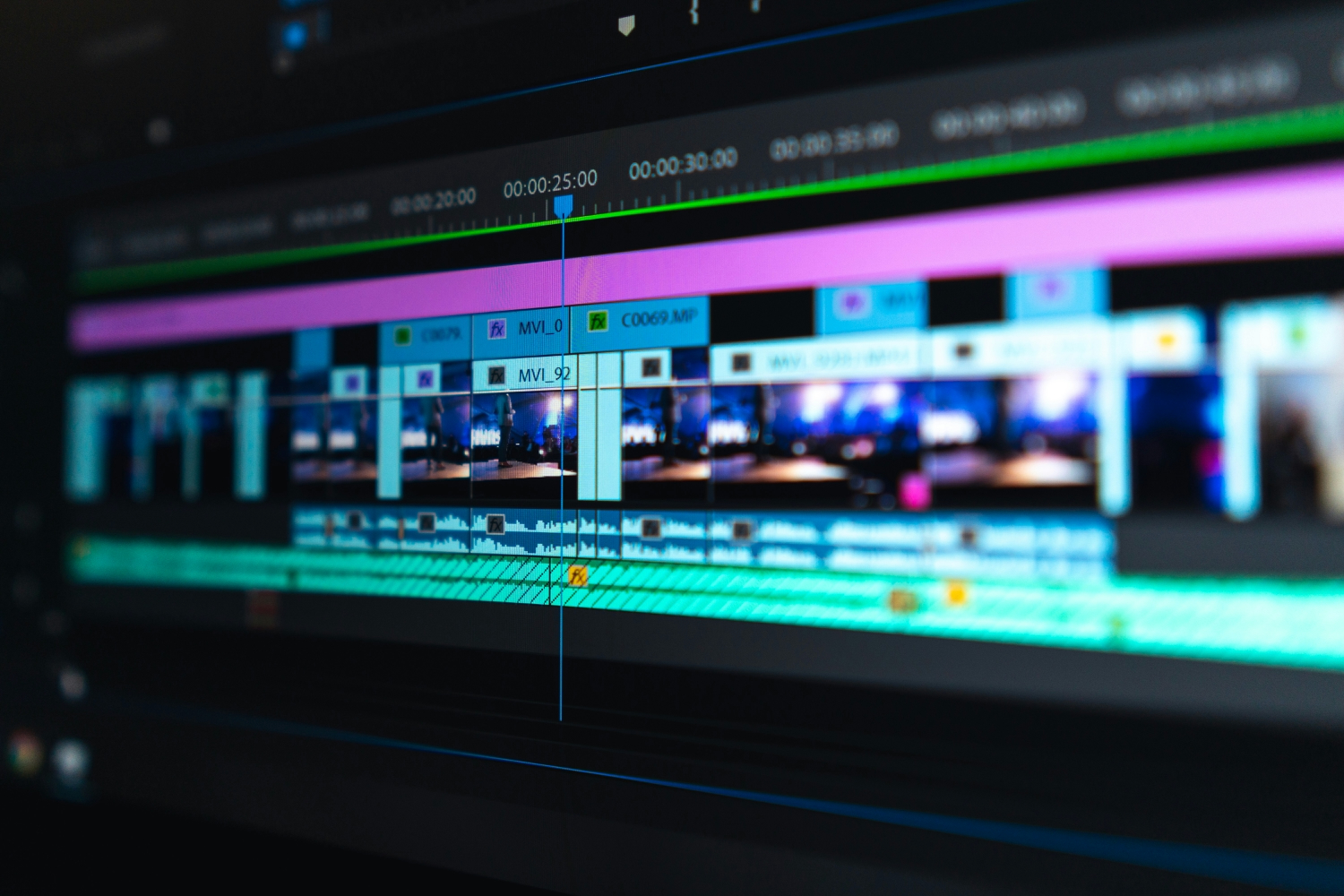
Extension quality is decided mostly before the tool runs, by the clip that goes in. Footage with a clear subject, stable lighting, visible movement, and a clean ending extends most reliably. Simple camera motion — a slow pan, a steady push — is easier to continue than fast handheld shake, and uncluttered backgrounds give the model fewer details to track.
A short, specific instruction helps too: define the next moment — preserve the subject, maintain the lighting, continue the movement for a few seconds. Finally, review the join itself: watch the last second of the original and the first second of the extension together, and if the eye catches the seam, a shorter extension or a different prompt usually fixes it.
Frequently Asked Questions
What does an AI video extender do?
It creates new footage that continues a clip beyond its ending, matching the original’s subject, movement, composition, and atmosphere so the longer video plays as one continuous piece.
How long can an extension be?
Most tools work best with extensions of a few seconds. Longer continuations are possible, but visible drift — changes in the subject or background — grows with length, so extend in stages and check each one.
Will the extended footage look real?
Often, yes — especially for wide shots with clear subjects and steady camera work. Close-ups of faces and hands, chaotic motion, and detailed text are more likely to show small imperfections.
Can I use AI-extended footage commercially?
It depends on the tool’s terms and the rights in the original clip. Some free plans restrict commercial use or add watermarks, and footage of real people or events carries consent and disclosure questions of its own. Check the licence, and label AI-altered content where the platform requires it.
The Bigger Picture
AI video extenders are a small feature with an outsized effect on everyday editing. They turn video work’s most common frustration — the clip that ends too soon — into a solvable problem, understanding motion and scene rather than repeating frames. With clear source footage, short extensions, and an honest eye at the join, they make videos feel more polished and deliberate.
Like every generative tool, they work best as a partner to good filming rather than a replacement for it. The camera still has to capture a good moment. The extender simply makes sure that moment gets the few extra seconds it deserves.
