

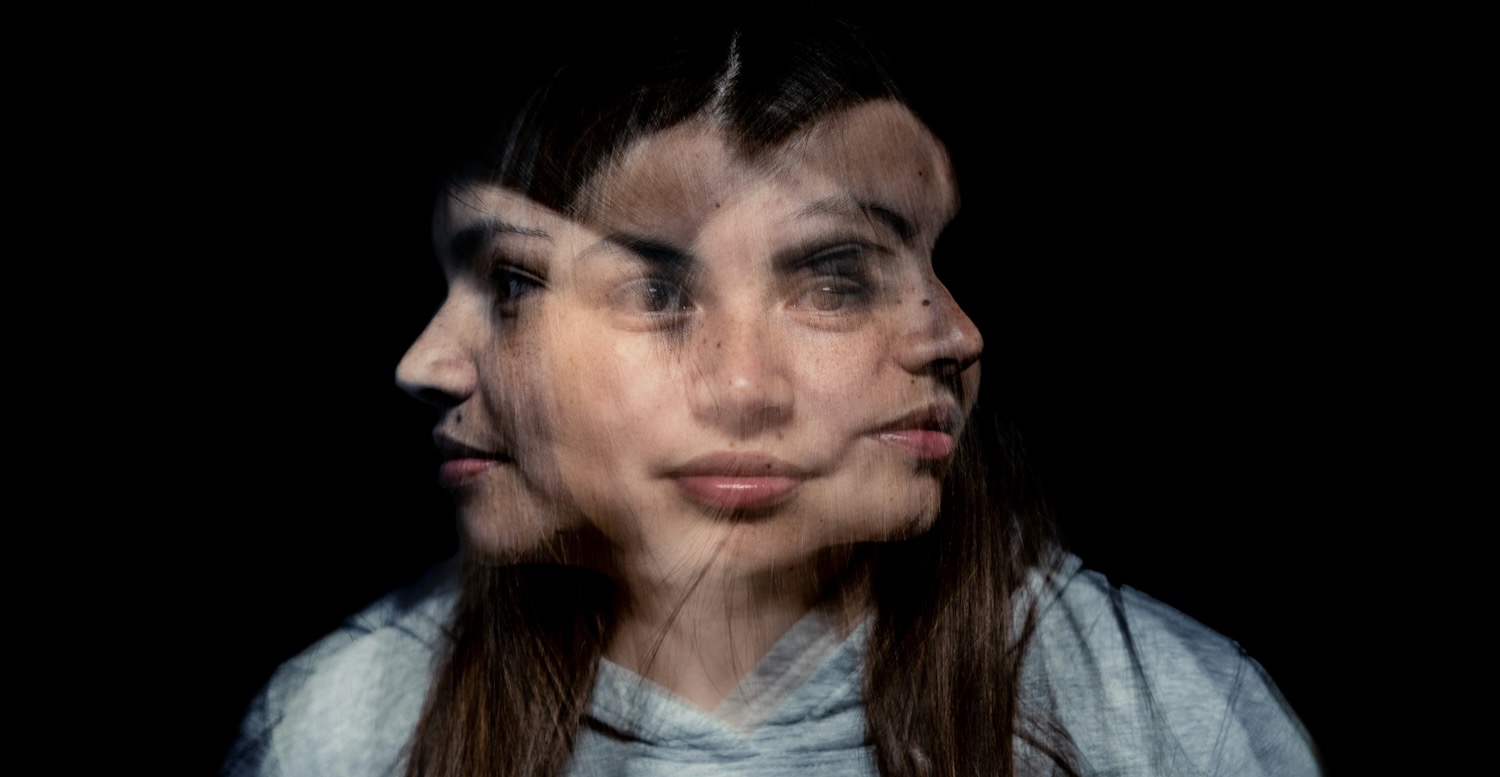


AI video used to be easy to laugh off. You would type a prompt, wait a minute, and get five seconds of something that looked like a fever dream. Hands with too many fingers. Faces that rearranged themselves if you blinked. Fun for a laugh, useless for anything you would actually publish.
That is not really the situation anymore, and Seedance 2.5 is a good example of why. It comes from ByteDance, the company behind TikTok, so it should surprise nobody that they are good at short-form video. The claims around this one are worth unpacking, because a few of them genuinely change what an everyday creator can make on a laptop.
Here is the plain-English version of what it does, what it costs, and where it still falls over.
What It Actually Does
The headline feature is length. From a single written prompt, or a photo you upload, Seedance 2.5 generates one continuous 30-second clip. Not a handful of short bits you stitch together afterwards, but a single unbroken shot. It renders at native 4K with 10-bit colour, and it generates sound at the same time as the picture rather than leaving you to add audio later.
Thirty seconds might not sound like much until you think about what you can fit in it. That is a full social post, a product teaser, or a short ad, start to finish. You can open on your product, show someone using it, and land on a closing line, all in the one take.
It handles both text-to-video and image-to-video. Describe a scene and it builds one. Or start from a still you already have, a product shot or a photo of your shopfront, and tell it how to move. It also accepts up to 50 reference inputs in a single run, which is the feature that keeps a character or product looking the same all the way through instead of drifting into a vague lookalike. Those references can include audio too, so you can feed it a piece of music and let the visuals move to the track rather than describing a mood and hoping.
What It Is Genuinely Good For
Let me be straight with you, because the marketing around AI video rarely is. This will not replace a real shoot when you need real people in a real place with someone directing them. If that is the job, hire the crew. Anyone telling you a prompt can do that is selling something.
What it replaces is the middle tier of work that never justified a crew in the first place. The weekly clip for social media. The quick product teaser. The short explainer. The bits of motion a small business needs constantly and can never quite justify paying a studio for. That work used to sit on the to-do list for weeks and quietly die there. Now it takes an afternoon.
The image-to-video path is the one I would point a small business towards first. If you already have a product photo you trust, start from that and describe the movement you want. You keep control of how the thing looks while the model handles the motion, which is exactly what you want for anything with your brand on it.
Independent musicians are another obvious fit. A proper music video has always been an expensive thing to make, so a lot of artists released tracks with nothing more than a static cover image. Feeding the model your music and a few reference images gets you a moving visual for a single or a social clip without a production budget, which is the sort of job this technology is genuinely handy for.
How Far It Has Come
To see why people are paying attention, it helps to look at where this line of models was a few months ago. Seedance 2.0 topped out at clips of four to fifteen seconds at up to 1080p. That was fine for a looping background, but it was still clearly a demo. You watched it, thought “neat”, and went back to filming things properly.
The jump to 2.5 roughly doubles the length, pushes the resolution to 4K, and holds the picture together for the full thirty seconds without the seams that used to give the game away. That last part matters more than the resolution. Any of these tools can make a pretty frame. The hard problem has always been keeping the six-hundredth frame consistent with the first, and a longer coherent clip is the honest sign that a model is getting better at it.
The Catch, and What It Costs
There is a cost discipline nobody mentions in the demos. Longer clips and higher resolutions use more credits, so a full 30-second 4K render is not free, and the fastest way to waste money is to render at full quality before you know the shot even works.
The way to avoid that is to do it backwards. The tool runs through Seedance 2.5, which charges per render on credits rather than locking you into a monthly subscription, and new accounts get free starter credits so your first tests cost nothing. There is a storyboard preview that renders your idea as a strip of still frames for a single credit, so you can check the shots before spending anything on video. Get the framing right on the cheap version, run a short low-resolution pass to check the motion, and only then pay for the full 4K clip. Credit packs start at $12.99 and stay valid for 45 days, so you are not paying for months you never use.
One practical tip that saves a lot of retries: write your prompt like a shot list, not a wish. Name the subject, the camera move, and the lighting, and break a longer idea into timestamped beats like [0:00 to 0:06]. The model reads that as direction and follows it. Vague prompts get you vague video.
Where It Still Falls Over
It is worth knowing the weak spots before you get too excited. Look closely at any AI clip and you can still catch the occasional hand that reads wrong or a background that behaves oddly. Genuine emotional acting, the small flicker of a real reaction, is still the hardest thing for these models to fake, so anything that lives or dies on a performance is risky.
The other honest limitation is taste. The model gives you competent footage, but competent is not the same as interesting, and the internet is about to fill up with a lot of adequate AI video. Standing out will come down to your idea, not the tool.
Should You Try It
For the price of finding out, yes. You can test it on free credits without handing over a card, and the real question is not whether it wows you in a demo but whether it saves you a specific job you have been dreading. For a lot of small businesses and solo creators, that job is the weekly clip, and this is the shortest path from an idea to something you can post.
Seedance 2.5 sits alongside the likes of Veo, Kling and Runway as one of the serious options right now. What tips it for everyday use is the mix of a genuinely long single take and pay-as-you-go pricing, so you are not on the hook for a subscription during the weeks you do not shoot. Start on the free credits, write one clear prompt, keep the first pass cheap, and see whether it earns a spot in your week.
