


Apple iPhone 12 users have been asked to urgently run the latest software update to fix an issue that may prevent the device connecting to Triple Zero.
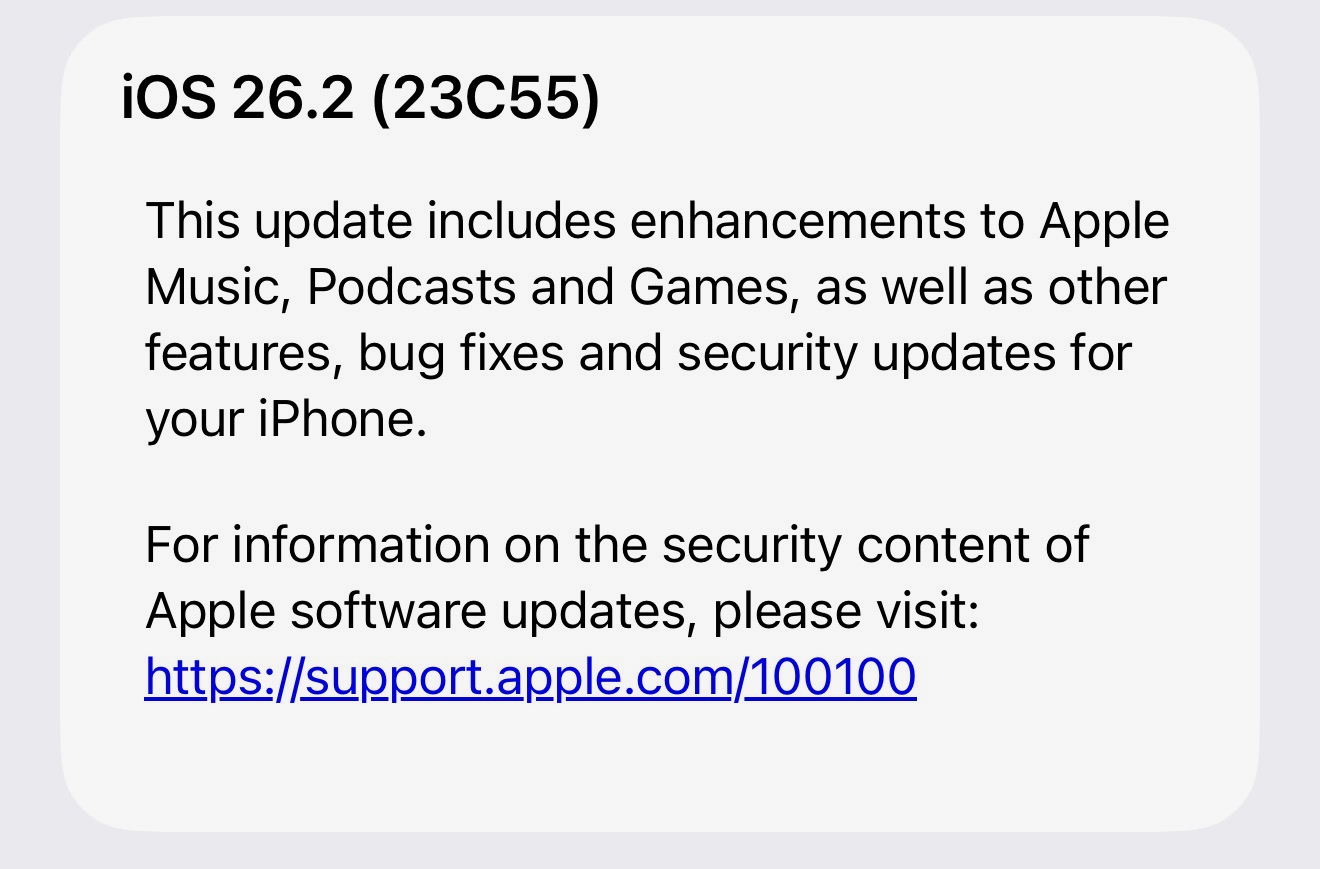
Apple issued the iOS 26.2 update at the weekend to avoid iPhone 12 from encountering the same issue that affected several Samsung phones which also needed urgent patching so they could reach Triple Zero in the event their own network was not available and required to “camp on” to another network to reach emergency services.
Apple says the issue only applied to the iPhone 12 – the company’s first 5G device – and said that older iPhones like the iPhone XS, iPhone XR, iPhone 11 and all devices from iPhone 13 onwards are unaffected and can connect to Triple Zero at any time.
Apple issued a support page which said: “Staying connected to emergency services is essential, especially in a country as expansive and geographically diverse as Australia. iPhone is designed with multiple layers of connectivity to help users reach emergency services, even when traditional mobile coverage may be limited.
“Australian mobile network operators continue to improve support for emergency calling on their networks. This follows prior incidents, including a technical failure that prevented some older mobile phones from being able to make emergency calls (Triple Zero),” the Apple support page read.
“This impacted some Australians in regional areas who attempted to make an emergency call when their primary mobile network was unavailable, even though an alternate network was available and should have connected the call. Mobile operators are taking steps to mitigate future issues.
“In the rare event that these exceptional circumstances affecting mobile operators’ networks were to happen again, some older mobile phones may still encounter the same issue reaching emergency services through an alternate available network.
iPhone XS, iPhone XR, iPhone 11, and all iPhone models from iPhone 13 and newer are not affected. For iPhone 12 users, iOS 26.2 provides support for this scenario. If it is determined that any earlier iPhone models are impacted, customers will receive additional information and guidance directly from their mobile operator.”
How to update your iPhone
- Go to the Settings app on your iPhone.
- Tap General, then tap Software Update. The currently installed version of iOS is shown, and whether an update is available.
- If an update is available, tap Download and Install, then follow the onscreen instructions.
