

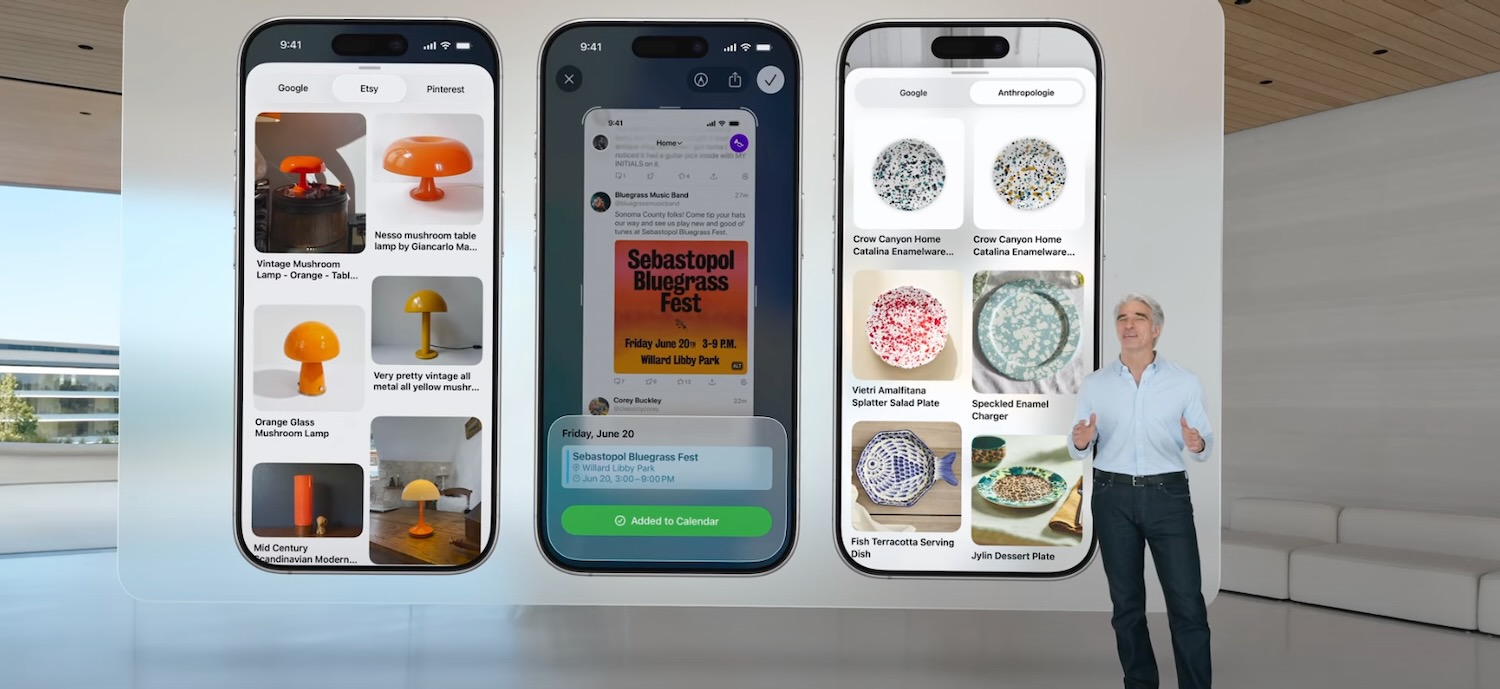


Apple’s 2025 Worldwide Developers Conference revealed new names, a new design and a host of software enhancements for Apple products. But not all the new features made the keynote – here’s a look at the top 10 features you didn’t know about.
Apple has unified the names of all the operating systems – they will all be numbered the same with the number reflecting the year ahead.
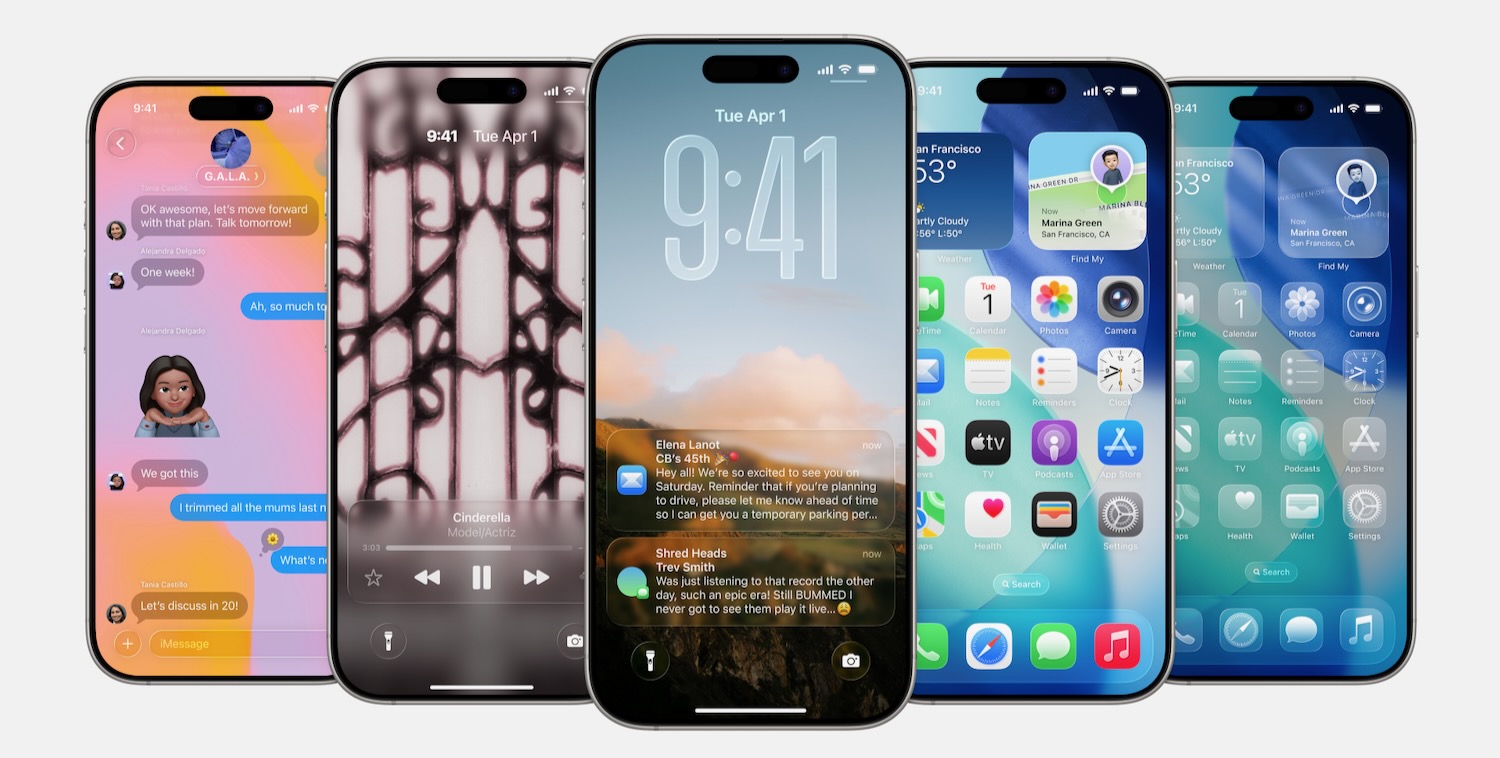
Also revealed was the new universal Apple design language with Liquid Glass which will be used for the menus, widgets, app icons and controls.
And we saw a range of new features introduced for the iPhone, iPad, Mac, Apple Watch, Apple TV and Vision Pro.
But there were several features that weren’t included in the presentation.
We’ve put together the Top 10:
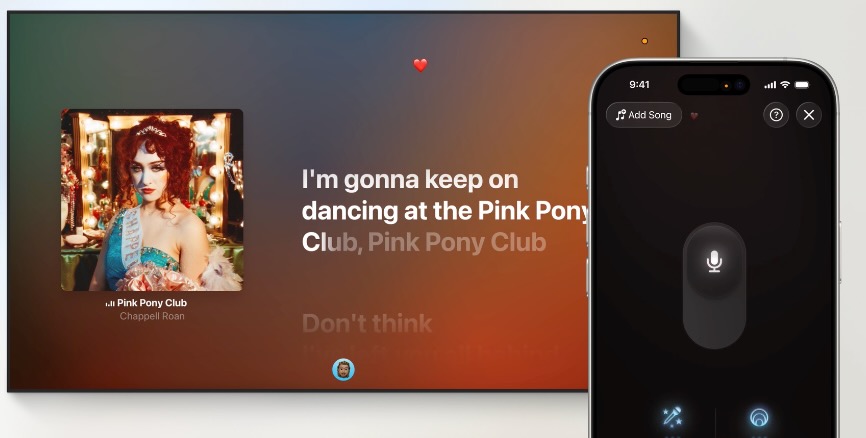
USE iPHONE AS A MICROPHONE
With iOS 26, users will be to use their iPhone as a wireless microphone with the Apple Music Sing feature on the Apple TV 4K (3rd generation).
You can sing along to the lyrics on the screen and enjoy visual effects that light up the screen.
WEATHER VIA SATELLITE
Supported iPhones will be able to download the latest weather information via satellite.
Users like campers, adventurers and hikers who are outside cellular range are more likely to be affected by the weather conditions so satellite connectivity will be available even when it’s not an emergency.
TIME TO FULL CHARGE
With iOS 26 users will be able to see how long it will be before their battery is fully recharged.
As soon as you plug your phone into the charger it will display the battery percentage and time to full charge in the settings.
PHOTOS APP
The change to the Photo app in iOS 18 wasn’t very well received – it took away the tabs and it was hard to get to your albums and favourites.
With iOS 26, Apple has done a complete backflip and restored the Library and Collections tabs.

AIRPODS SLEEP DETECTION
Ever fallen asleep while listening to your AirPods? Now AirPods can detect when you fall asleep and pause your music.
We’re assuming you need to be wearing an Apple Watch which can tell if you’re sleeping.
PASSWORD HISTORY
The Passwords app is a great depository of all your current passwords which makes it easier to keep track of them all.
Now the Passwords app will display the other passwords you’ve used in the past to make it easier to not reuse a password which is a requirement when signing in to many apps and websites.

START VIDEO RECORDING WITH AIRPODS
With the camera app open on your iPhone or other compatible third party camera apps, you can now press and hold the connected AirPods stem to snap a photo or start shooting a video.
And another press and hold will stop recording.
SILENCE ONE OF YOUR SIMS
Many people have two numbers – one for work and a private line – and you can now silence one, regardless of whether it’s a SIM card or an eSIM, with the new Focus feature.
Slip into Focus mode and you can choose which SIM you don’t want to hear from.
ENHANCE DIALOGUE
There are a few changes in the Podcast app including more listening speeds to choose from but now there is a new feature to enhance dialogue.
This option uses real-time audio processing to separate voices from background noise so you can hear them even more clearly.

KEEP AUDIO IN HEADPHONES
A new features has been introduced that stops audio from switching automatically to another device when it’s connected.
For example you get in your car while wearing AirPods it won’t automatically switch the audio to the car’s speakers.
Or if you’ve just switched on a Bluetooth speaker while you’re wearing headphones, the audio will now only switch to the speaker when you allow it.
